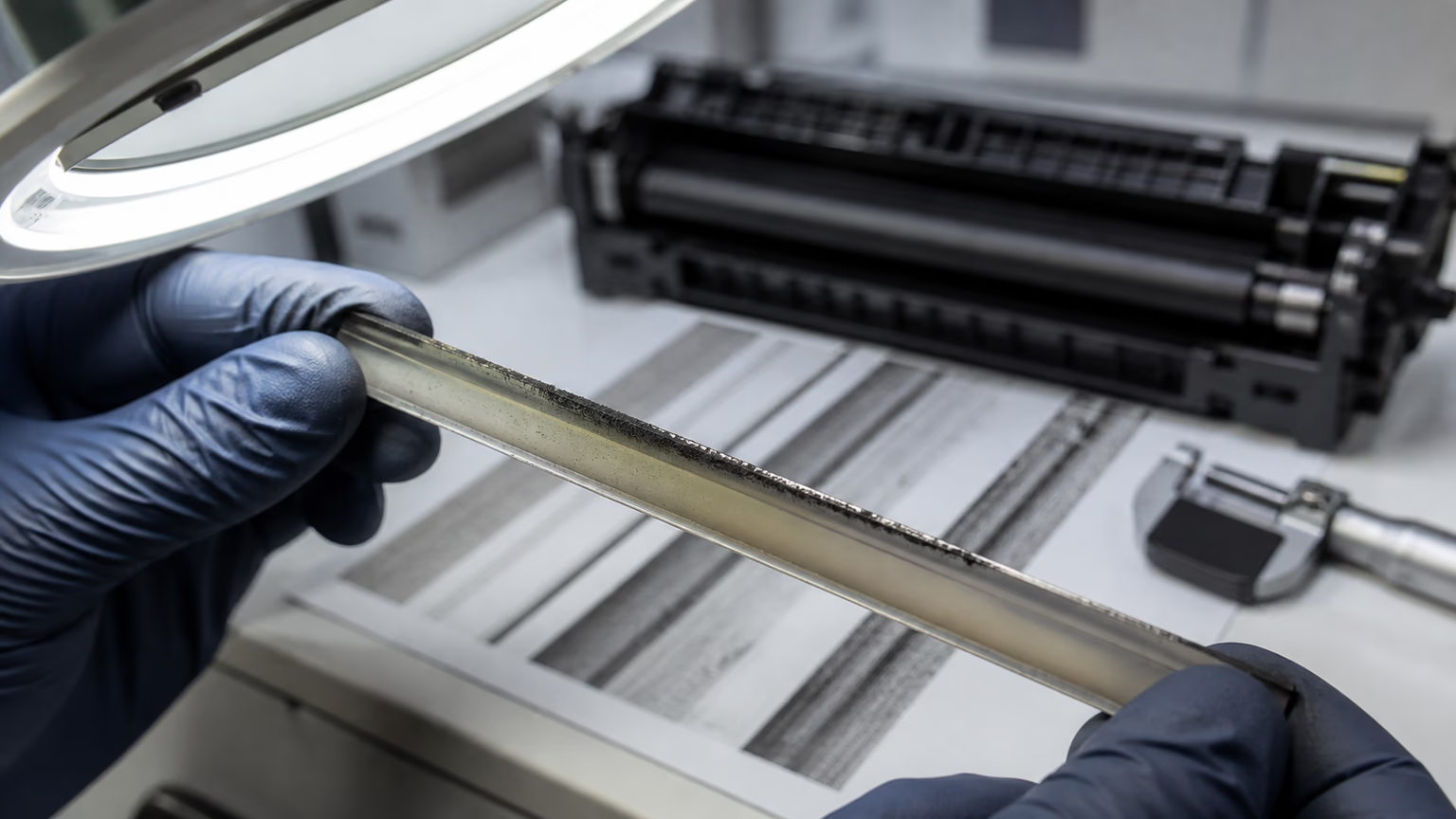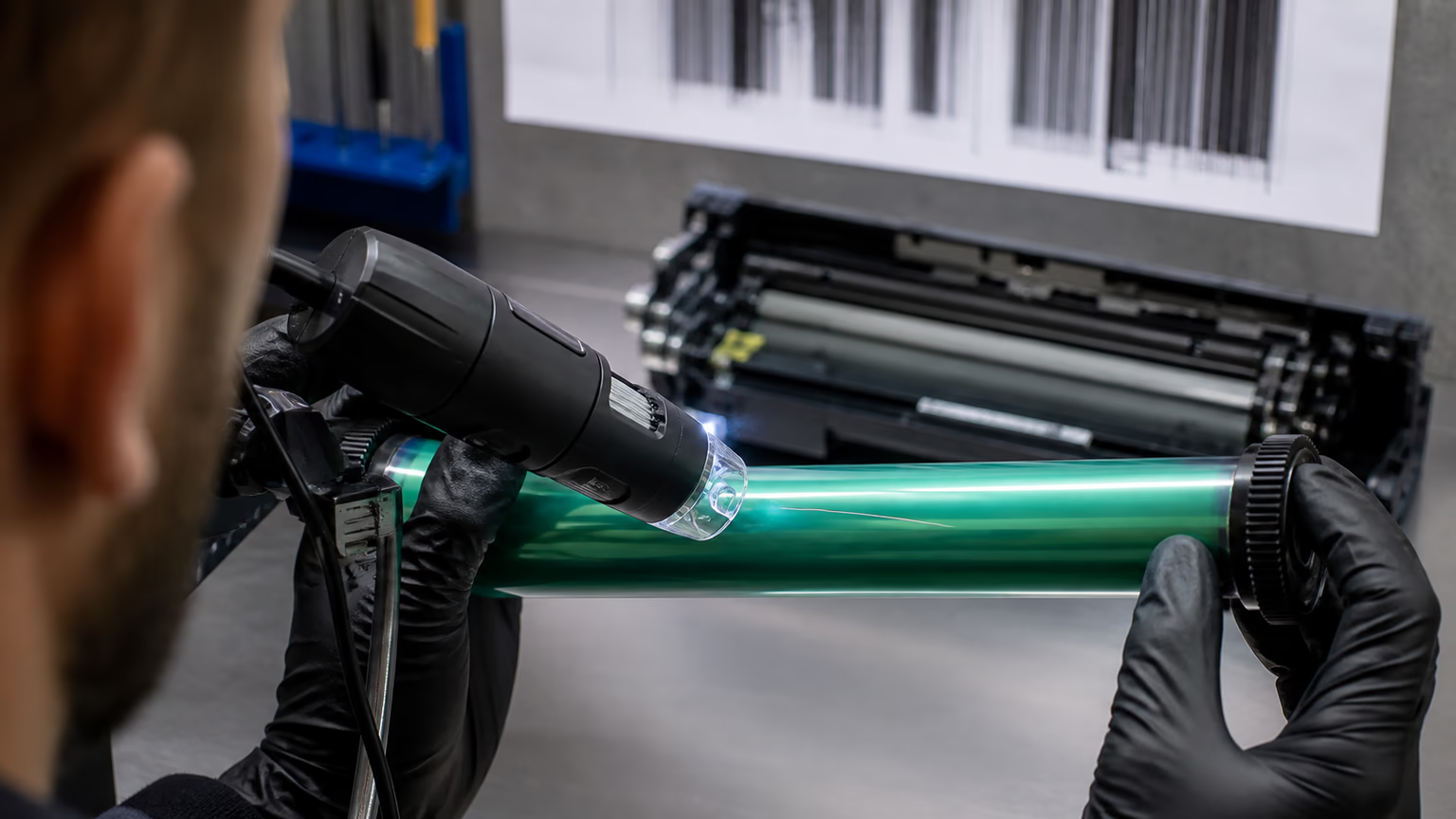
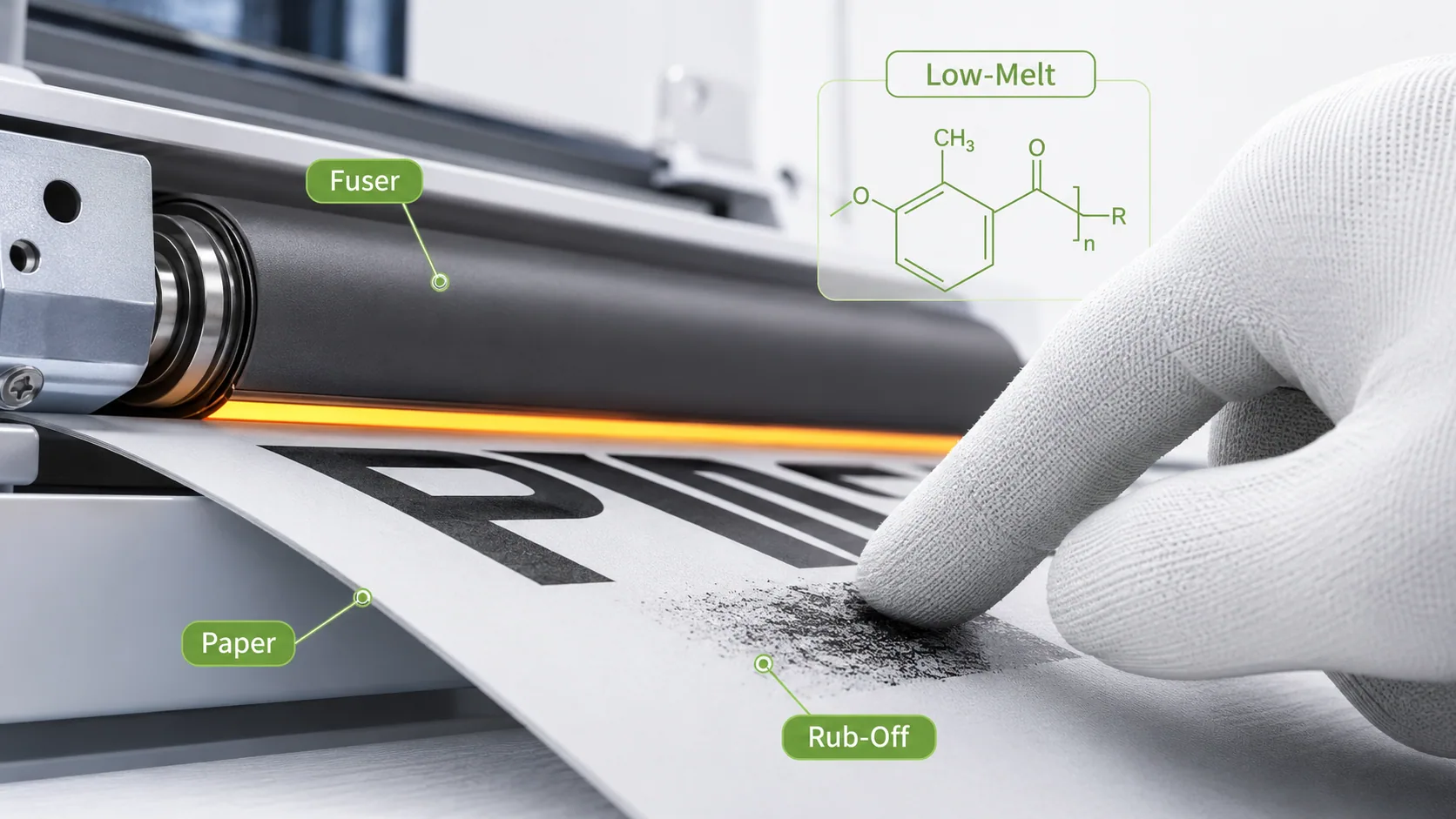
When toner rubs off the page, the print may look acceptable at first, but the image is not stable. Text can smear under a finger, black areas can flake, and printed sheets can leave marks on the next page in the stack.
For business printing, this is not a small defect. Invoices, contracts, reports, labels, shipping documents, and office records must stay readable. If toner rubs off, the customer usually loses confidence immediately.
But this problem is not always caused by a bad toner cartridge. The real reason can be paper, fuser temperature, incorrect machine settings, low-melt formula mismatch, print speed, or environmental conditions.
What It Means When Toner Rubs Off
Toner should melt and bond to the paper during the fusing process. If it rubs off after printing, it means the toner has not properly fixed to the paper surface.
This can appear as:
- loose toner powder on the page;
- text smearing when touched;
- black areas flaking from the paper;
- weak adhesion on thick paper;
- marks transferring to the next sheet;
- poor durability after cooling.
This is different from light print. A page can look dark enough but still fail the rub test. That is why service engineers should not only check density. They should also check adhesion.
Paper Is the First Thing to Check
Paper is one of the most common reasons toner rubs off the page.
A compatible toner cartridge may work perfectly on standard office paper but fail on damp, coated, textured, recycled, glossy, or heavy paper. The toner formula may be acceptable, but the paper surface may not allow proper bonding.
Service engineers should check whether the problem appears:
- on all paper types;
- only on thick paper;
- only on coated or glossy paper;
- only from one paper batch;
- only in humid storage conditions;
- only after long storage in an open package.
Damp paper is especially risky. Moisture absorbs heat during fusing. When that happens, less heat is available to melt the toner correctly. The result may be weak adhesion, smearing, or toner rub-off.
If the customer uses special media, the printer setting must match the paper. Heavy paper printed in normal mode may pass through the fuser too quickly and receive too little heat.
Fuser Temperature and Pressure
The fuser is responsible for melting toner into the paper. If the fuser is too cold, too worn, or not applying enough pressure, the toner may sit on the surface instead of bonding properly.
Common fuser-related causes include:
- low fuser temperature;
- worn pressure roller;
- damaged fuser sleeve;
- dirty fuser surface;
- incorrect thermistor reading;
- wrong paper mode;
- high-speed printing on heavy media;
- energy-saving mode reducing heat.
If toner rubs off across multiple cartridges, the fuser should be checked before blaming the toner cartridge supplier.
This is especially important in copier fleets. A cartridge may be replaced several times, but the problem continues because the machine itself is not fusing correctly.
Low-Melt Toner Formula Checks
Low-melt toner formulas are widely used because they can fuse at lower temperatures and support faster warm-up. But low-melt does not mean universal.
A toner formula must match the printer or copier engine. Resin, wax, charge control agents, pigment load, and particle size all affect how toner melts and bonds.
If the formula is not suitable for the fuser system, toner may:
- fail to bond fully;
- smear after printing;
- remain too soft;
- offset onto the fuser;
- rub off after cooling;
- behave poorly on thicker paper.
This is why a toner cartridge manufacturer must test formulas under real conditions, not only on one short sample page.
A reliable compatible toner cartridge should be tested with normal text pages, high-coverage pages, different paper types, and longer print runs.
Rub-Off vs Smearing
Toner rub-off and toner smearing are related, but they are not exactly the same.
Rub-off means the toner can be removed from the page by friction. Smearing usually means the toner moves, drags, or offsets after fusing.
If the printed page shows dragging, glossy marks, toner offset, or image movement, read toner smearing after fusing.
If the defect repeats at a fixed distance down the page, the fuser or another rotating component may also be involved. In that case, use repeating dots on printed pages to measure the pattern.
Fleet Conditions Make the Problem More Complex
In B2B fleets, one cartridge model may be used across many machines. Some machines print simple office documents. Others print labels, reports, dense tables, barcodes, or high-coverage pages.
The same compatible toner cartridge can perform differently depending on:
- machine age;
- fuser condition;
- paper type;
- humidity;
- print speed;
- coverage level;
- user settings;
- maintenance quality.
This is why complaints should not be judged only by the cartridge model. The actual environment matters.
Rub-off complaints may also appear together with low page yield in B2B fleets, because heavy coverage increases toner use and puts more pressure on the fusing system.
If excess toner appears inside the machine, the issue may also connect with high waste toner in copier fleets.
Practical Checklist for Service Engineers
When toner rubs off the page, check the basics first.
- Print on fresh standard office paper.
- Confirm the correct paper type setting.
- Check whether the issue appears on thick or coated paper only.
- Inspect fuser condition and page count.
- Test another cartridge from the same batch.
- Test the same cartridge in another machine if possible.
- Print both normal text and high-coverage pages.
- Record humidity, paper storage condition, and machine model.
This process helps separate a toner problem from a paper or machine problem.
For B2B buyers, this evidence is very useful. It gives the toner cartridge supplier enough information to investigate properly instead of guessing.
What Buyers Should Ask the Supplier
Before buying compatible toner cartridges in volume, B2B buyers should ask whether rub resistance and fusing adhesion are tested.
Important supplier questions include:
- Which printer or copier models were tested?
- Was the toner tested on standard and heavy paper?
- Was high-coverage printing tested?
- Was rub resistance checked after fusing?
- Does the factory keep retained samples?
- Can the supplier trace batch numbers?
- How are fusing complaints investigated?
A serious toner cartridge supplier should be able to discuss these questions clearly.
The goal is not only to buy affordable printer toner cartridges. The goal is to buy cartridges that perform reliably in real customer conditions.
FAQ
Why does toner rub off the page?
Toner rubs off when it has not fused properly to the paper. The cause may be unsuitable paper, low fuser temperature, worn fuser parts, wrong settings, or toner formula mismatch.
Can paper cause toner rub-off?
Yes. Damp, coated, thick, textured, or unsuitable paper can reduce toner adhesion, especially if the printer settings do not match the media.
Is low-melt toner the problem?
Not automatically. Low-melt toner works well when it is properly matched to the printer or copier engine. Problems appear when the formula and fuser conditions do not match.
Should the cartridge be replaced first?
Not always. First check paper, settings, fuser condition, and whether the defect follows the cartridge to another machine.
How can B2B fleets reduce rub-off complaints?
They should use proper paper storage, match machine settings to media, maintain fusers, record complaint evidence, and work with a supplier that tests toner adhesion properly.
Final Thoughts
When toner rubs off the page, the problem is usually weak fusing. But weak fusing can come from several sources.
It may be the toner formula. It may be the fuser. It may be the paper. It may be the environment. In many cases, it is a combination of several factors.
For distributors, service companies, and B2B buyers, the best response is structured testing. Check paper, fuser condition, machine settings, toner compatibility, and real usage conditions.
A reliable toner cartridge supplier should help identify the real cause, not simply replace products without analysis. That is what separates technical support from ordinary sales.
Related reading: toner smearing after fusing, repeating dots on printed pages, low page yield in B2B fleets, high waste toner in copier fleets, ghosting after installing a new toner cartridge, light print with compatible toner.