
Light Print With Compatible Toner: Seven Causes Beyond Low Fill Weight
Light print is one of the most common complaints after a buyer switches from OEM to compatible toner. The customer installs a new cartridge, prints a test page, and immediately feels something is wrong. The text is not dark enough. Solid areas look weak. Fine lines are not sharp. The whole page feels pale.
The first assumption is usually simple: “There is not enough toner inside.”
Sometimes low fill weight can be a problem. But in many real cases, light print has nothing to do with the amount of toner in the cartridge. A cartridge can be filled correctly and still print too light if the toner charge, transfer behavior, developer system, drum condition, humidity response, or fuser performance is not properly controlled.
For B2B buyers, this distinction matters. If every light print complaint is blamed on fill weight, the real root cause will never be fixed. The distributor may continue receiving complaints. The service team may keep replacing cartridges. The factory may continue producing the same defect because nobody identified the actual failure mode.
A factory-level analysis looks deeper. It asks not only “How much toner is in the cartridge?” but “Why is the toner not reaching the page with the correct density?”
Why Low Fill Weight Is Not the Only Explanation
Fill weight is easy to measure, which is why many buyers focus on it. If a cartridge feels light or prints fewer pages than expected, fill weight becomes the first suspect.
But print darkness is not determined only by how much toner is inside the hopper. It is determined by how toner moves, charges, develops, transfers, and fuses.
A properly filled cartridge may still print light because:
- toner is not charging correctly;
- toner is not flowing smoothly;
- the developer roller is not carrying enough toner;
- the doctor blade is restricting toner too much;
- the drum is not accepting the image correctly;
- transfer efficiency is weak;
- humidity has changed toner behavior;
- printer density settings are wrong;
- the fuser is affecting final appearance.
This is why experienced buyers do not judge a toner cartridge by weight alone. They look at output consistency, page yield, density stability, and the supplier’s ability to diagnose problems.
Light print may also appear with other defects.
A cartridge that prints pale may later show ghosting after installing a new toner cartridge if transfer instability leaves residual image.
In some cases, low density and compatible toner gray background come from opposite sides of the same charge-control problem.
Cause 1: Toner Charge Is Too High
In laser printing, toner particles need the right electrostatic charge. If the charge is too low, toner may move into areas where it should not appear, causing background. If the charge is too high, toner may not release properly during development or transfer, causing light print.
This is one of the most misunderstood causes of pale output.
A buyer may think the toner is weak, but the toner may actually be overcharged. In that case, the toner is not transferring efficiently from the cartridge system to the drum or from the drum to the paper.
High toner charge can be caused by:
- incorrect formulation;
- poor additive balance;
- raw material inconsistency;
- aging during storage;
- humidity changes;
- mismatch with the printer model;
- poor mixing during production.
A factory should test toner charge behavior over time, not only initial density. Some toner performs acceptably for the first pages but becomes unstable after agitation, long printing, storage, or exposure to humidity.
For compatible toner manufacturing, the challenge is matching the toner’s charge behavior to the imaging system of the target machine. A small mismatch can produce visible complaints.
Cause 2: Poor Toner Flow Inside the Cartridge
Toner must move smoothly from the hopper to the development area. If flow is weak, the cartridge may not deliver enough toner to the roller system, even when the cartridge is properly filled.
Poor toner flow can be caused by:
- toner clumping;
- poor particle size distribution;
- weak flow additives;
- moisture absorption;
- compacting during transport;
- poor hopper design;
- blocked feed path;
- damaged agitator;
- long storage time.
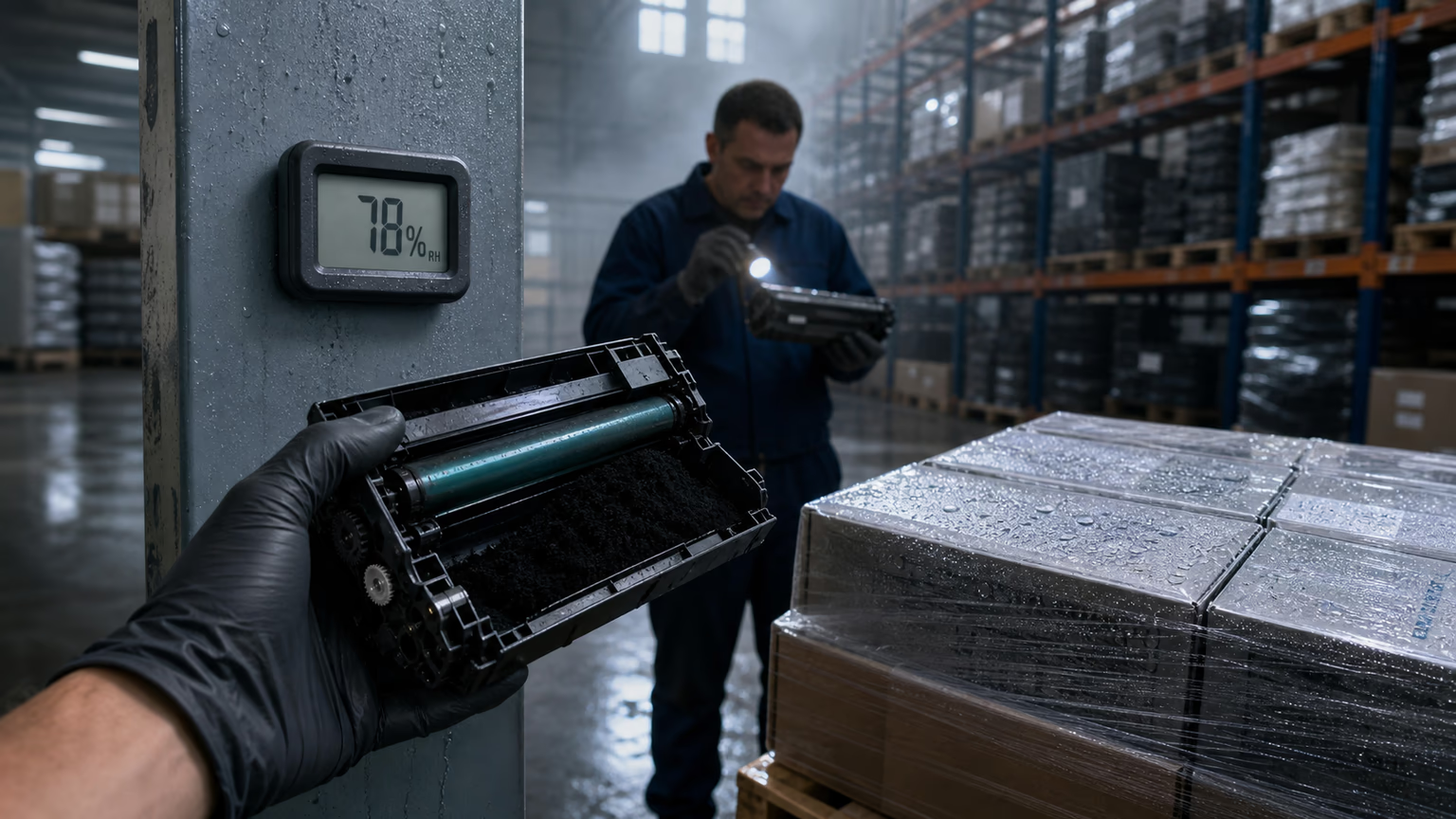
This is especially relevant for international shipments. A cartridge may leave the factory in good condition, but after vibration, temperature change, sea freight, or humidity exposure, the toner may settle or compact.
When toner flow is poor, the print may start normally and then become light. Or it may print pale from the first page until the cartridge is shaken. Some users temporarily fix the problem by removing the cartridge and gently rocking it, but that is not a real solution for B2B supply.
A professional factory should evaluate toner flow under realistic conditions, including storage and transport simulation. If the cartridge is designed for export, laboratory performance alone is not enough.
Poor flow can also contribute to toner leaking from the cartridge if the internal powder movement, seals, or hopper design are not properly controlled.
Cause 3: Doctor Blade Pressure Is Too Strong
The doctor blade controls the thickness of the toner layer on the developer roller or magnetic roller. If the blade pressure is too strong, it can restrict toner delivery and produce light print.
This is a classic example of how a small component can affect the whole cartridge.
If the toner layer is too thin, the page will not receive enough toner. Text may look weak. Solid areas may appear washed out. Fine graphics may lose detail.
Doctor blade problems may come from:
- incorrect blade material;
- poor blade edge consistency;
- excessive pressure;
- poor assembly tolerance;
- blade deformation;
- contamination on the blade edge;
- mismatch between blade and toner formulation.
The same system can create different defects depending on direction. If the blade allows too much toner, the cartridge may create background. If the blade restricts too much toner, the page may become light. That is why light print and gray background are closely connected in root cause analysis.
A strong manufacturer does not treat the blade as a cheap accessory. It is part of the imaging system and must be matched with the toner and roller.
Cause 4: Developer Roller or Magnetic Roller Is Not Carrying Enough Toner
The developer roller or magnetic roller presents toner to the drum. If the roller surface is worn, contaminated, poorly coated, or incorrectly matched with the toner, the toner layer may be weak or uneven.
This can produce:
- pale print;
- uneven density;
- light bands;
- weak solid areas;
- poor text sharpness;
- density drop during continuous printing.
Roller-related light print is common in low-quality compatible cartridges and poorly controlled remanufactured cartridges. It may also occur when suppliers change components without fully testing the interaction between roller, toner, doctor blade, and drum.
Factory checks should include roller surface condition, coating quality, toner layer uniformity, electrical properties, and long-run density stability.
For buyers, this matters because two cartridges may have the same toner powder and fill weight, but different roller quality. One prints clean and dark. The other prints weak. The difference is not in the amount of toner, but in how toner is delivered.
Cause 5: Transfer Efficiency Is Weak
Even if toner develops correctly on the drum, it still needs to transfer efficiently to the paper. If transfer efficiency is weak, the image on the page may look light.
Transfer issues can come from:
- toner charge mismatch;
- worn transfer roller;
- poor paper condition;
- humidity;
- printer voltage instability;
- drum surface problems;
- toner formulation mismatch;
- machine maintenance issues.
In some cases, the cartridge may look like the problem when the printer’s transfer system is actually weak. This is why field testing is important. If the same cartridge prints well in another machine, the printer may be the root cause.
However, compatible toner can also contribute to poor transfer if its charge or particle behavior does not match the target system.
Transfer instability can also create ghosting. If toner does not transfer cleanly, residue may remain and repeat later on the page. That is why ghosting after installing a new toner cartridge and light print should sometimes be analyzed together.
Cause 6: Drum Sensitivity or Drum Wear
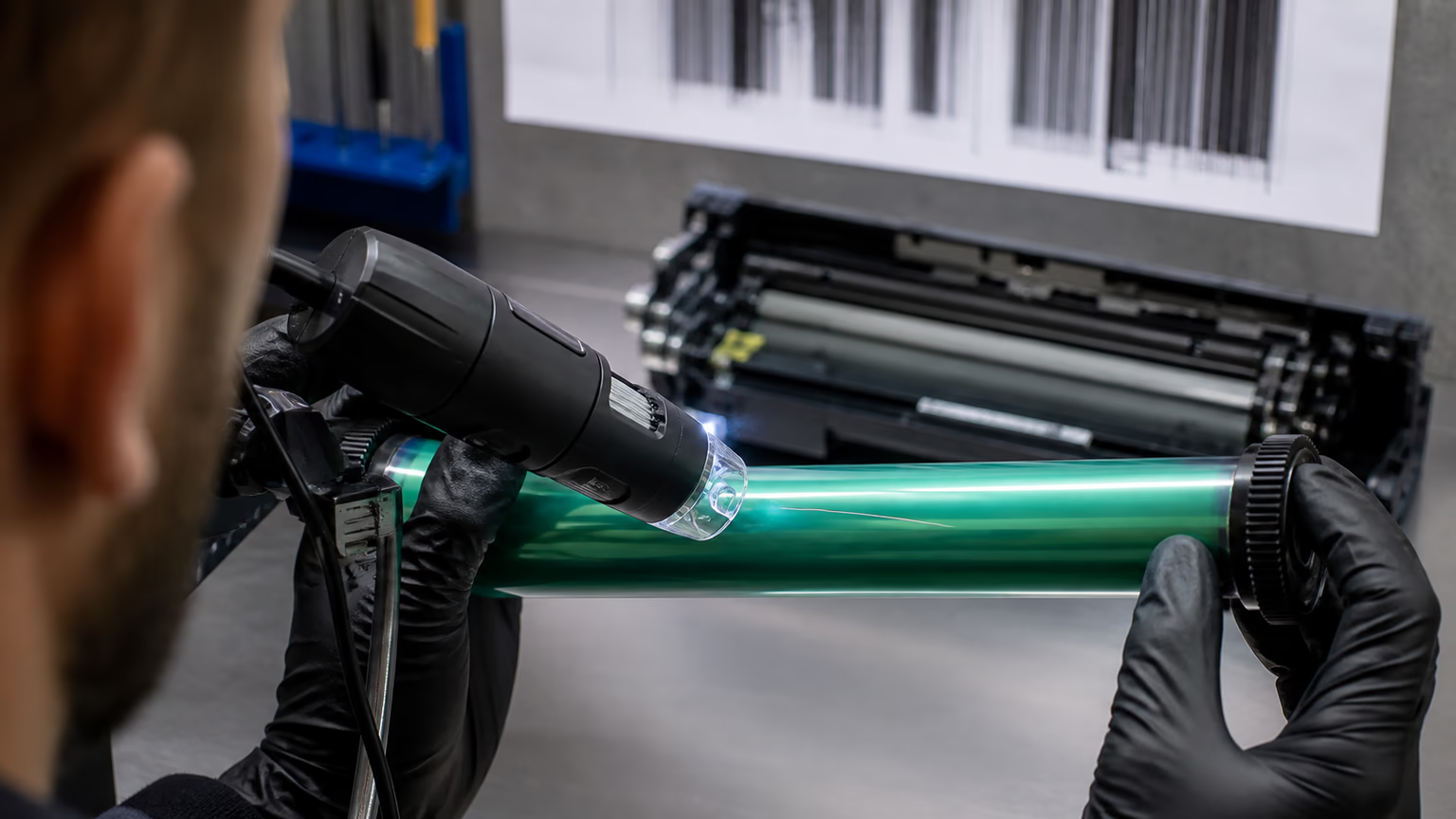
The photoconductor drum must receive and release charge correctly to form a strong image. If the drum is worn, poorly coated, contaminated, or mismatched with the toner and charging system, density can drop.
Drum-related light print may appear as:
- pale full-page output;
- uneven density;
- light bands;
- weak image areas;
- density loss after repeated printing;
- sensitivity to temperature or humidity.
In new cartridges, drum quality depends on supplier selection and incoming inspection. In remanufactured cartridges, drum life is especially important. A reused drum may still look visually acceptable but fail under real print conditions.
Drum defects can also cause repeated marks and black streaks on laser prints, especially when the surface is scratched or contaminated. That is why drum inspection should be part of any serious complaint analysis.
A cartridge is only as strong as the components that carry the image. Toner formulation alone cannot compensate for a weak drum system.
Cause 7: Fuser or Paper Conditions Affect Final Appearance
Sometimes the image is developed and transferred correctly, but the final print still appears light because of fusing or paper behavior.
The fuser must melt toner into the paper surface. If the toner does not fuse properly, the image may look weak, dusty, or easily rubbed off. If paper is too smooth, too damp, too thick, or unsuitable for the machine, toner adhesion and visual density may suffer.
Fuser-related light print can be caused by:
- low fuser temperature;
- worn fuser film or roller;
- poor toner melt properties;
- wrong paper setting;
- high-speed printing stress;
- unsuitable paper;
- excessive moisture in paper.
This is why a factory should test toner not only for image formation, but also for fusing performance. A compatible toner must match the thermal conditions of the printer or copier.
In real office environments, users may not distinguish between poor density and poor fusing. They simply say: “The print is too light.” The supplier must know how to separate the two.
Why Density Testing Must Be More Than Visual Inspection
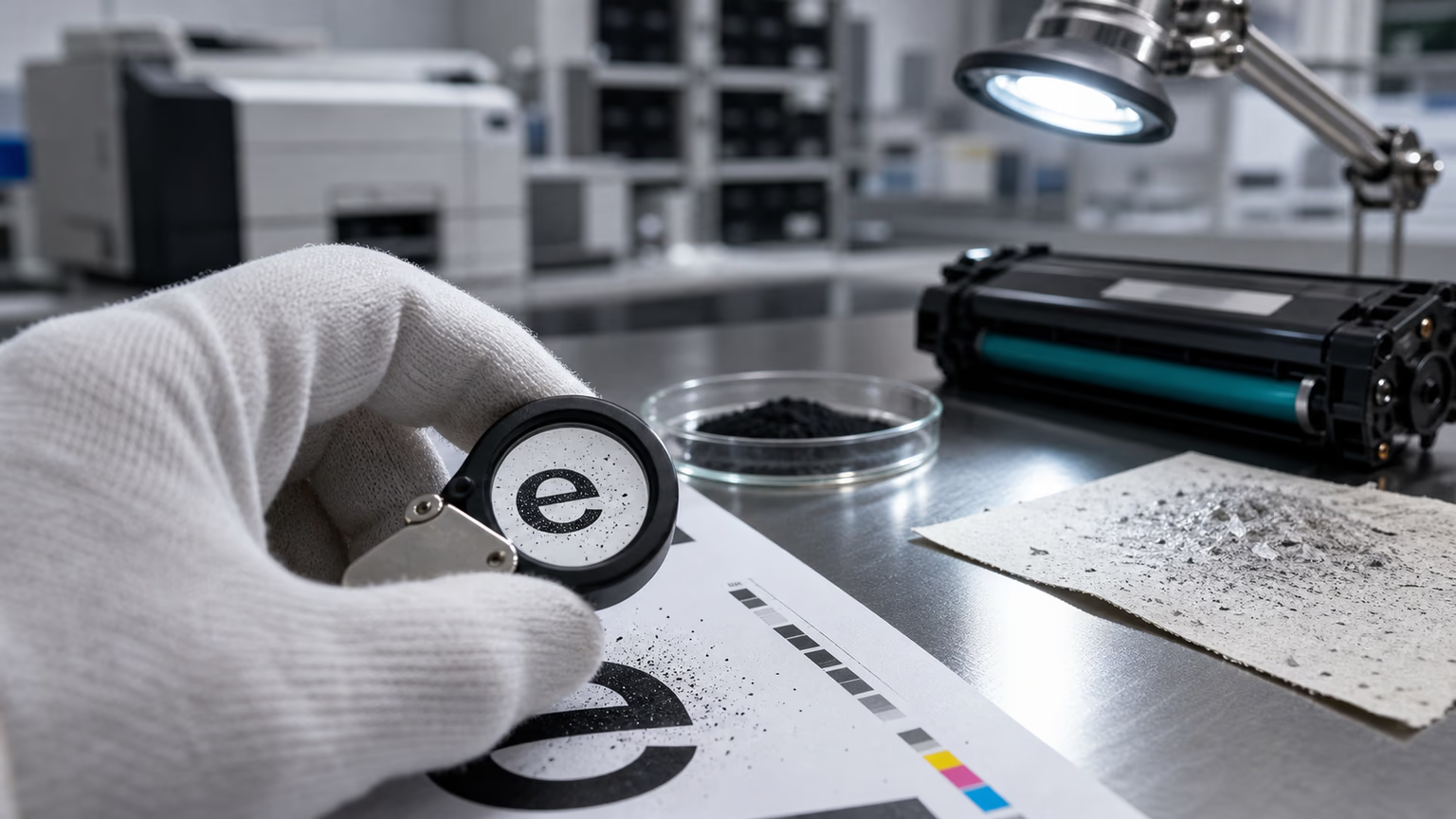
Many factories still rely too heavily on visual inspection. Someone prints a test page, looks at the result, and decides whether it is acceptable.
That is not enough for B2B supply.
A serious density test should include:
- visual comparison against reference samples;
- solid black density measurement;
- grayscale reproduction;
- fine text clarity;
- continuous printing;
- start-stop behavior;
- different paper types;
- humidity exposure;
- comparison with OEM or approved benchmark;
- retained batch sample records.
The goal is to determine whether density remains stable, not just whether one page looks acceptable.
For distributors, this is critical. Their customers do not judge a cartridge by one laboratory page. They judge it over weeks or months of real use.
How Buyers Can Troubleshoot Light Print
When a buyer receives a light print complaint, the first step is to avoid jumping to conclusions. The complaint should be checked systematically.
A practical troubleshooting process:
- Print a standard test pageUse a consistent pattern to compare density.
- Check printer density settingsMake sure economy mode or toner-save mode is not enabled.
- Test another cartridge in the same printerIf another cartridge prints normally, the issue may be cartridge-related.
- Test the same cartridge in another printerIf it prints well in another machine, the original printer may have transfer, drum, or fuser problems.
- Check the cartridge for poor toner flowIf density improves after gentle rocking, toner flow may be weak.
- Inspect for other symptomsBackground, ghosting, leakage, and streaks can help identify the root cause.
- Ask the supplier for batch recordsA serious manufacturer should be able to compare the complaint with retained samples.
This process reduces unnecessary replacement and helps identify whether the problem is product, printer, storage, or user condition.
Why Light Print Creates Commercial Risk
Light print may seem less dramatic than toner leakage or black streaks, but it can still damage buyer confidence.
For a corporate office, pale print looks unprofessional.For a school or government institution, documents may appear unclear.For a service company, complaints create extra visits.For a distributor, repeated light print complaints reduce trust in the brand.For a private label seller, weak density may make the product look cheap.
That is why light print should not be dismissed as a small issue. In the compatible toner market, density is one of the first things customers notice.
A customer may not understand toner charge or developer roller behavior, but they immediately understand whether the page looks strong and clean.
Why Fill Weight Still Matters — But Not Alone
Fill weight is not irrelevant. It does matter for page yield and cost per page. A cartridge with insufficient toner may print fewer pages and eventually become light as toner supply drops.
But fill weight should be evaluated together with:
- page yield testing;
- toner utilization efficiency;
- density stability;
- waste toner level;
- customer usage conditions;
- cartridge design;
- machine compatibility.
A cartridge with high fill weight but poor transfer efficiency may still perform badly. A cartridge with correct fill weight and good system matching may deliver better real-world value.
For procurement teams, the right question is not only “How many grams are inside?” but “How many acceptable pages does this cartridge produce under realistic conditions?”
How UNICO Approaches Light Print Complaints
At UNICO, light print is treated as a system-level issue. The investigation looks at toner charge, toner flow, blade pressure, roller performance, drum behavior, transfer efficiency, fuser response, and environmental conditions.
This matters because light print can come from several different failure modes. Replacing a cartridge may solve one complaint, but it does not improve the next batch unless the root cause is understood.
A strong compatible toner manufacturer should be able to answer:
- whether the toner is charging correctly;
- whether the cartridge is delivering toner consistently;
- whether the density remains stable during continuous printing;
- whether the issue is related to humidity or storage;
- whether the printer condition is part of the problem;
- whether batch records show a wider risk.
For B2B buyers, that level of support is the difference between a supplier and a partner.
Relationship Between Light Print and Other Defects
Light print often connects with other print defects.
If charge is too high, print may be light. If charge is too low, background may appear. That connects light print with compatible toner gray background.
If transfer is incomplete, the page may be light and residual toner may later create ghosting after installing a new toner cartridge.
If toner flow is poor because of hopper or seal problems, the cartridge may also show toner leaking from the cartridge.
If drum or blade components are damaged, light print may appear together with black streaks on laser prints.
This is why defect diagnosis should not isolate symptoms too quickly. A full picture is more useful than a single complaint label.
FAQ
Why is my compatible toner printing too light?
Compatible toner may print too light because of toner charge issues, poor toner flow, excessive doctor blade pressure, weak developer roller performance, transfer problems, drum wear, humidity, fuser issues, or printer settings. Low fill weight is only one possible cause.
Final Thoughts
Light print with compatible toner should never be reduced to one explanation. Low fill weight is possible, but it is only one part of the picture.
In many cases, the real cause is charge instability, weak toner flow, blade pressure, developer roller performance, transfer efficiency, drum condition, humidity, or fuser behavior.
For B2B buyers, the safest supplier is not the one that simply promises high fill weight. It is the manufacturer that can prove stable density, consistent page yield, and reliable performance across batches.
That is what separates a low-cost cartridge from a dependable compatible toner solution.
Related reading: ghosting after installing a new toner cartridge, ghosting after installing a new toner cartridge, compatible toner gray background, toner leaking from cartridge, black streaks on laser prints, compatible toner gray background.