When a customer complains about weak, washed-out black prints, the easy response is to swap the cartridge and hope for the best.
In B2B distribution and managed print services, that approach is expensive.
Every unnecessary cartridge return chips away at margins through reverse logistics, restocking labour, and potential batch quarantine.
More importantly, if you never identify the true cause, the same problem will repeat across hundreds of units, damaging your reputation and client trust.
Poor black density is not a single failure mode.
It can originate from a toner formulation defect or from a mechanical issue inside the cartridge.
Treating every case as a toner problem—or every case as a hardware failure—doubles your resolution time and inflates service costs.
A systematic diagnostic approach protects your team from finger-pointing and equips you with data to push back on suppliers or adjust your sourcing criteria.
Misdiagnosis is not free; it adds up in technician visits, delayed order fulfilment, and ultimately, lost contracts.
Laser Printing 101: What Creates Black Density?
Before diving into failure modes, it helps to understand the electrophotographic process in simple terms.
A laser printer creates an image through five main stages: charging, exposure, development, transfer, and fusing.
The development stage is where toner meets the latent image on the drum.
For solid black areas, the developer roller must pick up a uniform layer of toner and deposit it onto the drum in precise alignment with the charged regions.
Toner characteristics heavily influence optical density.
Key factors include carbon black loading, particle size distribution, charge control agents, and flow additives.
If the carbon content is too low or poorly dispersed, the printed black will appear greyish.
If the toner charge is incorrect, it may not adhere properly to the drum, leading to low density or background fogging.
On the cartridge side, mechanical components such as the developer roller surface, doctor blade gap, and drum sensitivity all govern how much toner actually reaches the paper.
A high-quality toner in a mechanically flawed cartridge can still produce weak prints, and vice versa.
When Toner Formulation Is the Culprit
Toner-related density problems often exhibit specific patterns.
A formulation issue typically manifests across the entire page or consistently in the same print direction.
If you see uniformly low black density from the first page to the last, suspect the toner itself.
One telltale sign is poor density that does not improve with a new cartridge from the same batch but improves when you switch to a different batch or supplier.
Common toner formulation failures include insufficient carbon black dispersion, which yields a washed-out look, and incorrect triboelectric charge, which can cause overdevelopment or underdevelopment.
Moisture sensitivity is another culprit: toner powder that absorbs humidity clumps unevenly, disrupting smooth feed and producing density fluctuations.
In export channels, where cartridges may face prolonged shipping and uncontrolled storage, moisture-resistant toner formulation becomes critical.
When discussing quality with your toner cartridge factory, ask about batch-to-batch carbon content consistency and environmental stability testing.
Mechanical Failures That Degrade Density
Cartridge mechanical problems often show localised density variations.
A classic symptom is a print with darker bands at one edge and lighter areas elsewhere, indicating an uneven doctor blade gap.
The doctor blade meters the toner layer on the developer roller; if its alignment is off by microns, the thickness varies, directly affecting density.
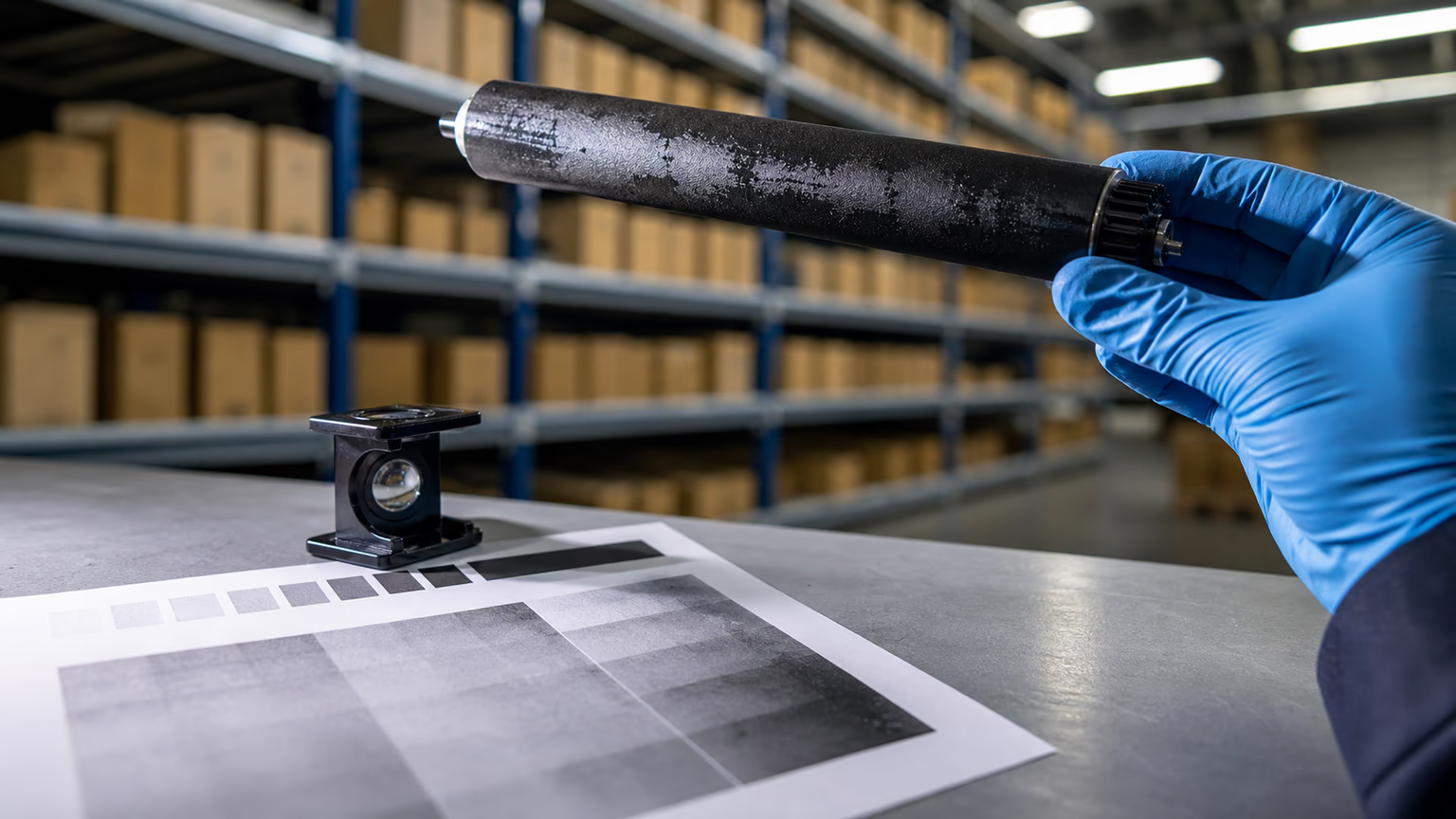
Similarly, a worn developer roller shaft or defective drive gear can cause periodic density fluctuations that repeat at the circumference interval of the roller.
Drum interaction also matters.
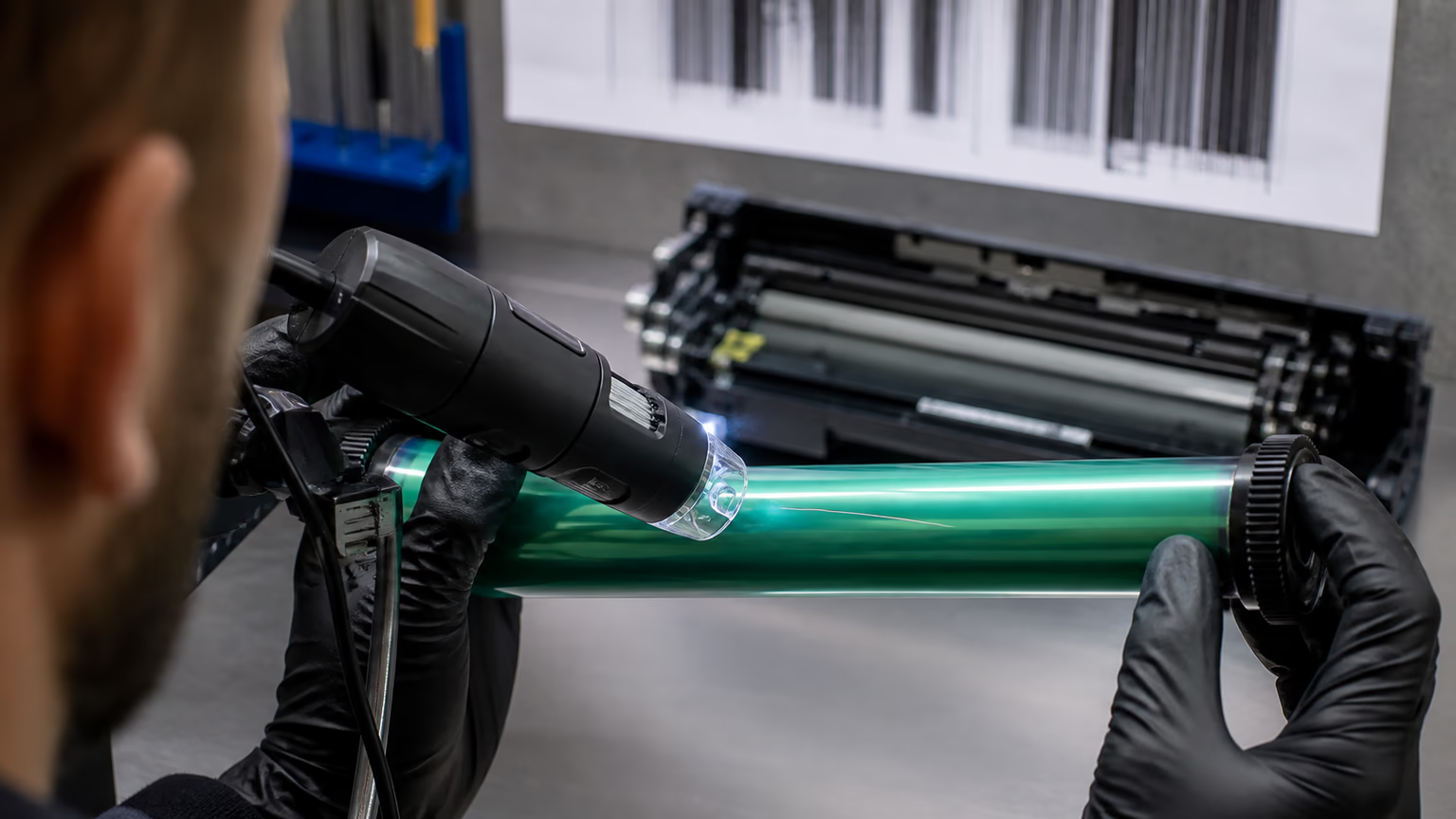
If the organic photoconductor (OPC) drum has scratches, oxidation, or uneven coating, it may not hold charge uniformly in certain areas.
This often appears as fixed-position density defects—such as a light vertical stripe or a repeating ghost image.
Unlike a formulation issue, these defects are linked to physical components.
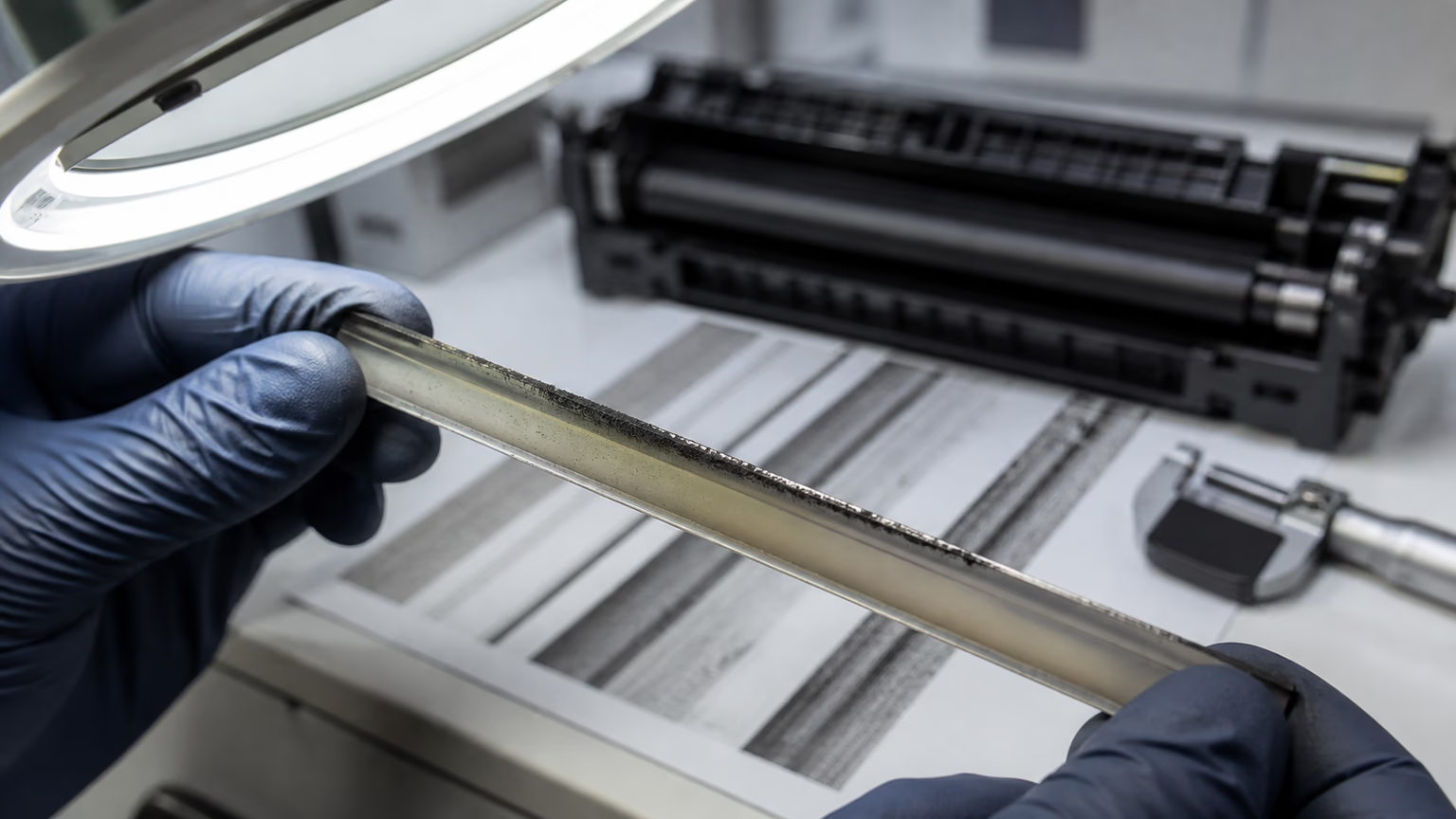
A careful visual inspection of the developer roller surface, doctor blade edge, and drum condition under magnification can reveal the root cause.
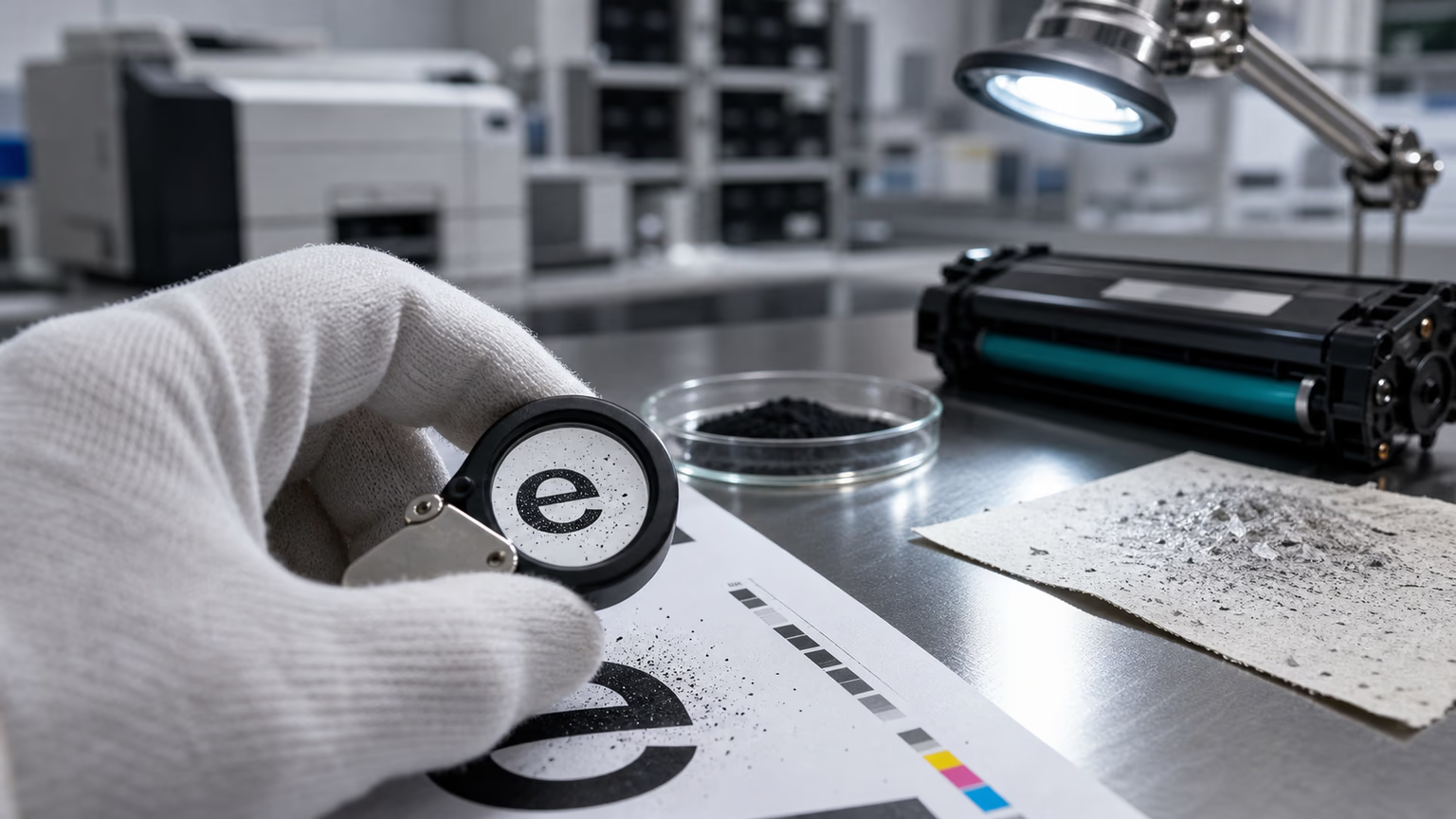
For service teams, investing in a small loupe or digital microscope pays off in faster diagnostics.
A Practical Diagnostic Tree for Service Technicians
Teach your technicians to follow a simple sequence that saves time and reduces callbacks. Start with the easy checks: confirm that the printer’s media type and density settings are appropriate, and that the paper is not damp or textured in a way that affects toner transfer. Environmental factors like high humidity can mimic toner defects; always log the operating conditions.
Next, run a half-page test.
Print a full black page and stop the printer mid-cycle, then remove the paper before it reaches the fuser.
Inspect the unfused image: if the density looks solid on the drum but transfers poorly, the problem may be in the transfer or fusing stage.
If the density is already weak on the drum, the issue is earlier.
This simple step isolates the development process from subsequent stages.
Then swap two cartridges between different machines.
If the problem follows the cartridge, you have a clear suspect.
If it stays with the machine, examine the printer itself.
After isolating the cartridge, perform a visual inspection of key components.
Look at the developer roller coating: is it smooth and even, or does it show patches and grooves?
Check the doctor blade for nicks or warping.
Examine the drum for wear rings or film buildup.
If you have access to a density meter, compare the optical density of the test print to the supplier’s specification.
Any significant deviation warrants a deeper dive into the batch’s quality data.
If these steps do not clarify the cause, it is time to involve your supplier’s technical support with the evidence you have gathered.
Sourcing for Consistent Density: What to Demand from Suppliers
As a B2B buyer, your leverage lies in pre-qualifying suppliers before quality issues reach your shelves.
Do not settle for a supplier who only touts low unit prices.
Request specific documentation: toner density tolerance reports from independent testing, batch-to-batch carbon content analysis, and mechanical endurance test results.
A credible toner cartridge factory will have standardised protocols for measuring optical density across multiple printers and environmental conditions.
For toner cartridges for distributors, density consistency is a competitive differentiator.
Ask how the supplier handles formulation adjustments when raw material variances occur.
Inquire about their mechanical component sourcing and whether they perform lifecycle testing on developer rollers and doctor blades.
A B2B toner cartridge supplier that offers transparent quality metrics and technical troubleshooting support reduces your total cost of ownership far more than a marginally cheaper alternative.
Remember that every hour your team spends chasing density complaints erodes the savings from a low-cost purchase.
When importing compatible toner cartridges for mixed printer fleets, verify that the supplier understands the specific demands of each printer model.
Density requirements can vary because of differences in laser power, drum sensitivity, and fusing temperature.
A one-size-fits-all toner formulation is a recipe for inconsistent performance.
Request batch quality control data specific to the printer models you serve, especially if you are exporting to regions with extreme climates.
Making the Right Decision: Replace, Adjust, or Switch Suppliers
After completing your diagnosis, you fall into one of three scenarios: the issue is limited to a single cartridge, it affects an entire batch, or it points to a chronic design flaw.
For isolated cases, document the findings, replace the unit, and feed the data back to your supplier.
If a batch problem emerges, correlate the defective units with production dates and ask the supplier for a root cause analysis.
This is where toner cartridge batch quality control for export becomes essential; a supplier who runs periodic density audits can often isolate the offending production run before widespread returns occur.
When the issue is systemic—for example, weak density across all units of a particular model despite formulation tweaks—consider a more fundamental change.
That might mean switching to a supplier that invests in heavier carbon loading or more precise blade calibration.
The decision should be driven by return rate trends, customer satisfaction metrics, and the true cost of service interventions.
A slightly higher unit price may be justified if it eliminates a recurring 5% return rate.
Finally, communicate transparently with your end-users. Let them know you have identified the root cause and are taking corrective action. This turns a complaint into an opportunity to demonstrate professionalism. It also reduces the chance that they will blame the printer equipment or switch to another cartridge source without giving you the chance to resolve the issue.
FAQ
What is the most common cause of poor black density in compatible cartridges?
There is no single most common cause; it varies by production quality. In our experience, the cause is split between toner formulation inconsistencies (especially carbon content and charge properties) and mechanical deviations such as doctor blade misalignment. That is why a structured diagnosis matters more than a blanket assumption.
How can I tell if it is a toner problem or a mechanical issue without specialised tools?
Use the half-page test and the cartridge swap method. If the unfused image on the drum already shows low density, the issue is likely in the development unit (toner or developer roller). If density is good on the drum but poor after transfer or fusing, the problem may be elsewhere. Comparing two cartridges in the same printer quickly points to the source.
Does poor black density always mean the entire batch is defective?
Not necessarily. Isolated density issues can stem from a single cartridge with a manufacturing outlier, such as a slightly bent doctor blade or a developer roller coating defect. However, if multiple units from the same batch show similar symptoms, batch-level inspection is warranted.
Can environmental conditions alone cause weak black prints?
Yes. High humidity can increase toner moisture content, reducing its chargeability and flow. This often mimics a formulation defect. Always check storage conditions and allow cartridges to acclimate to the operating environment for at least 24 hours before diagnosing a density complaint.
What should I ask my supplier about their toner formulation quality control?
Request documented batch test results for optical density, triboelectric charge range, and toner transfer efficiency. Ask whether they perform accelerated environmental aging tests. A supplier that cannot provide this data may lack the process control needed for consistent export-quality cartridges.
Conclusion
Poor black density is a symptom that demands a systematic, evidence-based response.
For B2B distributors and service companies, the ability to quickly differentiate between toner formulation issues and cartridge mechanical failures is not just a technical skill—it is a business advantage.
It reduces unnecessary returns, shortens client downtime, and guides smarter procurement decisions.
By integrating the diagnostic checks outlined in this guide into your service workflows and by holding suppliers accountable for batch-level quality data, you shift from reactive firefighting to proactive quality management.
In a mature B2B relationship, consistent print density is not a bonus; it is the baseline expectation.