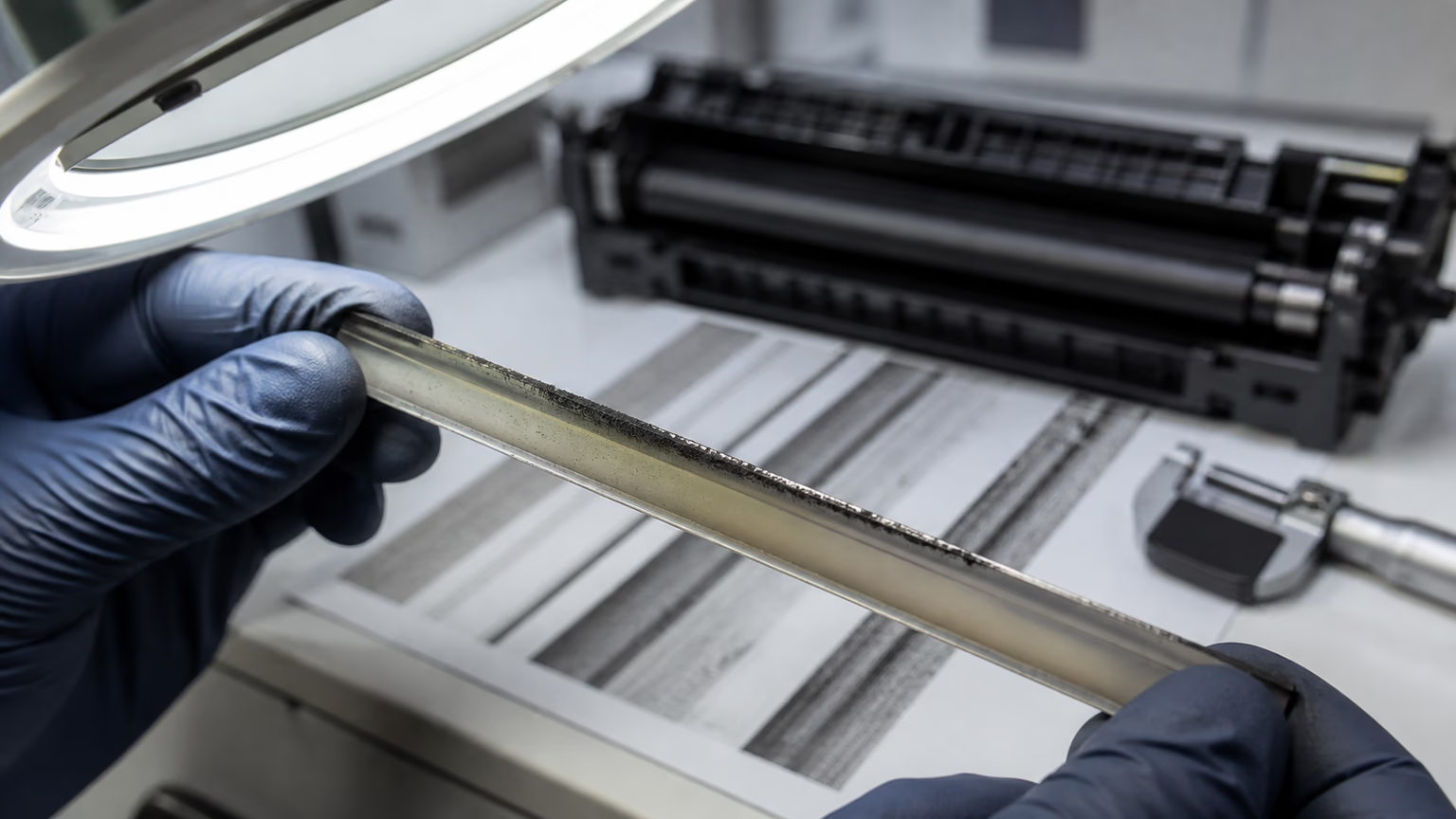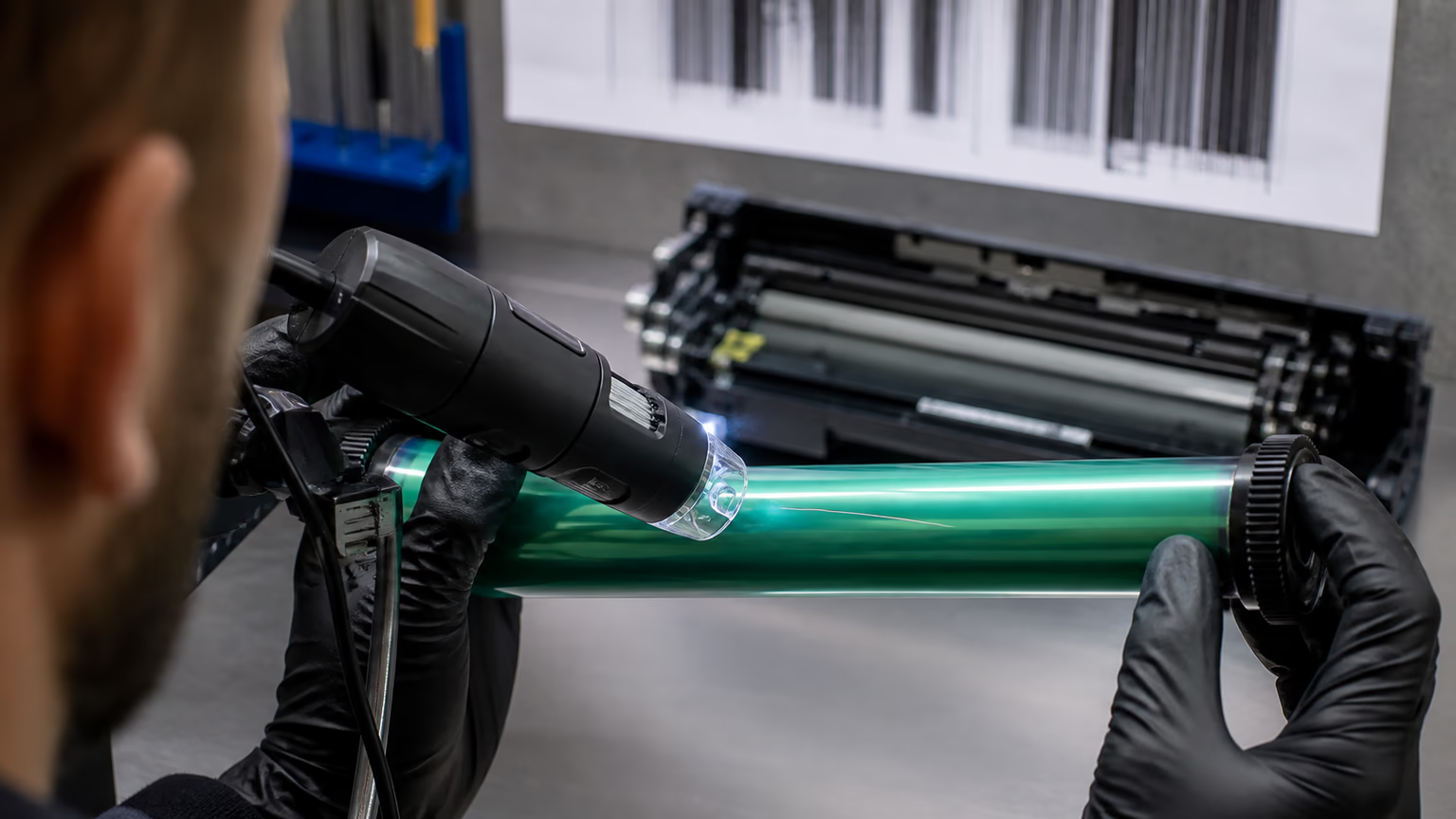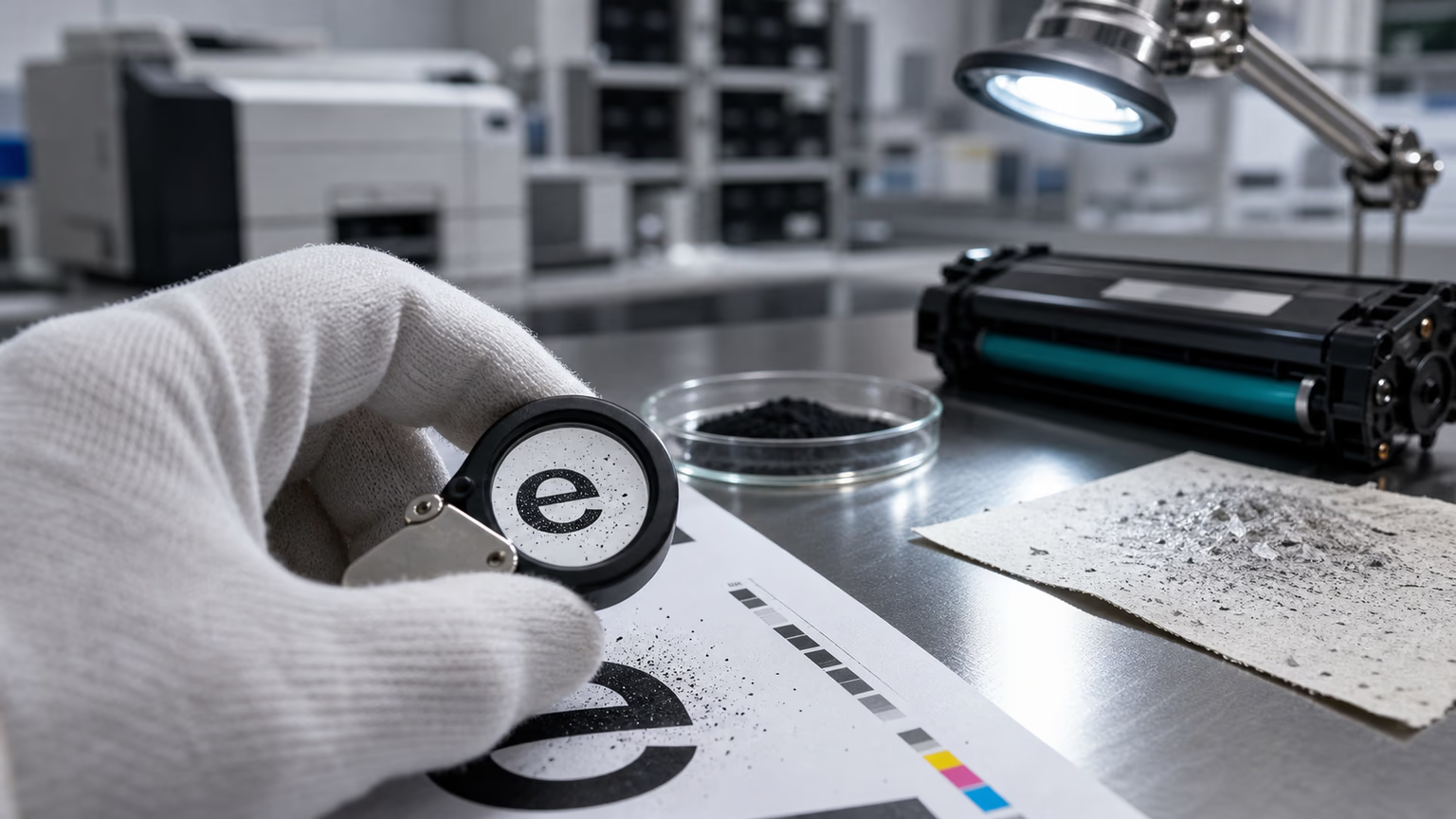
Toner smearing after fusing is one of the most frustrating print quality issues in copier and laser printer systems. The page may look correct when it comes out of the drum transfer stage, but after passing through the fuser unit, the toner appears smeared, glossy, or partially shifted.
For users, this looks like a print failure. For service engineers, it is a signal that something in the thermal fusion process is not aligned. The issue is rarely random. It usually comes from a mismatch between toner formulation, fuser temperature, pressure system, or paper behavior.
In compatible toner systems, this defect is especially important because toner chemistry must be designed to match different printer platforms, each with its own heat and pressure profile.
What Toner Smearing Looks Like
Toner smearing typically appears after the paper exits the fuser unit. Instead of a sharp and fixed image, parts of the text or graphics may look:
- blurred or stretched;
- shiny or glossy in patches;
- partially shifted or doubled;
- soft around edges;
- inconsistent across the page;
- worse in high-coverage areas.
In some cases, smearing only appears when printing heavy graphics or full-page black areas. In other cases, it becomes visible immediately on text documents.
This makes diagnosis more complex, because the defect is not always constant.
Why Smearing Happens After Fusing
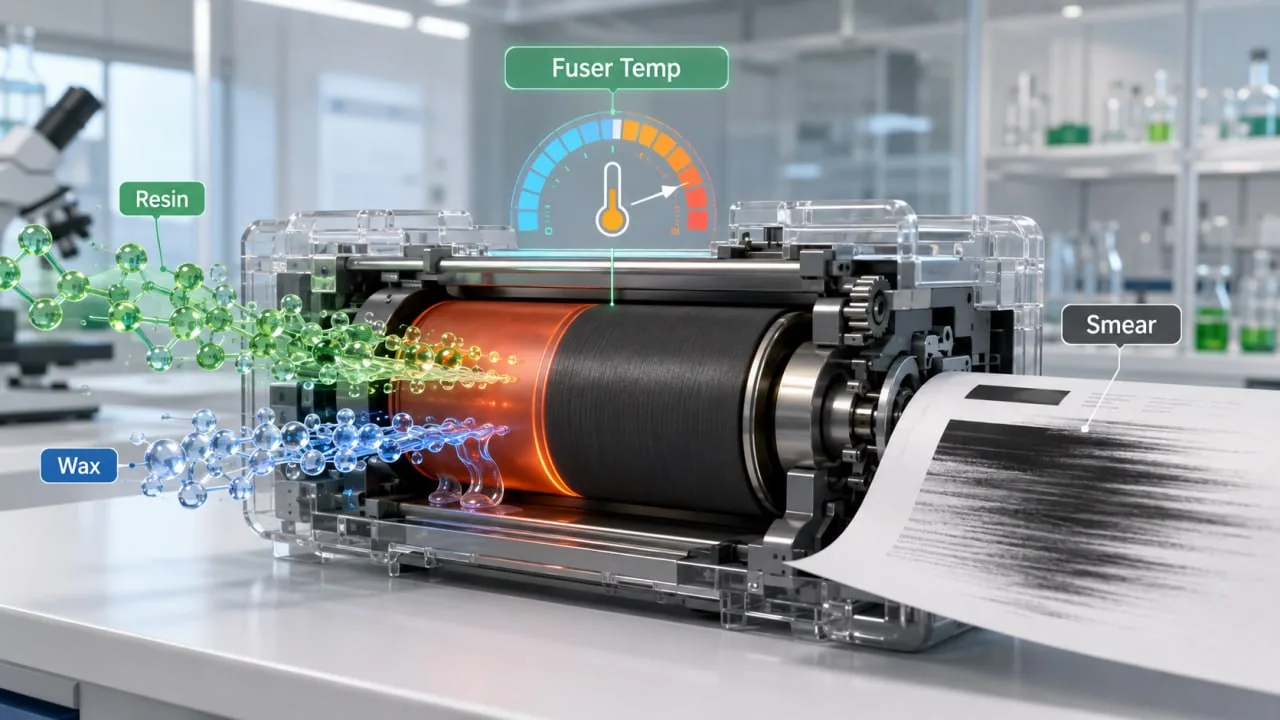
The fuser unit uses heat and pressure to melt toner particles onto the paper surface. If this process is not properly balanced with toner chemistry, the result can be incomplete fixation or over-softening of toner.
There are three main variables:
- toner formulation (resin and wax content);
- fuser temperature and pressure;
- paper type and moisture level.
If any of these are not aligned, toner may not fully bond to the paper or may remain too soft after exit, leading to smearing.
This is why smearing is not just a cartridge issue. It is a system-level interaction.
Resin and Wax Balance in Toner
Toner particles are not just colored powder. They are complex formulations that include resin, pigments, wax, and charge control agents.
Resin controls how toner melts and binds to paper. Wax helps reduce friction and improves fuser release. If the balance is incorrect, toner may either:
- not fuse completely (under-fusing), or
- become too soft and unstable after fusing (over-fusing or offset).
Under-fusing often leads to poor adhesion. Over-fusing can lead to smearing, offset, or glossy marks.
Compatible toner manufacturers must carefully design resin and wax content for different printer engines. A formula that works well in one machine may cause issues in another.
Smearing can also appear together with toner rubbing off the page, especially when fusing temperature is too low for the toner’s melting point.
Fuser Temperature Mismatch
Fuser temperature is one of the most common causes of smearing.
Each printer or copier model operates within a specific thermal range. If the toner requires higher temperature than the machine provides, it may not fully fuse. If the temperature is too high, toner can become unstable and shift after bonding.
Common causes include:
- low fuser temperature setting;
- degraded fuser heating element;
- worn pressure roller;
- incorrect energy regulation in the machine;
- fast print mode reducing heat exposure;
- high-speed printing without sufficient dwell time.
In some cases, smearing only appears in energy-saving or fast-print modes, where the fuser does not reach optimal temperature.
Paper Type and Moisture Content
Paper plays a critical role in toner fixation. Even with correct toner and fuser settings, poor paper can create smearing.
High-moisture paper can absorb heat unevenly. Coated or glossy paper may require higher fuser temperature. Thin or low-quality paper may not hold toner properly under pressure.
Typical paper-related issues include:
- excessive moisture in paper;
- coated surfaces reducing toner grip;
- uneven fiber density;
- incompatible paper thickness;
- environmental humidity affecting paper before printing.
This is why smearing may appear in one office but not in another, even with the same cartridge and printer.
Paper behavior should always be checked before assuming toner failure.
When Smearing Is a Toner Compatibility Issue
In compatible toner systems, smearing can sometimes come directly from formulation mismatch.
If toner is not properly designed for the target printer, it may:
- melt at incorrect temperature;
- become too fluid under heat;
- fail to solidify correctly;
- separate from paper after fusing;
- react poorly under high-speed printing.
This is especially important in B2B environments where one toner model may be used across multiple printer types.
A well-designed compatible toner should be tested across different thermal and mechanical conditions to ensure stability.
Relation to Other Print Defects
Smearing is often connected to other printing issues.
If toner does not fuse properly, it may later show toner rubbing off the page.
If toner is unstable during transfer, it can also contribute to repeating dots on printed pages due to partial image retention in the system.
If toner flow or transfer efficiency is inconsistent, it may also affect waste handling and create conditions seen in high waste toner in copier fleets.
In some cases, smearing is also linked to overall density instability and may indirectly contribute to lower output efficiency and low page yield in B2B fleets.
This is why smearing should always be analyzed as part of a full system, not as an isolated defect.
How Service Engineers Diagnose Smearing
A structured diagnostic process helps separate toner issues from machine or paper issues.
Step 1: Check where smearing occurs
- only text
- only images
- full-page coverage
- specific zones
Step 2: Check fuser condition
- temperature consistency
- roller wear
- pressure system
- cleaning condition
Step 3: Test different paper types
- standard office paper
- higher quality paper
- lower moisture paper
Step 4: Test another cartridge
If smearing disappears, cartridge or toner compatibility may be the cause.
Step 5: Test another machine
If smearing follows the cartridge, toner formulation is more likely responsible.
This simple isolation process avoids misdiagnosis and unnecessary replacements.
Why Smearing Is Critical in B2B Printing
In business environments, smearing is not just a technical issue. It directly affects document quality perception.
Customers may interpret smearing as:
- poor printer maintenance;
- low-quality consumables;
- unreliable service provider;
- overall system failure.
This can lead to loss of trust, even if the actual problem is minor or environmental.
For service companies and distributors, reducing smearing complaints is important for maintaining customer confidence and reducing service visits.
Prevention Strategies
To reduce smearing risk, manufacturers and users should ensure:
- correct toner formulation for target machines;
- proper fuser calibration;
- compatible paper selection;
- environmental humidity control;
- regular maintenance of fuser components;
- proper testing across different machines;
- validation under high-speed printing conditions.
For compatible toner suppliers, proper lab testing and field testing are essential before release.
FAQ
Why does toner smear after fusing?
Toner smearing after fusing usually happens due to mismatch between toner formulation, fuser temperature, pressure system, or paper type. The toner may not fully bond or may remain too soft after heating.
Is smearing caused by the toner cartridge?
Not always. It can be caused by toner formulation, but also by fuser issues, paper quality, or machine settings. Both cartridge and printer system must be checked.
Can paper cause toner smearing?
Yes. High moisture, coated surfaces, or low-quality paper can prevent proper toner bonding and lead to smearing after fusing.
Can low fuser temperature cause smearing?
Yes. If the fuser does not reach the required temperature, toner may not fully melt and bond to the paper, resulting in smearing.
How can smearing be fixed?
Check fuser condition, test different paper types, verify printer settings, and test another cartridge. This helps isolate whether the issue is toner, machine, or paper-related.
Final Thoughts
Toner smearing after fusing is a system-level issue that depends on toner chemistry, fuser temperature, and paper interaction.
In compatible toner environments, success depends on careful matching of resin and wax formulation with machine thermal behavior. Without this balance, even a well-filled and properly installed cartridge can produce poor results.
Understanding smearing helps service engineers and B2B buyers avoid misdiagnosis and ensures more stable print quality across different environments.
Related reading: repeating dots on printed pages, high waste toner in copier fleets, toner rubs off the page, low page yield in B2B fleets, ghosting after installing a new toner cartridge, light print with compatible toner.