
Ghosting is one of the most frustrating print defects because it looks like the machine is repeating part of the image where it should not appear. A logo, text block, line, or image area may show up again lower on the page as a lighter shadow. To the end user, the page looks unprofessional. To the distributor or service company, the complaint is usually urgent.
The first reaction is often simple: “The new cartridge is defective.”
Sometimes that is true. But not always.
Ghosting after installing a new toner cartridge can be caused by toner formulation, drum charge memory, PCR contamination, transfer instability, fuser temperature, paper type, printer condition, or a mismatch between the cartridge and the machine. If the supplier does not know how to separate these causes, the complaint becomes a guessing game.
For B2B buyers, this matters because ghosting can quickly become expensive. It creates returns, service calls, customer dissatisfaction, and doubt about the entire compatible toner program. The goal is not only to replace a cartridge. The goal is to understand why ghosting happened and whether it is an isolated case, a machine issue, or a batch-level risk.
What Ghosting Looks Like
Ghosting usually appears as a repeated image or text shadow on the same page. The repeated mark may be lighter than the original image, but it is still visible enough to make the print unacceptable.
Common customer descriptions include:
- “The image repeats on the page.”
- “There is a shadow of the previous text.”
- “The print looks like a double exposure.”
- “The logo appears again lower down.”
- “The cartridge is leaving repeated marks.”
Ghosting may appear immediately after cartridge installation, after several pages, or only during longer print jobs. Sometimes it appears on every page. Sometimes it appears only with dark graphics or high-coverage areas.
The distance between the original image and the ghost mark can also give clues. Repetition intervals often correspond to rotating components inside the printer: drum, fuser roller, pressure roller, transfer roller, or developer system.
That is why a serious factory does not look only at the page. It studies the defect pattern.
Why Ghosting Is Not Always a Toner Problem
The toner cartridge is the easiest part to blame because it was recently replaced. But ghosting is an imaging-system defect, not always a cartridge-only defect.
A laser printer or copier depends on a sequence:
- The drum is charged.
- The laser writes the image.
- Toner develops the image.
- The image transfers to paper.
- The fuser fixes toner onto the page.
- The drum is cleaned and prepared for the next cycle.
If any step fails, residual image can remain. That residual image may appear again as ghosting.
A compatible toner cartridge can contribute to the problem, especially if the toner charge, melt behavior, or component matching is wrong. But the printer itself can also cause the same symptom.
This is why factory-level root cause analysis must test both the cartridge and the machine. Otherwise, a supplier may replace good cartridges unnecessarily, or worse, fail to identify a real batch defect.
Root Cause 1: Drum Charge Memory
The photoconductor drum must lose and regain charge correctly during each print cycle. If the drum does not discharge or recharge evenly, part of the previous image may remain electrically “remembered.” This can produce a ghost image on the next rotation.
Drum charge memory may be caused by:
- worn drum surface;
- poor drum coating quality;
- incompatible drum material;
- incorrect charge from PCR;
- contamination on the drum surface;
- repeated high-coverage printing;
- poor cleaning after image transfer.
In new compatible cartridges, ghosting can happen if the drum quality is poor or poorly matched with the toner and charging system. In remanufactured cartridges, it may happen if the drum is reused too far beyond its stable life.
For factories, this is why drum selection is not a minor purchasing detail. The drum must work with the toner, PCR, wiper blade, and printer model. A low-cost drum can make a cartridge look profitable on paper but create complaints in the market.
Drum-related ghosting may also appear with black streaks on laser prints if the drum surface is scratched, contaminated, or worn.
Root Cause 2: PCR Contamination or Poor Charging
The primary charge roller, or PCR, charges the drum surface before the image is written. If the PCR is dirty, worn, uneven, or contaminated by toner additives, the drum charge becomes unstable.
Poor PCR performance can cause:
- ghosting;
- gray background;
- uneven density;
- repeated marks;
- unstable print after several pages;
- contamination patterns.
PCR contamination is closely related to compatible toner gray background. A cartridge may first show mild background, then ghosting, because both defects can come from weak charging control.
A factory should inspect the PCR for surface contamination, material compatibility, roller hardness, conductivity, and contact pressure. It should also test whether the toner formulation leaves residue on the PCR during longer print cycles.
For B2B buyers, PCR-related ghosting is important because it may not appear on the first page. A short inspection may pass. A longer run may reveal the problem.
Root Cause 3: Toner Charge and Transfer Instability
Toner must carry the correct charge and transfer cleanly from the drum to the paper. If toner charge is unstable, some toner may remain on the drum after transfer. That residual toner can create a repeated shadow.
Toner charge instability can come from:
- weak charge control agents;
- inconsistent raw materials;
- poor particle size distribution;
- humidity exposure;
- poor mixing;
- aging during storage;
- mismatch with the printer’s development system.
This is one of the reasons compatible toner needs more than visual density testing. A toner can look dark and sharp on the first few pages but still behave poorly during repeated printing.
Ghosting caused by toner transfer instability may appear together with light areas, weak density, or uneven coverage. That links directly to light print with compatible toner, because both problems can come from transfer efficiency and charge balance.
The difference is the visible result. If not enough toner transfers, the page may look light. If residual toner remains and repeats, the page may show ghosting.
Root Cause 4: Fuser Temperature and Toner Melt Behavior
The fuser fixes toner to the paper using heat and pressure. If the toner does not melt properly, or if the fuser temperature is not suitable, toner may partially transfer to the fuser roller and then redeposit later on the page. This is another common form of ghosting.
Fuser-related ghosting can be caused by:
- toner with poor melt characteristics;
- fuser temperature too low;
- fuser temperature too high;
- worn fuser film or roller;
- damaged pressure roller;
- unsuitable paper;
- high coverage printing;
- contamination on the fuser surface.
For compatible toner manufacturers, melt behavior is critical. Toner must fuse well in the machine’s expected temperature range. If the toner requires too much heat, it may not fix properly. If it melts too easily, it may create offsetting, smearing, or contamination.
Fuser ghosting often appears as a repeated image that looks slightly glossy, smeared, or heat-related. The repetition interval may correspond to the fuser roller circumference.
This is why a factory-level test should not only inspect the cartridge. It should test the same cartridge in a known-good printer and compare results with another cartridge and another machine.
Root Cause 5: Wiper Blade or Cleaning Failure
After toner transfers from the drum to paper, the cartridge must remove remaining toner from the drum surface. The wiper blade plays a major role in this cleaning process.
If the wiper blade is worn, too hard, too soft, poorly installed, or contaminated, it may leave residual toner on the drum. That residue can appear as ghosting, streaking, or repeated marks.
Wiper blade issues may come from:
- poor blade material;
- bad edge quality;
- incorrect pressure;
- deformation during storage;
- poor assembly;
- toner buildup;
- low-temperature stiffness;
- chemical incompatibility.
Cleaning failure can also lead to black streaks on laser prints, especially when residual toner accumulates in a line or when the blade edge is damaged.
For buyers, this is another reminder that cartridge quality is not only about toner fill weight. A cartridge with enough toner can still fail if the blade system cannot clean the drum correctly.
Root Cause 6: Developer Roller or Magnetic Roller Issues
In many cartridge systems, the developer roller or magnetic roller controls how toner is presented to the drum. If this component does not create a consistent toner layer, ghosting may appear because the development process becomes unstable.
Possible issues include:
- uneven roller coating;
- roller wear;
- incorrect surface roughness;
- contamination;
- poor contact;
- unstable toner layer;
- mismatch between roller and toner formulation.
Developer system issues often produce ghosting along with density variation. The page may show both repeated image shadows and inconsistent darkness.
This connects with both light print and background. When the toner layer is too weak, print may become light. When the layer is too heavy or poorly charged, background may increase. When residual toner behavior is unstable, ghosting may appear.
A factory that understands these relationships can diagnose problems faster than a supplier who only checks whether the cartridge is full.
Root Cause 7: Transport and Storage Damage
Ghosting can also be linked to transport and storage. A cartridge may leave the factory in acceptable condition but arrive with internal stress, toner settling, blade deformation, seal displacement, or contamination due to rough handling.
This matters for international supply because cartridges may travel through long logistics chains: factory warehouse, truck loading, export handling, sea freight, customs, distributor storage, and local delivery.
Transport-related risks include:
- toner settling in one area;
- internal leakage;
- blade deformation;
- drum exposure;
- seal damage;
- vibration-related contamination;
- humidity exposure.
If a cartridge also shows toner inside the bag or box, the buyer should check whether the issue is connected to toner leaking from the cartridge. Leakage and ghosting may share causes, especially when internal contamination affects the drum, PCR, or developer system.
A good manufacturer should design packaging and pre-shipment testing with real logistics in mind, not only laboratory conditions.
How Factories Should Diagnose Ghosting
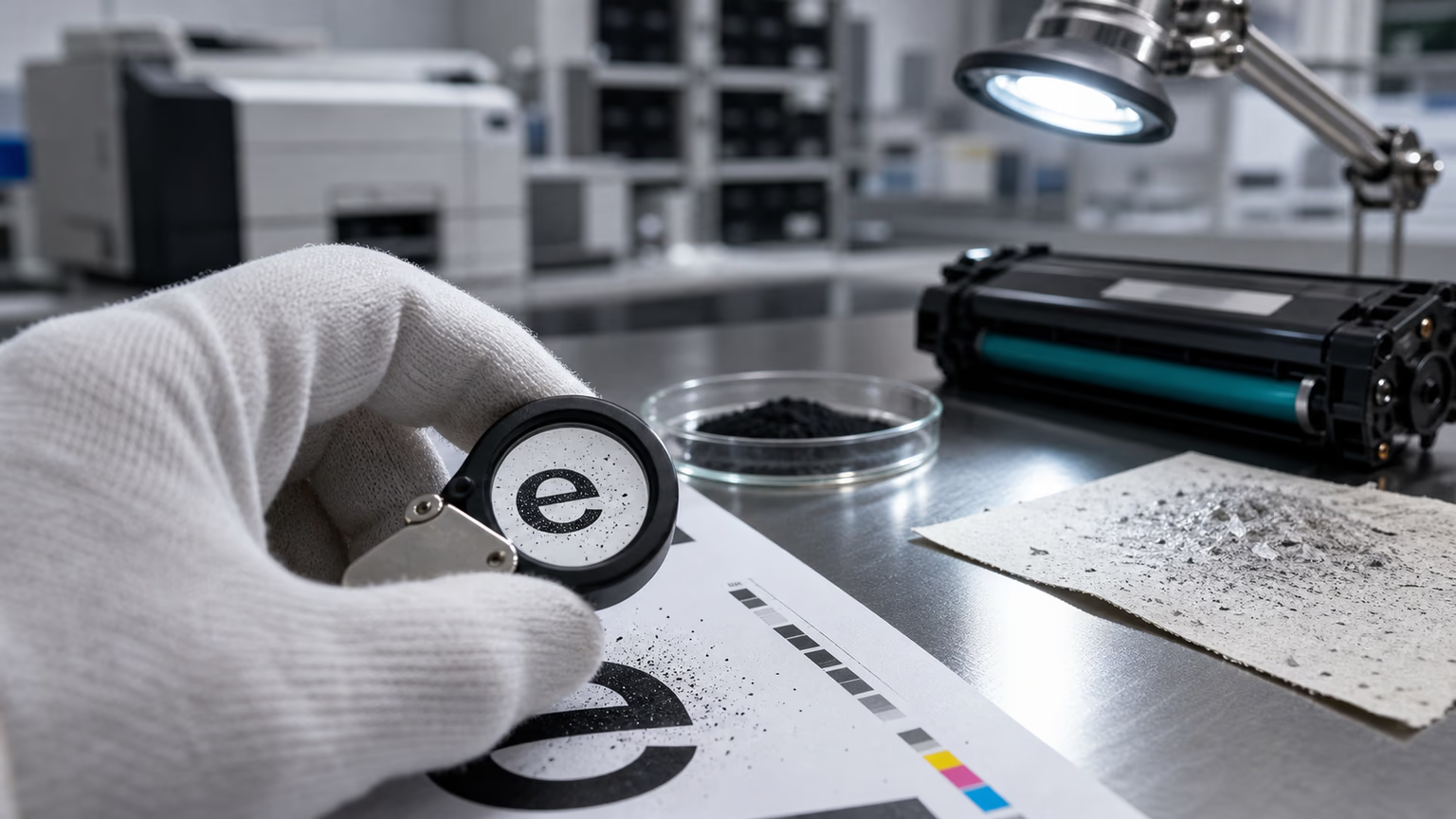
A serious factory should not diagnose ghosting by looking at one printed page and making a guess. The defect needs a structured investigation.
A factory-level diagnostic process should include:
- Measure repetition distanceThe distance between the original image and ghost image can point to drum, fuser, roller, or other rotating components.
- Test in a known-good printerThis separates cartridge defects from machine defects.
- Compare with OEM or approved reference cartridgeThis helps confirm whether the problem is cartridge-specific.
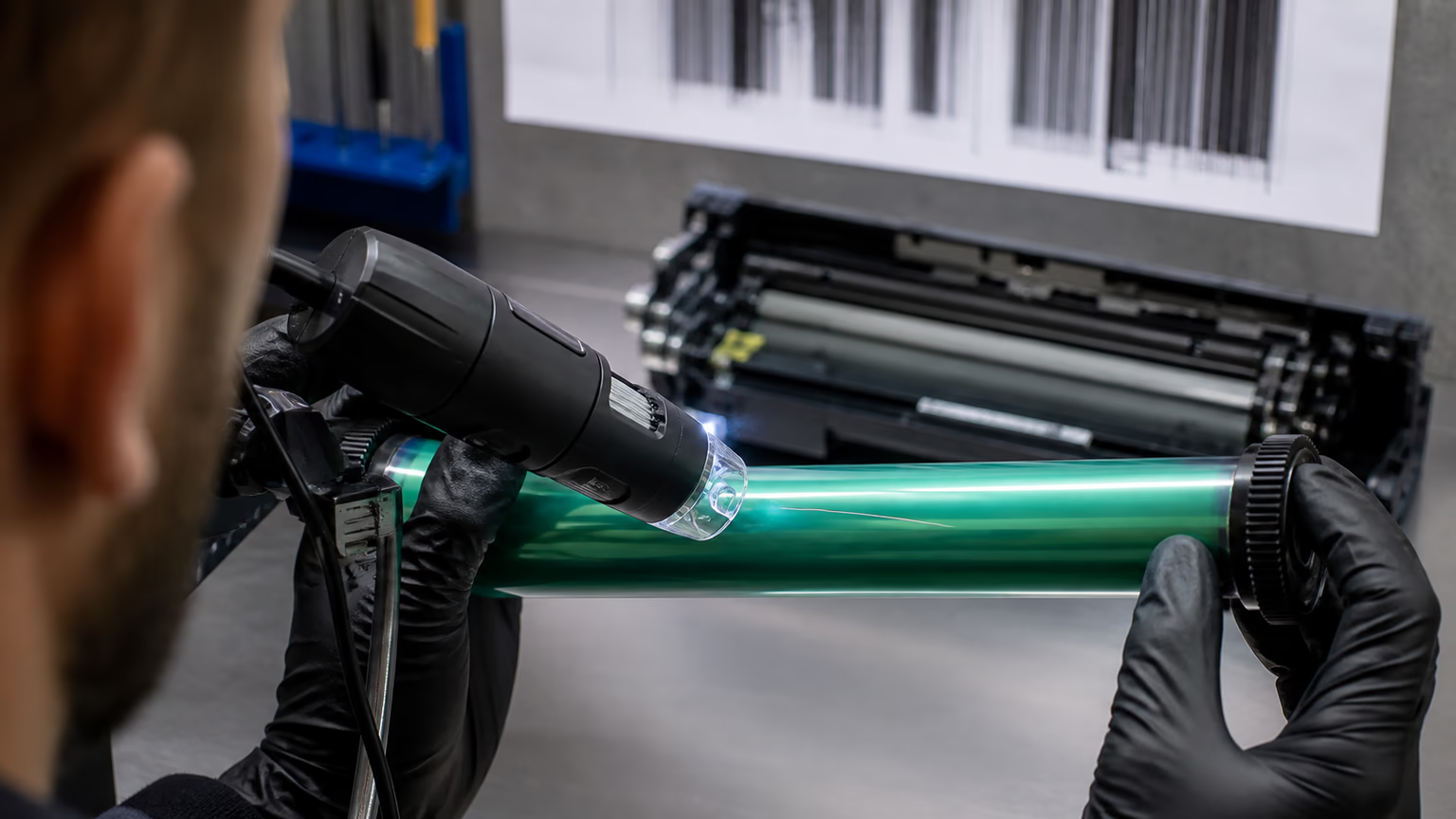
- Inspect drum surfaceCheck for wear, contamination, charge memory, scratches, or coating problems.
- Inspect PCRLook for contamination, uneven surface, poor contact, or material mismatch.
- Inspect wiper bladeCheck edge condition, pressure, deformation, and cleaning performance.
- Check fuser conditionDetermine whether the ghosting is heat-offset related.
- Test longer print runsSome ghosting appears only after repeated cycles.
- Review batch recordsCompare with retained samples and production data.
- Test environmental conditionsHumidity and temperature can expose borderline stability.
This type of analysis is what separates a manufacturer from a reseller. A reseller may only replace the cartridge. A manufacturer should be able to explain the failure mode.
How Buyers Can Identify the Likely Cause
Buyers do not need a full laboratory to start diagnosing ghosting. They can use simple field checks.
Check the repetition distance
If the ghost image repeats at a consistent interval, measure the distance. A service technician can compare it with the circumference of components like the drum or fuser roller.
Test another cartridge
If another cartridge works well in the same printer, the problem may be cartridge-related.
Test the same cartridge in another printer
If the same cartridge ghosts in multiple printers, the cartridge is more likely responsible.
Check if the page is smearing
If the ghost looks smeared or heat-related, inspect the fuser.
Look for background or streaks
If ghosting appears together with dirty background, look at PCR, toner charge, and drum cleaning. If it appears with vertical black lines, check the drum and blade system.
Review storage conditions
If the cartridge was stored in humidity or extreme temperature, storage may be part of the problem.
These field checks help buyers communicate more clearly with suppliers. Instead of saying “the cartridge is bad,” they can provide useful defect evidence.
Why Ghosting Complaints Are Dangerous for B2B Supply
For a home user, ghosting may mean returning one cartridge. For a B2B buyer, it can become a larger commercial problem.
A distributor may have hundreds of cartridges in stock.A service company may need to send technicians to multiple customers.A corporate buyer may question the entire compatible toner program.A private label seller may face reputational damage.A factory may need to investigate whether the defect affects one batch or one model.
This is why ghosting must be treated seriously. If a supplier dismisses the complaint without root cause analysis, the buyer has no protection.
The right question is not only “Can you replace it?”
The better question is: “Can you prove whether this is an isolated failure, a machine issue, or a batch risk?”
Preventing Ghosting Before Shipment
A good manufacturer tries to prevent ghosting before the product leaves the factory.
Prevention should include:
- matching toner formulation with cartridge system;
- controlling drum and PCR quality;
- checking blade material and pressure;
- testing fuser compatibility;
- running enough pages during testing;
- inspecting samples after storage;
- testing under humidity where relevant;
- retaining batch samples;
- documenting complaint investigation.
The factory should also understand where each product will be used. A cartridge for a low-volume office may face different stress from a cartridge used in a school, service fleet, government institution, or commercial print environment.
For buyers, this is why supplier selection matters. The lowest quote may not include the testing discipline needed to protect the business later.
Relationship Between Ghosting and Other Defects
Ghosting rarely lives alone. It is often connected to other print-quality problems.
If toner charge is unstable, the same cartridge may show compatible toner gray background.If transfer efficiency is weak, the page may also show light print with compatible toner.If internal contamination increases, the cartridge may create toner leaking from the cartridge or dirty printing.If drum or blade damage is present, the user may see black streaks on laser prints.
A strong supplier understands these connections. That is why defect analysis should look at the full cartridge system rather than treating every complaint as separate.
How UNICO Approaches Ghosting Analysis
At UNICO, ghosting is evaluated as a system-level defect. The analysis includes toner charge behavior, drum condition, PCR cleanliness, blade performance, fuser interaction, transfer stability, and batch history.
This matters for distributors and B2B buyers because the same visible defect can have several different causes. A supplier that understands only toner powder may miss component failure. A supplier that understands only cartridge assembly may miss formulation instability.
The goal is not simply to produce a cartridge that prints well for the first few pages. The goal is to produce a cartridge that remains stable during real use, in real machines, under real customer conditions.
For international buyers, that stability is the difference between a successful compatible toner program and a constant complaint cycle.
FAQ
Why does ghosting appear after installing a new toner cartridge?
Ghosting can appear after installing a new toner cartridge because of toner charge instability, drum charge memory, PCR contamination, wiper blade cleaning failure, fuser offset, or printer condition. The new cartridge may be responsible, but the printer and fuser should also be checked.
Final Thoughts
Ghosting after installing a new toner cartridge is not a simple defect. It is a signal that something in the imaging process is not resetting, transferring, cleaning, charging, or fusing correctly.
For B2B buyers, the key is not to ask only whether a cartridge can be replaced. The key is to work with a supplier that can analyze the root cause and protect the next shipment.
A strong compatible toner manufacturer should be able to explain why ghosting happens, how it is tested, and how the factory prevents it from becoming a recurring customer complaint.
Related reading: compatible toner gray background, light print with compatible toner, black streaks on laser prints, compatible toner gray background, black streaks on laser prints, light print with compatible toner.