Gray background is one of the defects that makes buyers lose confidence quickly. A customer may accept a slightly different cartridge color, a different box design, or even a longer delivery time. But when a page comes out with a dirty gray haze across the background, the complaint usually arrives immediately.
For distributors, service companies, and fleet operators, gray background is more than a print-quality issue. It affects customer trust. It creates service tickets. It makes the buyer question whether compatible toner was the right decision in the first place.
The difficult part is that gray background rarely has one simple cause. It can come from the toner formulation, the cartridge components, the printer environment, the charging system, humidity exposure, contamination on the PCR, or poor matching between toner and the imaging system.
At factory level, the question is not simply: “Is the toner good or bad?”
The better question is: “Why is the toner behaving this way inside this cartridge, in this printer, under these operating conditions?”
That distinction matters. It separates a price-focused supplier from a manufacturer that actually understands print stability.
What Gray Background Looks Like in Real Use
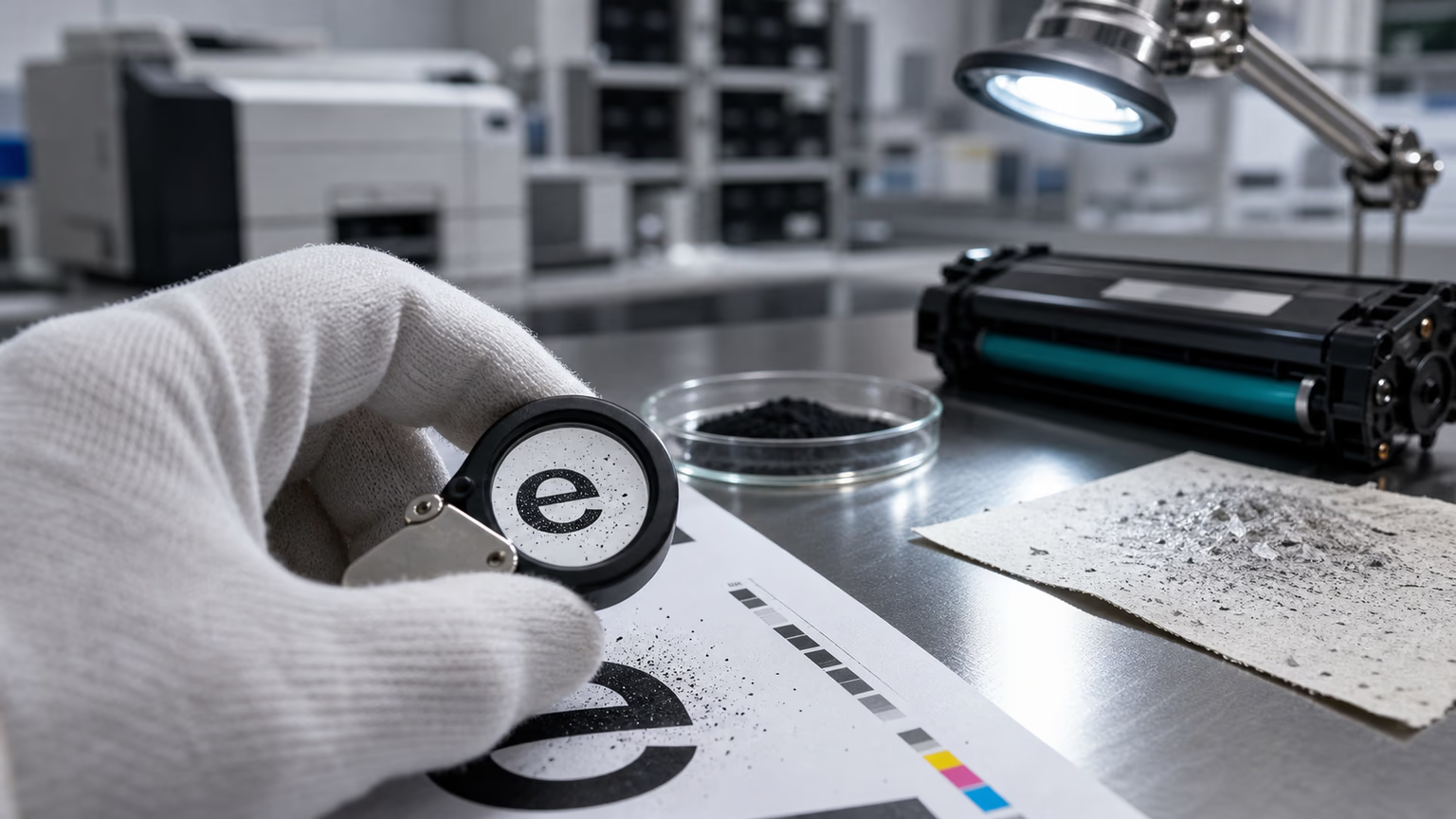
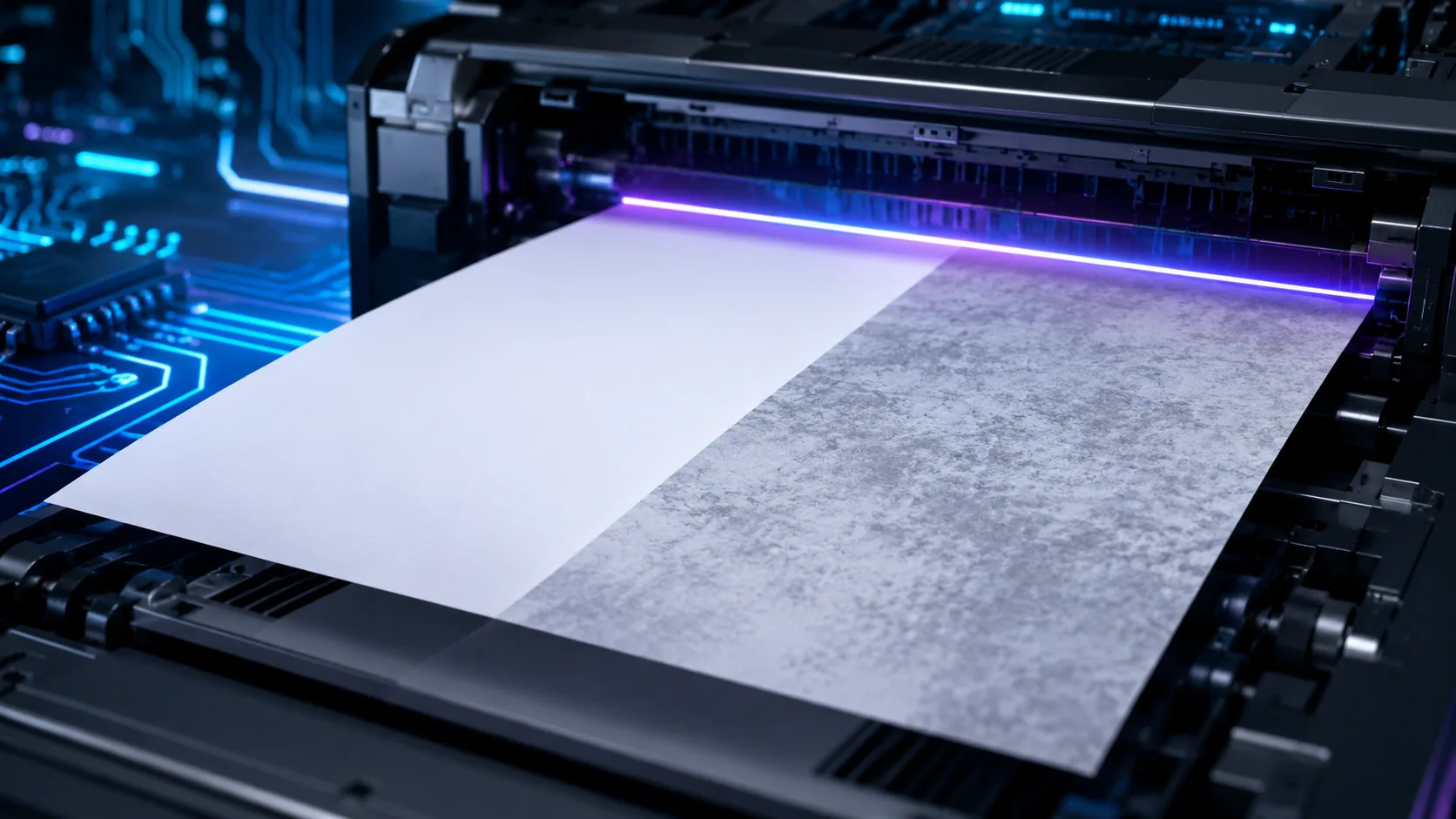
Gray background usually appears as a light gray haze across areas of the page that should remain white. Sometimes it covers the full page. Sometimes it appears more heavily on one side. In other cases, it becomes worse after several hundred pages, after storage in humid conditions, or after the cartridge has been transported for a long distance.
In B2B environments, the defect is often reported in practical terms:
- “The page looks dirty.”
- “White areas are not clean.”
- “The cartridge is printing gray.”
- “The customer says the toner is too dusty.”
- “The first pages were acceptable, but the background became worse later.”
This is why factory testing cannot rely only on one or two sample prints. A cartridge may pass a quick visual check and still fail after temperature change, humidity exposure, vibration during transport, or longer continuous printing.
Gray background is closely related to other defects.
In some cases, the same root cause that creates background can later create ghosting after installing a new toner cartridge.
In other cases, a cartridge that begins with mild background may later develop black streaks on laser prints if contamination or blade wear increases.
The First Root Cause: Toner Charge Instability
Laser printing depends on controlled electrostatic behavior. Toner particles must carry the correct charge so they move where they should move and stay away from areas where they should not appear.
If the toner charge is too low, toner can transfer into non-image areas. The result is background. If the charge is too high, the toner may not transfer properly, and the print may look pale or uneven. That is why charge balance is one of the most important technical issues in compatible toner manufacturing.
The challenge is that compatible toner must work in a system originally designed around another manufacturer’s toner behavior. A small mismatch in charge control can create visible print defects.
Factory engineers usually look at several questions:
- Does the toner reach the correct charge level during agitation?
- Does the charge remain stable during longer printing?
- Does the toner behave differently after storage?
- Does charge change under high humidity?
- Is the toner matched with the developer system and cartridge components?
A serious supplier does not evaluate toner only by color density. Density is important, but it is not enough. A toner can print dark and still create background if the charge is unstable.
This is also why “darker toner” is not automatically better. Many buyers ask for strong black density, but if the formulation pushes density without controlling charge behavior, the cartridge may create background, contamination, or poor transfer stability.
Humidity Can Expose Weak Toner Formulation
Humidity is one of the biggest hidden enemies of stable printing.
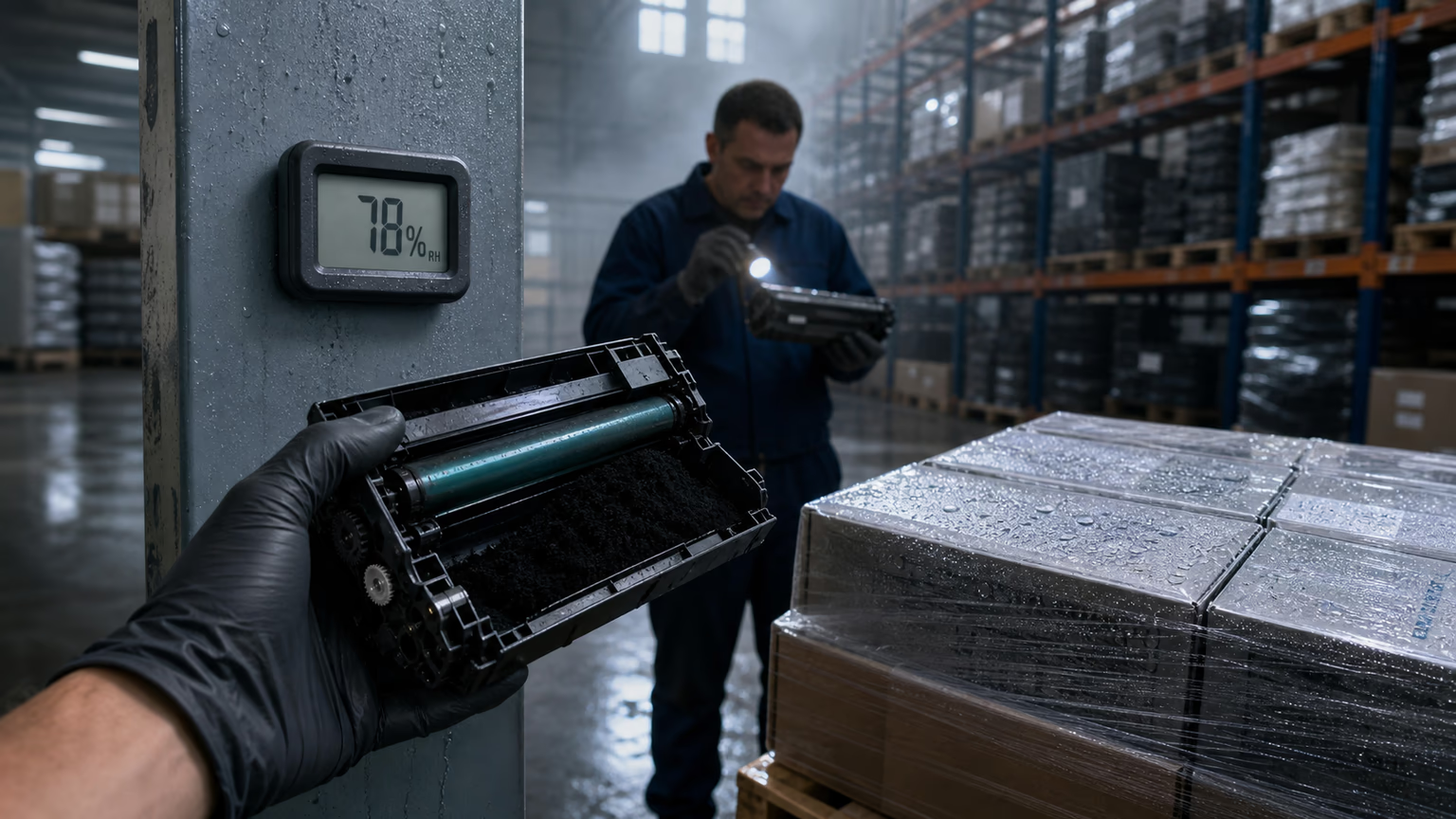
In dry laboratory conditions, a sample may look acceptable. But after storage in a humid warehouse, sea transport, or use in tropical markets, the same toner may behave differently. Moisture can affect charge performance, flowability, and the way toner moves inside the cartridge.
This is especially important for distributors working across different climates. A cartridge that performs well in a dry office may fail in a humid coastal region. That is why serious compatibility testing should include environmental stress, not just normal room-temperature printing.
Humidity-related gray background often appears together with other symptoms:
- heavier background after storage;
- uneven density;
- clumps or poor toner flow;
- increased waste toner;
- contamination around charging components;
- unstable output after the cartridge sits unused.
When evaluating a supplier, buyers should ask whether the factory tests products under different temperature and humidity conditions. If the answer is vague, that is a warning sign.
For international supply, especially to distributors and service companies, humidity control is not a minor detail. It affects packaging, storage, transport, and long-term customer satisfaction.
PCR Contamination: A Common Source of Background
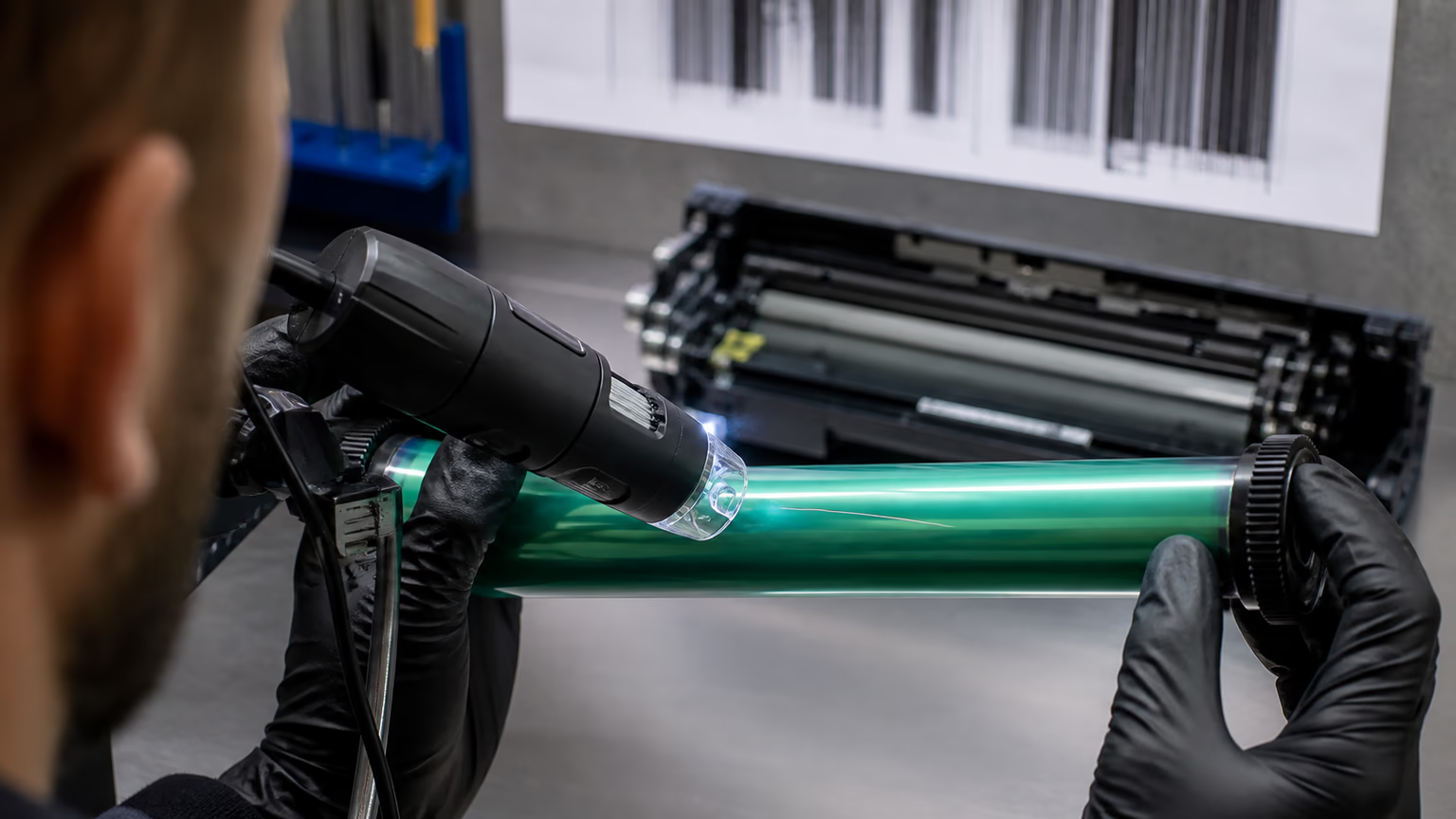
The PCR, or primary charge roller, plays a key role in charging the drum surface. If the PCR is contaminated, worn, poorly cleaned, or mismatched with the toner and drum system, gray background can appear quickly.
PCR contamination may come from toner additives, paper dust, poor cartridge sealing, waste toner migration, or material incompatibility. Once the PCR surface becomes contaminated, the drum may not charge evenly. That uneven charge allows toner to appear where it should not.
This is why factory-level analysis must include component inspection, not only toner inspection. A buyer may assume the toner powder is the problem, but the real issue may be the PCR, drum, wiper blade, or doctor blade.
Signs of PCR-related background can include:
- repeating background patterns;
- background that worsens over time;
- uneven gray areas;
- background combined with ghosting;
- defects that appear after a certain number of pages.
This is where related defects overlap. If the PCR does not charge properly, the cartridge may show background first and later show ghosting. That is why a deeper analysis of ghosting after installing a new toner cartridge should always include PCR condition, toner charge, and drum surface behavior.
Doctor Blade Control and Toner Layer Thickness
The doctor blade controls the toner layer on the developer roller or magnetic roller, depending on the cartridge system. If the blade pressure, edge quality, material, or assembly tolerance is not stable, the toner layer may become too thick or uneven.
A thick toner layer can lead to background because excess toner becomes harder to control. An uneven toner layer can create density variation, streaks, and local background.
This is one of the reasons compatible cartridge quality depends on more than toner powder. Even a well-formulated toner can perform badly in a poorly assembled cartridge.
Factories must control:
- blade material;
- blade edge consistency;
- blade pressure;
- roller surface condition;
- assembly alignment;
- gap tolerance;
- long-run stability.
If the blade is too aggressive, it may cause poor toner flow or light print. If it is too loose, it may allow too much toner through and create background. That relationship is also connected to light print with compatible toner, because both defects can come from incorrect toner layer control, just in opposite directions.
Waste Toner and Internal Cartridge Contamination
Gray background may also appear when waste toner is not properly contained. If the waste system is poorly designed, overfilled, damaged, or contaminated during remanufacturing, toner can migrate back into areas where it affects the charging or development process.
This is especially common when cartridges are reused, poorly cleaned, or assembled without strict process control. It can also happen when sealing materials are weak or when the cartridge is damaged during transport.
Waste toner contamination may lead to several visible problems:
- gray background;
- random spots;
- toner leakage;
- streaks;
- contamination on rollers;
- dirty inside of the printer.
This connects directly with toner leaking from the cartridge. A cartridge that leaks externally may also have internal sealing or hopper-control problems that affect background and image cleanliness.
For B2B buyers, this is important because leakage and background often generate service costs. The cartridge price may be low, but if the product creates cleanup, customer complaints, or printer contamination, the real cost becomes much higher.
Why Batch Consistency Matters More Than One Good Sample
Many suppliers can prepare a good sample. Fewer suppliers can produce the same result across repeated batches.
Gray background is one of the defects that often reveals weak batch consistency. The first batch may be acceptable. The second batch may show slightly higher background. The third may fail in humid conditions. That is a real problem for distributors, because customers expect the same cartridge to perform the same way every time.
A serious factory should be able to control:
- raw material sourcing;
- toner formulation consistency;
- additive balance;
- particle behavior;
- component quality;
- cartridge assembly;
- post-production testing;
- retained samples for complaint investigation.
When a complaint comes from the market, the factory should be able to compare the failed product with batch records and retained samples. Without this system, every complaint becomes a debate instead of an investigation.
For distributors, batch traceability is not just a technical detail. It is commercial protection.
How a Factory Should Test for Gray Background
A proper factory-level test should go beyond printing one clean page.
A serious gray background test may include:
- Initial print inspectionCheck clean background, density, text sharpness, and solid black areas.
- Continuous printingPrint enough pages to see whether background increases during use.
- Stop-and-restart testingSome defects appear after the cartridge rests and then starts again.
- Environmental testingTest after high humidity, low temperature, or storage simulation.
- Compatibility testingUse different machines, firmware conditions, and paper types where relevant.
- Component inspectionCheck PCR, drum, doctor blade, developer roller, seals, and waste system.
- Page yield and waste analysisA product may print clean at first but generate excessive waste toner later.
- Retained sample comparisonKeep samples from each batch for future complaint analysis.
The goal is not just to pass a test. The goal is to understand whether the product will remain stable in real customer environments.
What Buyers Should Ask Before Approving a Compatible Toner Supplier
Before approving a compatible toner supplier, buyers should ask practical questions:
- How do you test gray background?
- Do you test under humidity?
- Do you keep retained samples from each batch?
- What machines are used for compatibility testing?
- How do you control toner charge stability?
- How do you inspect PCR and blade quality?
- What happens when a distributor reports background complaints?
- Can you provide batch-level investigation?
The supplier’s reaction to these questions tells you a lot. A trading company may give general answers. A factory with real technical control can explain its process.
This is also where a supplier’s quality culture becomes visible. If the team understands gray background only as “maybe toner problem,” that is not enough. A stronger manufacturer will look at the full imaging system: toner, charge, blade, PCR, drum, waste path, humidity, and machine condition.
When the Printer, Not the Toner, Is the Problem
It is also important to be fair. Not every gray background complaint is caused by the cartridge.
Printers with worn drums, old PCRs, poor grounding, contaminated interiors, wrong paper, or high humidity in the office can also create background. In fleet environments, old machines may react differently from new ones.
That is why complaint handling should include both cartridge-side and machine-side checks. A serious supplier should help the buyer separate product defects from device maintenance issues.
Basic troubleshooting should include:
- test the cartridge in another machine;
- inspect the printer interior;
- check the drum and PCR condition;
- review paper and storage conditions;
- compare with retained batch samples;
- print standard test patterns.
This approach protects both sides. It prevents the buyer from blaming every problem on toner, and it prevents the factory from dismissing real defects without investigation.
Why Gray Background Is a Business Problem
Gray background may look like a technical defect, but for B2B buyers it quickly becomes a business problem.
For a distributor, it can lead to returns.For a service company, it can create extra site visits.For a corporate buyer, it can create internal complaints.For a private label brand, it can damage reputation.For a manufacturer, it can destroy confidence in the entire product line.
That is why compatible toner should never be selected only by comparing unit price. The real question is whether the supplier can protect the buyer from recurring quality risk.
A cheap cartridge that creates background is not cheap. It is simply moving the cost from purchase price to service, complaints, and lost trust.
How UNICO Looks at Gray Background Control
At UNICO, gray background is treated as a system-level print defect, not as a simple surface complaint. The focus is on how toner formulation, cartridge components, charge behavior, humidity resistance, and batch control work together.
For B2B buyers, this approach matters because stable printing is not created by one good material or one good sample. It is created by repeatable manufacturing discipline.
A supplier that understands gray background can also help buyers evaluate related problems, including ghosting after installing a new toner cartridge, light print with compatible toner, toner leaking from the cartridge, and black streaks on laser prints.
These defects are connected. They often share root causes in charge stability, component condition, blade control, contamination, and machine compatibility.
FAQ
Why does compatible toner create gray background?
Compatible toner can create gray background when toner charge is unstable, humidity affects flow and charge behavior, the PCR is contaminated, the doctor blade allows too much toner, or the cartridge has internal contamination. The problem is usually caused by the interaction between toner, cartridge components, and printer condition.
Final Thoughts
Gray background is one of the clearest signs that compatible toner quality cannot be judged by price alone. It shows whether a supplier understands charge control, humidity, PCR condition, blade behavior, cartridge cleanliness, and batch stability.
For B2B buyers, the safest choice is not always the cheapest cartridge. It is the cartridge backed by a manufacturer that can explain, test, control, and improve the full printing system.
That is the difference between simply selling compatible toner and manufacturing it responsibly.
Related reading: ghosting after installing a new toner cartridge, ghosting after installing a new toner cartridge, black streaks on laser prints, toner leaking from cartridge, black streaks on laser prints, light print with compatible toner.