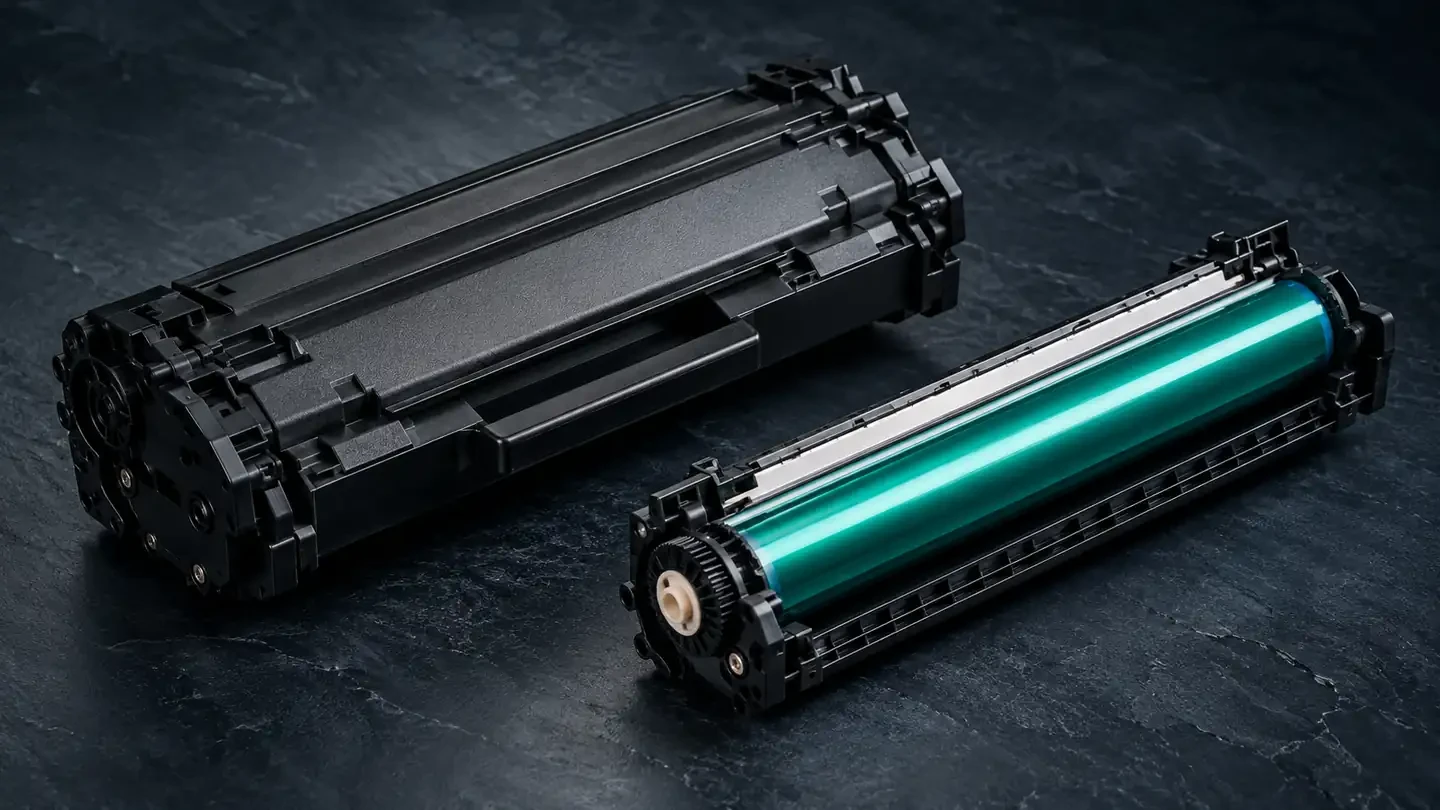
Short answer: the toner cartridge holds the powder that becomes your text and images; the drum unit is the light-sensitive cylinder that forms the image in toner and rolls it onto the paper. Toner runs out; the drum wears out. On many printers both are combined in one cartridge, but on others the drum is a separate part that lasts through several toner cartridges.
Toner vs drum in one table
| Toner cartridge | Drum unit | |
|---|---|---|
| What it does | Stores toner and meters it onto the developer roller | Holds the electrical image and transfers toner to the paper |
| What wears | Toner runs out | The light-sensitive coating wears with every rotation |
| Typical life | One cartridge's rated yield | Usually several toner cartridges (separate drums) |
| Typical messages | Toner low, replace toner | Drum end soon, replace drum |
| Defects when failing | Faint print, white areas, blank pages | Repeating marks, gray background, streaks |
| Price | Lower per unit | Higher per unit, but replaced less often |
What the toner cartridge does
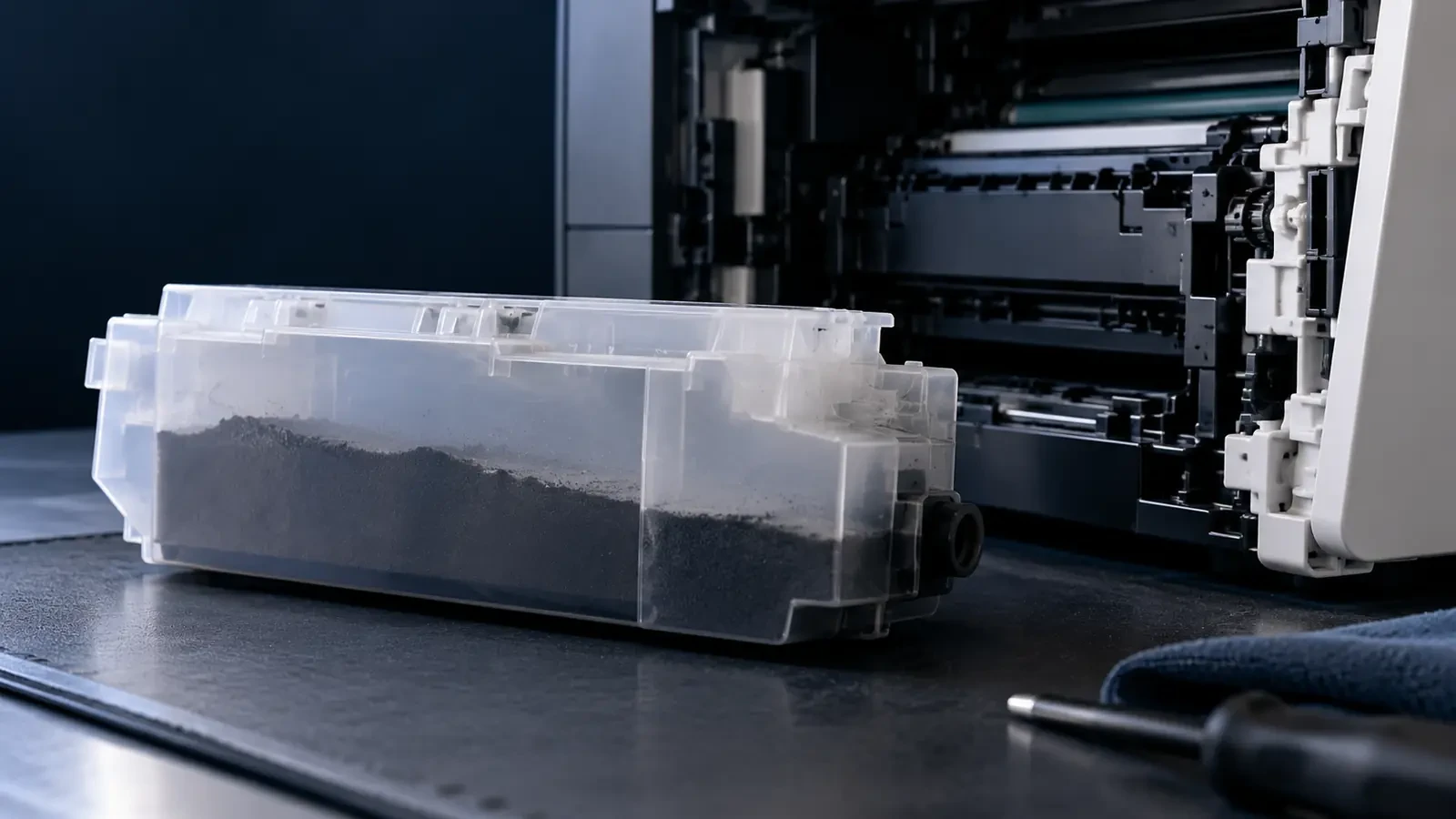
The toner cartridge is a supply container with a few working parts. It stores the toner in a hopper, stirs it so it flows, and feeds it to a developer roller. A doctor blade spreads the toner on that roller in a thin, even layer and gives it the right electrical charge. When the printer prints, toner jumps from the developer roller to the drum wherever the drum has been exposed by the laser.
When the hopper runs low, print becomes lighter and the printer reports “toner low” and then “replace toner”. Nothing in the cartridge has failed; it is simply empty. If you want to understand the powder itself, read how toner particle size and charge affect print quality.
What the drum unit does
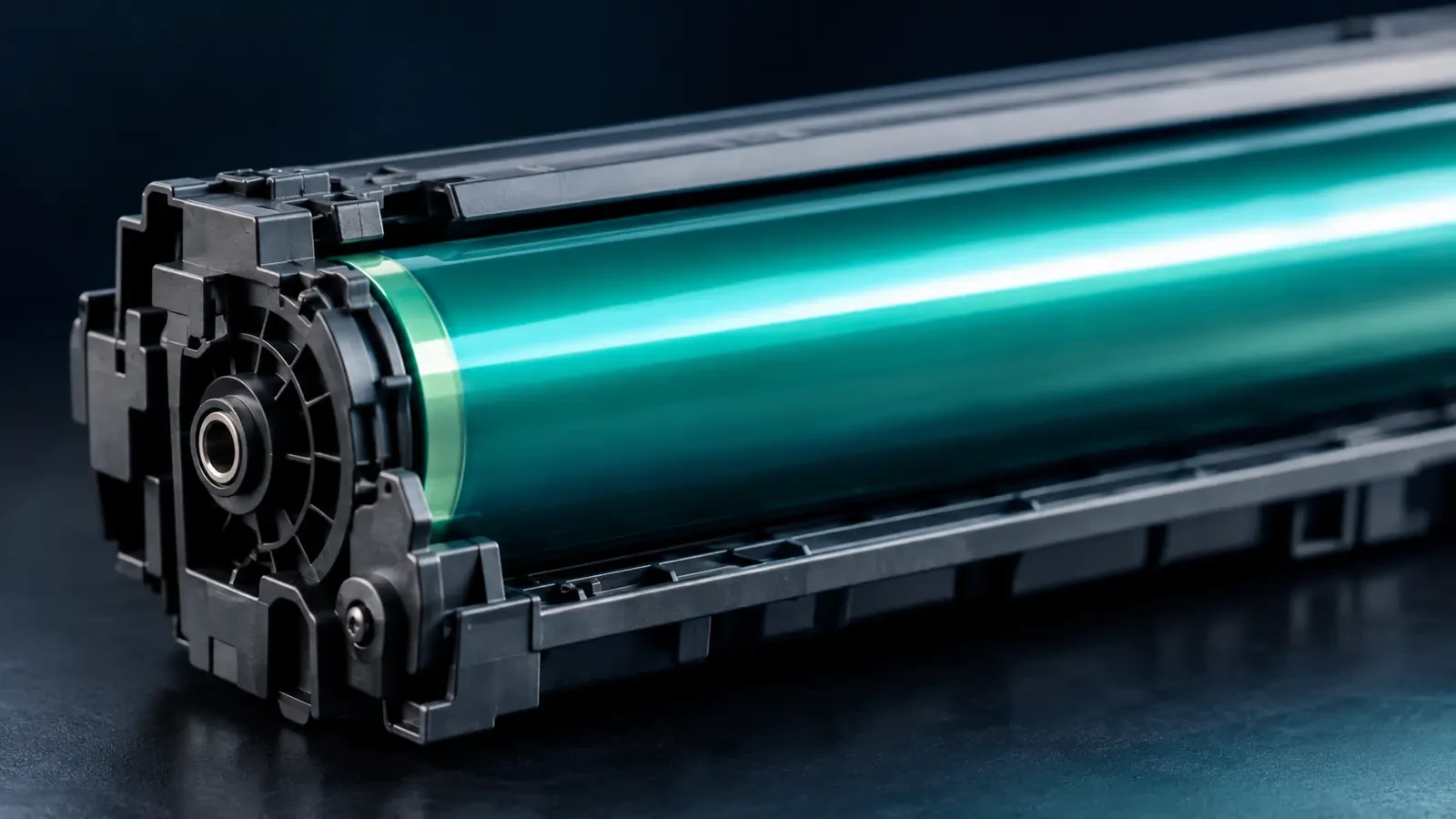
The drum, also called the imaging drum or OPC drum, is the core of the printing process. A charge roller gives it an even electrical charge, the laser discharges the areas that should print, toner sticks to those areas, and the drum then transfers the toner image to the paper. A cleaning blade wipes the drum after each turn.
The drum's coating wears a little with every rotation. Over thousands of pages it holds charge less evenly, which shows up as gray background, lighter print or marks. Scratches from paper dust, abrasive toner or careless handling cause repeating defects. Many printers count drum rotations or pages and warn when the drum approaches the end of its rated life. For a deeper look at drum damage, see OPC drum damage after toner replacement.
All-in-one vs separate designs (by brand)
Printer makers package toner and drum in three main ways:
- All-in-one cartridges: toner and drum together. Common in many HP and Canon desktop printers and in Ricoh print cartridges. Each new cartridge brings a new drum, so the toner-vs-drum question mostly disappears.
- Separate toner and drum: common in Brother desktop printers and in many Xerox, Konica Minolta, Sharp and Toshiba models and office copiers. You replace toner often and the drum less often.
- Long-life drum: Kyocera ECOSYS printers use a drum built to last a large part of the printer's life, so users mostly buy toner only.
Check your printer's supplies list or the label on your current parts. If you see two different codes, one for toner and one for the drum or imaging unit, your printer uses separate parts.
Which one is failing? Defect clues
The type of print defect usually tells you which part to replace. Use this table before you order:
Which one is failing? Defect clues
| You see | Points to | Quick check |
|---|---|---|
| Print gets lighter evenly across the page | Toner | Rock the cartridge gently; if print improves for a while, toner is running out |
| White vertical band or missing areas | Toner (or seal not removed) | Check for remaining tape; try another toner cartridge |
| Marks repeating at the same spacing | Drum | Measure the spacing; compare with the drum circumference |
| Light gray haze over white areas | Drum (or toner charge) | Install a different drum or all-in-one cartridge |
| Thin dark lines down the page | Drum or cleaning blade | Inspect the drum surface for scratches |
| Problem stays after changing both | Printer: fuser, transfer roller or laser window | Check the printer parts, not the consumables |
Repeating marks are the clearest drum symptom. Measure the distance between them: if it matches the drum circumference (diameter × 3.14), the drum is the cause. Our repeating defect distance chart explains the method. For problems that remain after replacing both parts, read how to separate cartridge defects from printer maintenance problems.
How long does each last?
A toner cartridge lasts for its rated page yield, which is measured with standard test pages. In real use, heavier coverage means fewer pages. A separate drum unit is rated for a much larger number of pages, often enough for several toner cartridges, but small print jobs, rough paper and humid rooms shorten its life. The printer's supplies status page usually shows the remaining life of both parts, which is the simplest way to plan replacements.
Cost per page: toner and drum together
On printers with separate parts, the true running cost is the toner cost per page plus the drum cost per page. As an illustration: a toner cartridge at $40 rated for 3,000 pages costs about 1.3 cents per page, and a drum at $60 rated for 15,000 pages adds 0.4 cents, for a total of about 1.7 cents. These numbers are only an example of the method; use your own prices and the rated yields for your exact codes. The calculation shows why a cheap drum that wears out early can cost more than it saves, and why the drum should be included when you compare printers or suppliers. Our guide to calculating the true cost of toner covers the full method.
Common mistakes
- Replacing the drum when toner is low. A faint page with a toner warning is almost always toner.
- Ignoring the drum counter. On some printers, a new drum keeps reporting “end of life” until the counter is reset, which leads people to think the new drum is faulty.
- Mixing up codes. Toner and drum codes often look similar. Check the label on the part you are removing.
- Touching the drum surface. Fingerprints cause spots that look like a drum defect.
- Keeping a damaged drum “until the toner is used up”. A scratched drum keeps ruining pages and can contaminate the new toner cartridge with loose toner.
Replacing the right part
- Toner message, light print: replace the toner cartridge first.
- Drum message, repeating marks or gray background: replace the drum unit and reset its counter if the printer requires it.
- Both messages at once: replace both; a new toner cartridge in a worn drum still prints badly.
- Unsure: borrow a known-good toner cartridge or drum from an identical printer and test one part at a time.
When you replace a separate drum, handle it by the frame, keep it out of bright light and never touch the green or blue surface.
Toner and drum compatibility
Toner and drum are designed to work together. Toner with the wrong particle size or charge can scratch the drum or leave a film on it, shortening its life. That is why it pays to buy toner and drums made for the same printer engine from a supplier that tests them together. You can find compatible toner cartridges and drum units for Canon, Xerox, Ricoh, Kyocera, Konica Minolta, Sharp and Toshiba devices in the UNICO catalog. Dealers and fleet buyers can request samples through our wholesale toner supply page.
FAQ
Do I need to replace the drum every time I replace toner?
Not on printers with a separate drum unit; there the drum usually lasts through several toner cartridges. On printers with all-in-one cartridges, the drum is inside the toner cartridge, so it is replaced every time automatically.
Can a bad drum cause light prints?
Yes. A worn drum loses its ability to attract and transfer toner evenly, so print can become lighter or patchy even with a full toner cartridge. If a new toner cartridge does not fix light print on a printer with a separate drum, try a new drum.
Why is the drum more expensive than toner?
The drum is a precision part: an aluminum cylinder with a carefully applied light-sensitive coating, plus gears, a charge roller and a cleaning blade in many drum units. It is also designed to last much longer than a toner cartridge, so the cost per page of the drum is usually lower than its price suggests.