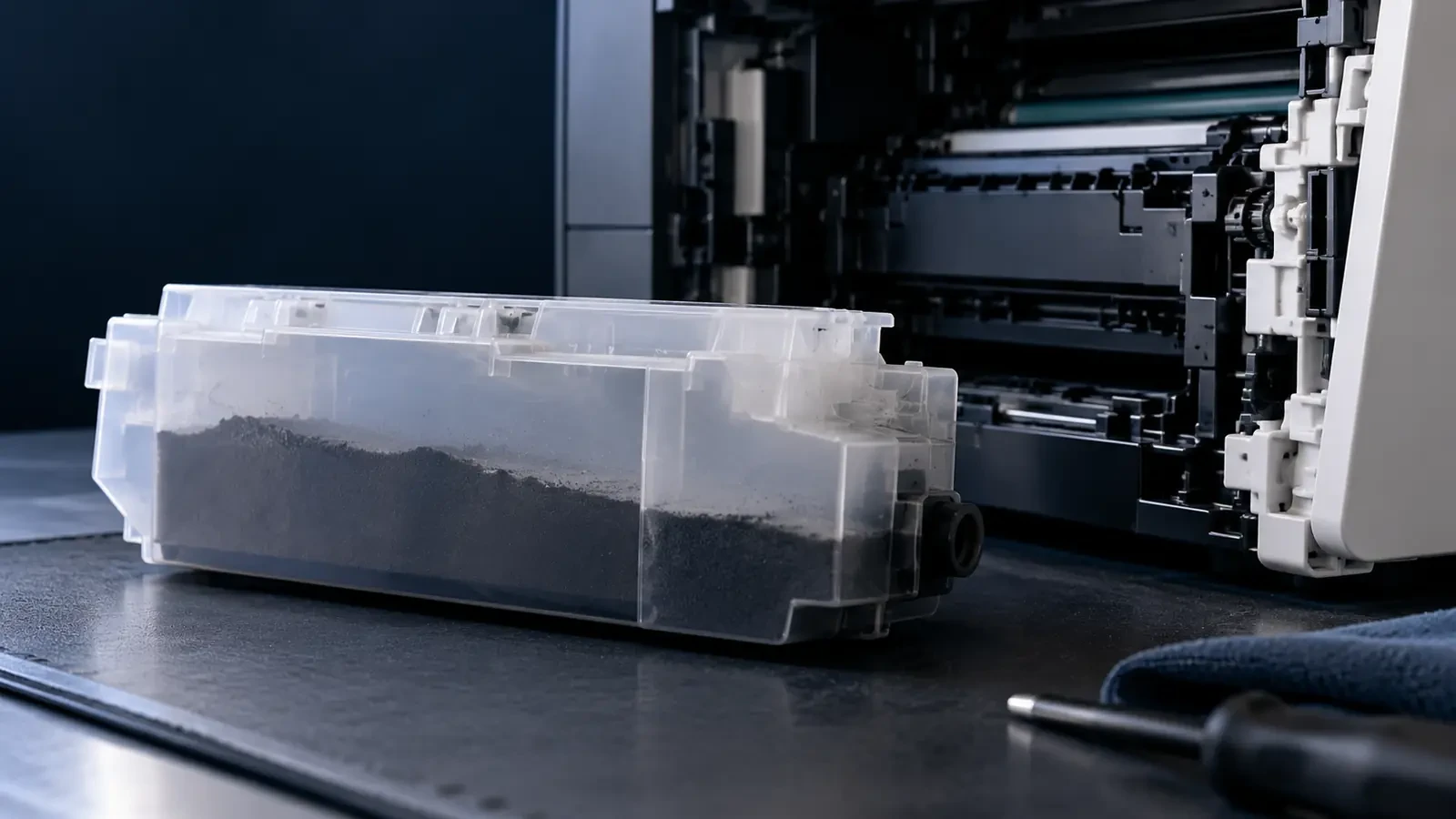
Short answer: a waste toner box (also called a waste toner container, waste toner bottle or toner collection unit) collects the toner that is cleaned off the drum or transfer belt after each page. When it is full, the printer shows a “waste toner full” message and usually stops until you replace it. Replacement takes a few minutes; the main thing is to keep the full container level and sealed so toner does not spill.
What is a waste toner box?
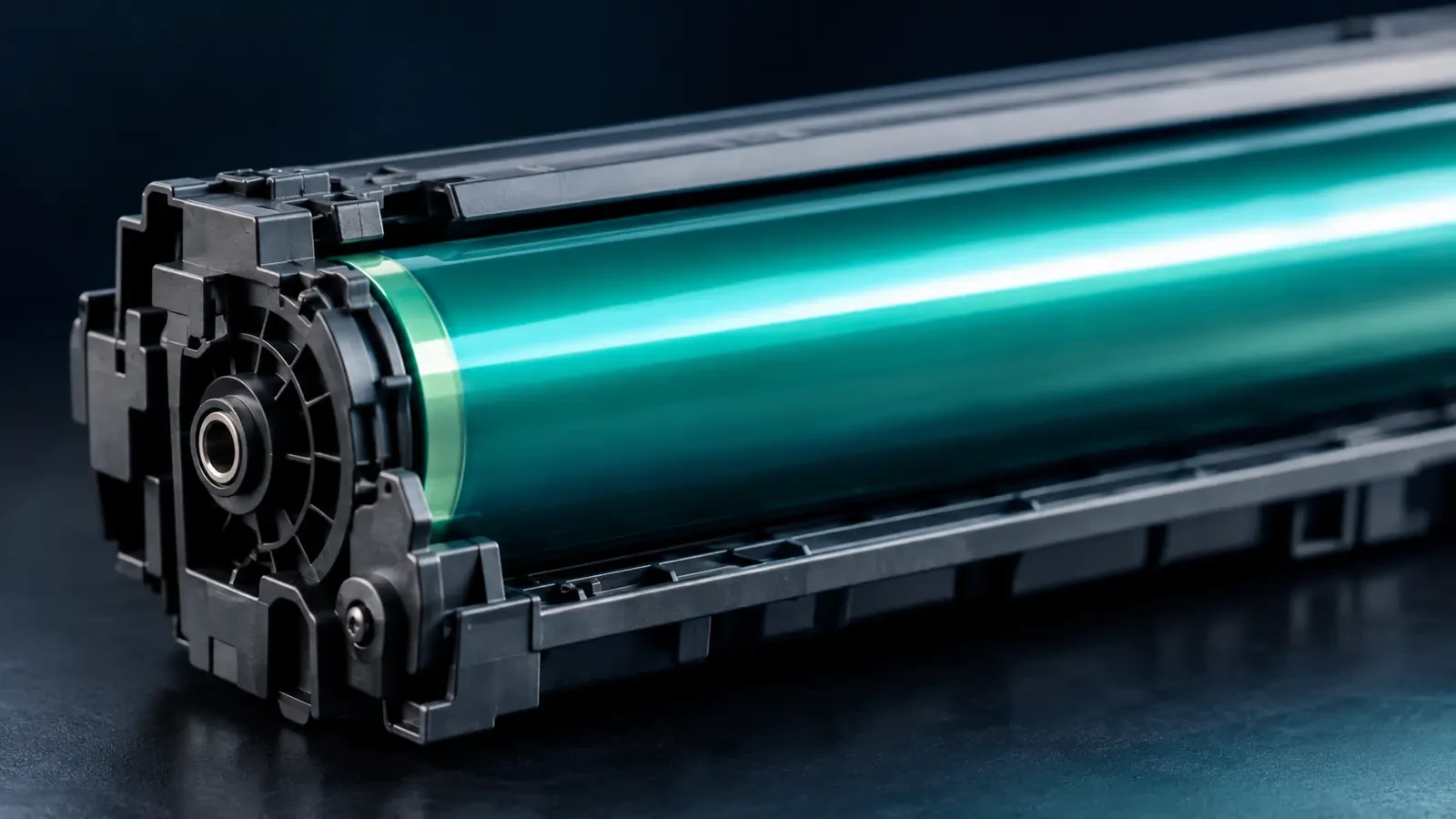
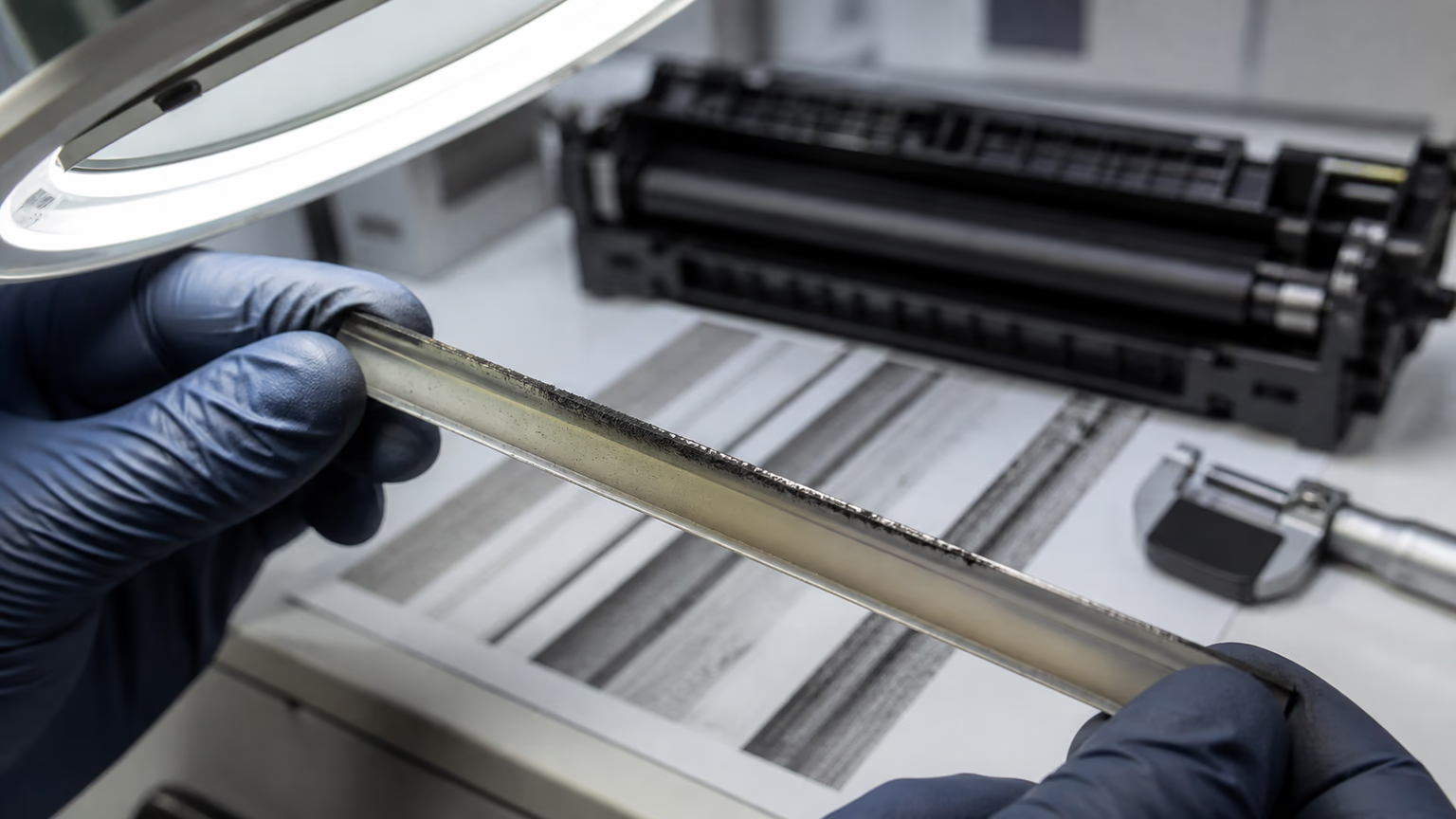
No laser printer transfers all of its toner to the paper. After each page, a small amount stays on the drum or on the transfer belt. A cleaning blade scrapes it off so the next page starts clean, and that leftover toner has to go somewhere. In many desktop printers it goes into a waste chamber inside the toner cartridge and leaves the printer when you change the cartridge. In color printers and office copiers, it usually goes into a separate container: the waste toner box.
The same part has different names by brand
| Brand | Common name | Where it usually sits |
|---|---|---|
| Xerox | Waste cartridge, waste toner container | Behind a front or side door on color and multifunction models |
| Ricoh | Waste toner bottle | Behind the front cover of copiers and color printers |
| Konica Minolta | Waste toner box | Front or side of bizhub copiers |
| Kyocera | Waste toner box | Behind the front or left cover; color and copier models |
| Canon | Waste toner container | imageRUNNER and color models; inside the front cover |
| HP | Toner collection unit | Color LaserJet Enterprise and some managed models |
| Brother | Waste toner box | Color laser models |
Many mono desktop printers have no separate box: waste toner stays inside the all-in-one cartridge and leaves with it.
Why printers collect waste toner
Several things add to the waste toner volume:
- Transfer efficiency. Not every particle leaves the drum or belt. The share that stays behind becomes waste.
- Cleaning and calibration. Color printers print small test patches on the belt to adjust color and registration. That toner never reaches paper and goes straight to waste.
- Background toner. Toner that lands on non-image areas of the drum is cleaned off as waste. More background means more waste.
- Short jobs. Each warm-up and cleaning cycle adds a little waste. Many single-page jobs fill the box faster than the same pages printed in one batch.
“Waste toner full” message: what to do
Most printers give a “near full” warning first and a “full” message later. At the “near full” stage you can keep printing while you order a replacement. At “full”, many printers stop completely to protect the machine: an overflowing container can spill toner onto the drum, the transfer belt and the paper path, which is far more expensive to clean than a container is to replace.
If the message appears even though the container was replaced recently, check three things: that the container is fully seated, that any shipping cap or seal on the new unit has been removed, and that the container is the correct code for your model. On some printers, the sensor window near the container also needs a quick wipe.
How to replace it: Xerox, Ricoh, Konica Minolta, Kyocera, Canon
The layout differs by model, but the sequence is the same on almost every brand:
How to replace a waste toner box
- Check the part code. Read the code from the printer's message, the supplies menu or the old container. Order the exact code for your model.
- Prepare a bag. Have the bag from the new container ready, and lay paper on the floor under the printer door.
- Remove the full container. Open the cover, unlock the container and lift it out slowly, keeping it level so toner stays inside.
- Seal it immediately. Close the container's shutters or caps, put it in the bag and seal it. Do not tip or shake it.
- Install the new container. Slide in the new unit until it clicks, close the cover and wait for the message to clear.
- Clean and dispose. Wipe any spilled toner with a damp cloth and return the full container through a recycling route.
- Xerox: on many color and multifunction models the waste cartridge sits behind a side or front door; the printer's display usually shows an animation of the steps.
- Ricoh: the waste toner bottle is usually behind the front cover; keep the bottle upright and fit the cap from the new bottle onto the full one before removing it completely, if your model provides one.
- Konica Minolta: the waste toner box on bizhub models usually slides out from the front; replace it when the panel asks.
- Kyocera: on color and copier models the waste toner box sits behind the front or left cover; close the lid of the old box before you remove it.
- Canon: on imageRUNNER models the waste toner container is inside the front cover; follow the on-screen guide.
Always check your model's manual: some containers must be replaced together with other maintenance parts, and some printers need a counter reset.
Waste toner box or toner cartridge: which one do you need?
Orders for the wrong part are common because the two look similar on a supplies list. The toner cartridge or bottle feeds fresh toner into the printer; the waste toner box only collects used toner. They have different codes, and replacing one does nothing for the other. If the display says “replace toner” or shows a color, you need toner.
If it says “waste toner”, “toner collection unit” or shows a container icon, you need the waste box. On fleets, it helps to stock one waste container for every few toner sets, so the printer never stops for a part that costs little but blocks every job.
Can you empty and reuse a waste toner box?
It is technically possible on some designs, but it is not recommended. Emptying a container releases a lot of fine dust, many containers have sensors or chips that do not reset, and seals can be damaged in the process. Most importantly, waste toner must never be poured back into a toner cartridge: it contains paper dust and mixed colors and will damage the developer and drum.
High waste toner: what it says about your toner
If a waste container fills much faster than its rating suggests, the printer is throwing away more toner than normal. Common causes are:
- Toner with the wrong or unstable charge, which transfers poorly and adds background.
- A worn drum or transfer belt that no longer transfers toner efficiently.
- Very frequent calibration because of temperature or humidity changes.
- Many small print jobs and frequent warm-up cycles.
In managed fleets, unusually fast waste filling is an early warning worth tracking, because it usually comes with higher toner consumption and lower print quality. Our article on high waste toner in copier fleets explains how transfer efficiency and developer balance affect it.
Disposing of a full waste toner box
Seal the full container in its bag and return it through the manufacturer's program, your supplier or a recycling company, just like an empty cartridge. Do not open it, burn it or put loose waste toner into general waste. See our guide on recycling toner cartridges for collection options.
Keeping waste low
Good toner transfers efficiently and leaves a clean background, which is what keeps waste low. You can find compatible toner for Xerox, Ricoh, Konica Minolta, Kyocera, Canon, Sharp and Toshiba printers and copiers in the UNICO catalog, or start from the Konica Minolta or Ricoh brand pages. Fleet managers and dealers can request samples through our wholesale toner supply page.
FAQ
Can I empty a waste toner container?
Manufacturers generally do not recommend it. Many containers have sensors or chips that track fill level, and emptying them by hand spreads fine toner dust. Waste toner also contains paper dust and mixed colors, so it must never be reused in a toner cartridge. Replacing the container is the clean, safe option.
Why does my printer say waste toner full?
The waste toner container has reached its capacity, as measured by a sensor or a page counter. The printer stops or warns so used toner does not overflow inside. Replace the container. If the message stays after replacement, check that the new unit is seated correctly and that its shutter or seal has been opened as described in the instructions.
How often should the waste toner box be replaced?
It depends on how much you print and on the printer. Waste containers are usually rated to last through several toner cartridges or a set number of pages. If you need to replace it much more often than the rating suggests, the printer is wasting more toner than normal and should be checked.
Is waste toner reusable?
No. Waste toner is a mixture of leftover toner, different colors and paper dust. Putting it back into a cartridge causes gray background, streaks and damage to the developer and drum. Dispose of it with the container through a recycling program.