Printer manufacturers regularly release firmware updates to patch security vulnerabilities, improve performance, and tighten authentication controls.
While these updates are often viewed as an IT concern, they carry direct supply chain consequences for toner cartridge distributors.
A new firmware version can alter how a printer authenticates the chip inside a toner cartridge, causing previously working compatible cartridges to be rejected or display errors.
For a distributor managing hundreds or thousands of cartridges across customer fleets, this is not a minor inconvenience; it is a demand-shaping event that can strand inventory, trigger service calls, and damage customer trust.
Treating firmware changes as a predictable operational risk, rather than a random technical glitch, is the first step toward proactive inventory planning.
Auditing the Installed Printer Fleet by Model, Firmware Version, and Toner Usage
Before you can plan inventory around firmware changes, you need a clear picture of the printer fleet you support.
Start by collecting the following data for every managed or regularly serviced printer: OEM brand, model number, current firmware version, average monthly toner consumption, and any service history related to chip compatibility or cartridge errors.
This audit reveals which printer models are most exposed to firmware-driven toner failures.
Some device families receive updates more frequently or have a history of aggressive authentication changes.
Use your service records to spot patterns: models that have already caused chip issues after past updates should be flagged as high risk.
Once you have this baseline, you can segment the fleet into risk tiers and align your toner inventory accordingly.
For distributors working with mixed printer fleets, this audit also highlights regional differences in firmware release schedules.
A printer model that receives a firmware update in one region may lag in another, affecting imported stock if the cartridge chips were validated against an older version.
By documenting the current firmware state across the fleet, you create the reference data needed for all subsequent planning decisions.
- Collect printer model, current firmware version, and monthly toner usage
- Identify models with a history of firmware-related toner failures
- Segment by OEM brand and region to capture different update schedules
- Use service records to spot high-risk printer models
Segmenting Toner SKUs by Firmware Sensitivity and Demand Volatility
Not all toner cartridges carry the same firmware risk.
A compatible cartridge for a high-volume office printer that receives frequent firmware updates is far more sensitive than a low-volume model that rarely changes.
The practical approach is to use a demand-risk matrix, often called ABC-XYZ, tailored to firmware exposure.
On one axis, classify each toner SKU by demand volatility (steady, variable, or unpredictable).
On the other axis, rate firmware sensitivity based on the printer model's update history and chip design.
High-sensitivity plus high-demand SKUs deserve priority safety stock; you cannot afford a stockout when a firmware update hits.
High-sensitivity but low-demand SKUs may justify reducing holdings or negotiating flexible return policies with your supplier.
Low-sensitivity SKUs can follow standard reorder points.
This segmentation prevents the two most expensive inventory mistakes: overstocking cartridges that may become obsolete after an update, and understocking the cartridges your customers will urgently need when an update breaks compatibility. It also guides supplier negotiations, because you can ask for better terms on the high-risk SKUs that carry the most uncertainty.
Building a Pre-Update Inventory Buffer Without Overstocking
Once you know which SKUs are high risk, you need to set safety stock levels that cover the transition period without tying up excessive working capital.
The safety stock formula should incorporate three variables: supplier lead time for replacement stock, the expected frequency of firmware updates for that printer model, and the time it takes to validate a new chip version.
For example, if a particular OEM tends to release updates quarterly and your supplier takes two weeks to ship a corrected cartridge after a block, your buffer should cover at least two to three weeks of average demand for that SKU.
But be careful: holding too much of a cartridge that could be rendered useless by an update is a real financial risk.
Instead of buying large quantities, consider supplier consignment programs or rapid replenishment agreements for high-risk SKUs.
These arrangements shift some inventory risk back to the supplier while ensuring you can respond quickly when an update lands.
Reorder triggers should be tied not only to stock levels but also to firmware monitoring alerts. When you receive notice that an OEM has released or staged a firmware update, you can immediately review your high-risk SKUs and adjust pending orders. This dynamic approach is far more effective than a static reorder point that ignores firmware volatility.
Supplier and Chip Validation: Questions to Ask Before Committing to Volume
The quality of your compatible toner supplier is the single biggest factor in firmware-change resilience.
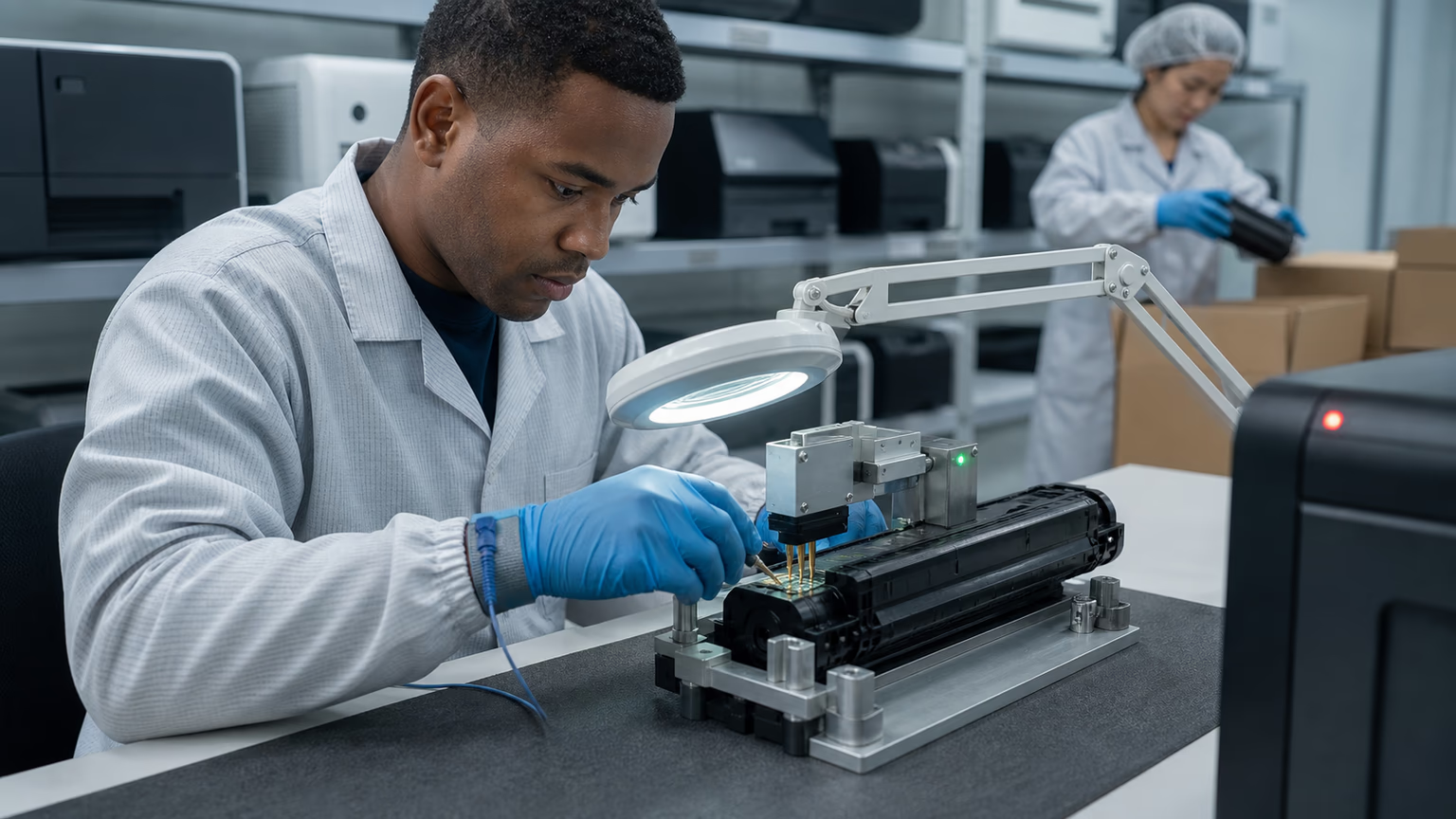
Before placing a large order, you need to verify that the supplier understands chip compatibility and has tested their products against recent and upcoming firmware versions.
Ask for a documented compatibility matrix that shows, for each printer model, which chip firmware version is used and which OEM firmware versions it has been validated against.
This may be proprietary, but a supplier that cannot provide any testing evidence is a red flag.
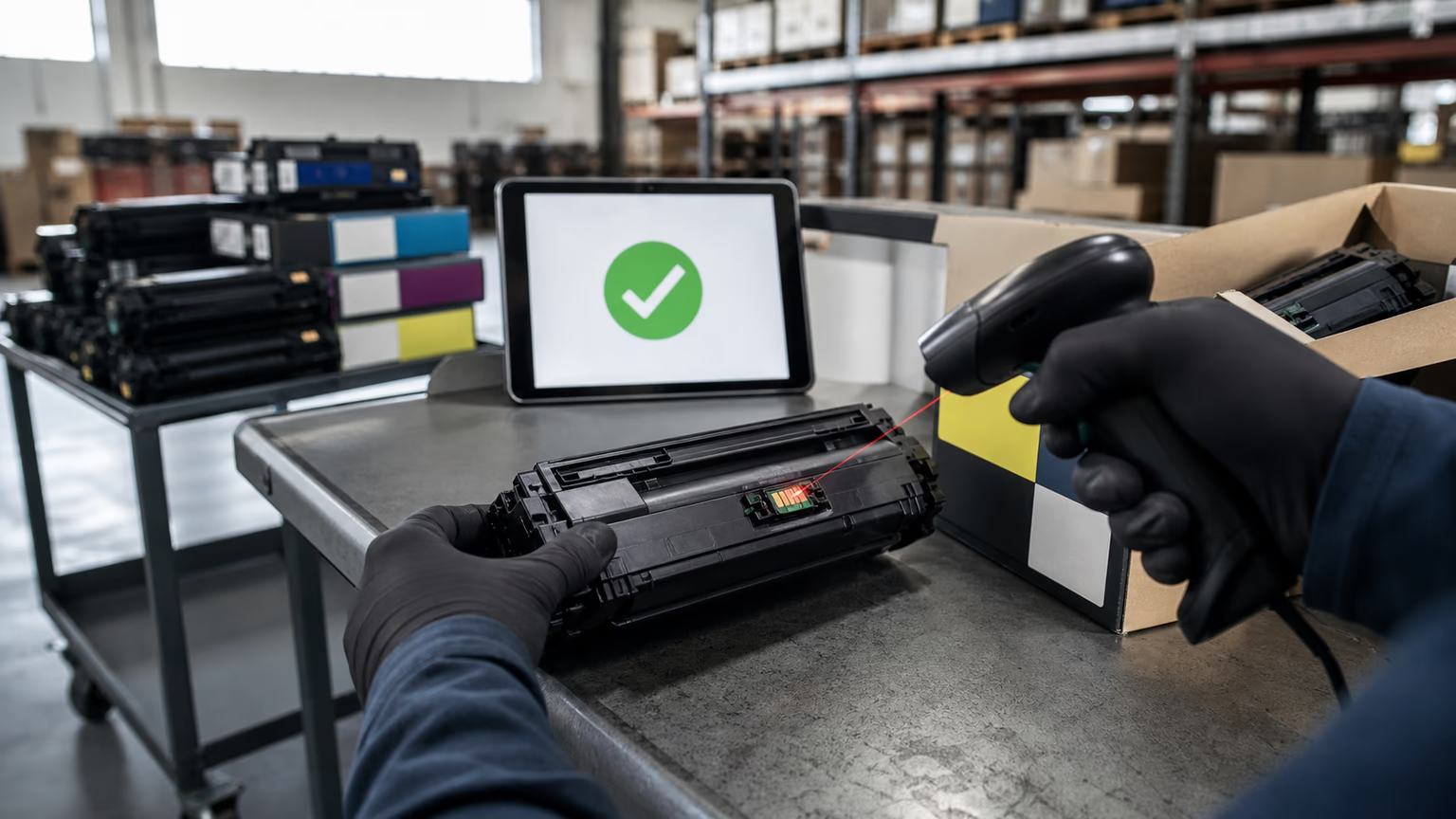
Also ask about batch-level traceability: can the supplier isolate which production lots contain which chip version?
If a firmware update blocks one batch, you need to know exactly which cartridges are affected and whether they can be exchanged.
- Request the chip firmware version and a compatibility matrix for each printer model you stock
- Ask about testing protocols against the latest OEM firmware before shipping
- Confirm batch-level traceability to isolate affected cartridge lots
- Review the return and replacement policy specifically for cartridges blocked by a firmware update
- Evaluate the supplier's monitoring process for OEM firmware announcements and how quickly they communicate issues
A supplier that proactively monitors OEM update releases and alerts you before your customers start calling is worth more than a slightly lower price. The hidden cost of cheap cartridges that fail after an update includes expedited shipping, technician time, and lost customer confidence.
Contingency Plans for Post-Update Cartridge Failures
Even the best planning cannot prevent every firmware-related failure, so you need a rapid response workflow.
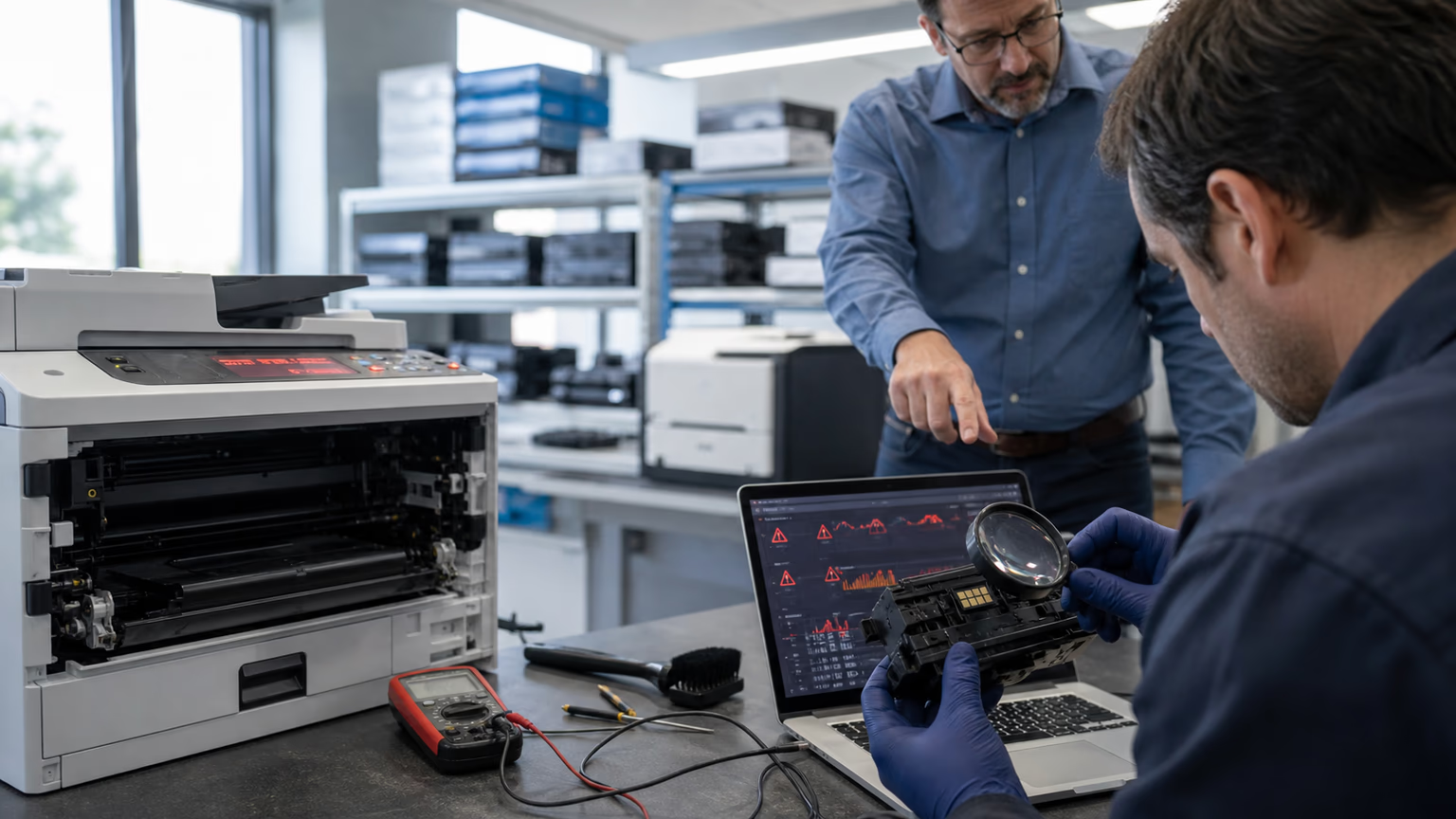
Define a clear process for when a customer reports a toner not recognized error after an update.
First, confirm whether the printer's firmware was recently updated.
Then check the chip version on the cartridge against your compatibility records.
If the cartridge is from a known-good batch but the firmware is new, the issue is likely compatibility.
Your service team should be trained to diagnose this quickly, avoiding unnecessary printer troubleshooting or repeated cartridge swaps.
Keep a small reserve of OEM cartridges or alternative compatible cartridges with a different chip version for critical accounts.
These backup SKUs allow you to restore the customer's printing capability immediately while you work with your supplier on a permanent fix.
Proactive communication with customers is also essential. If you know a firmware update is rolling out, notify your customers about potential toner recognition issues and your replacement procedure. This transparency reduces panic and positions you as a partner who is on top of the problem. Document all firmware-related incidents for future planning cycles.
Monitoring Firmware Release Patterns to Predict Future Toner Demand
Firmware updates are not random; they follow patterns that you can track.
Most printer manufacturers release updates on a regular cadence, often tied to security patch cycles or product version milestones.
By monitoring OEM firmware release notes and security bulletins, you can anticipate when new updates might affect toner chips.
Set up alerts for the printer models you support, and maintain a log of past updates and any corresponding toner failures.
Over time, you will see which models are updated frequently and which updates tend to cause chip authentication changes.
This historical data allows you to forecast demand spikes: when a high-risk model is due for an update, you can temporarily increase safety stock for its compatible toner.
Share this intelligence across your organization—sales, procurement, and service teams all benefit from knowing what is coming.
The goal is to shift from reacting to customer complaints to predicting and preparing for the next firmware event.
Turning Firmware-Change Readiness into a Competitive Service
Many distributors still treat firmware compatibility as an afterthought, but those who plan for it can win more B2B contracts.
When you can demonstrate a documented process for auditing fleets, validating chip compatibility, and responding quickly to firmware blocks, you differentiate yourself from competitors who operate on hope.
Consider offering a firmware-compatibility guarantee as part of your managed print services or toner supply agreement.
This guarantee might promise to replace any compatible cartridge that fails due to a firmware update within a specified timeframe.
You can also provide customers with a personalized inventory plan based on their specific printer fleet and exposure.
This turns a technical risk into a value-added service.
Procurement managers and service providers are increasingly aware of firmware-driven toner issues; they want a supplier who is ahead of the curve.
By positioning yourself as that supplier, you reduce churn and win contracts that less-prepared distributors cannot touch.
FAQ
How often do printer manufacturers release firmware updates that affect toner chips?
The frequency varies by OEM brand and printer model, but updates for security and performance generally occur several times a year.
Can a firmware update permanently disable a compatible toner cartridge?
Typically no, a firmware update does not physically damage the cartridge, but it can block the chip from being recognized.
How can I tell if my current toner stock will work after a firmware change?
The most reliable way is to compare the chip firmware version on your cartridges with the compatibility matrix provided by your supplier. If the supplier has tested the chip against the latest OEM firmware and confirmed compatibility, your stock should work. For extra assurance, test a small sample on a printer with the newest firmware. Without such validation, you are operating on assumption.
Should I stop stocking compatible toner and switch to OEM before a firmware update?
Not necessarily.
What information should I request from my toner supplier about firmware compatibility?
Request a documented compatibility matrix showing which chip firmware version is used per printer model and which OEM firmware versions have been tested.
Conclusion
Planning toner inventory before printer firmware changes is not an optional exercise for B2B distributors; it is a core competency that protects your cash flow and your customer relationships.
By auditing your installed fleet, segmenting toner SKUs by firmware sensitivity, validating your supplier's chip compatibility, and building a responsive contingency plan, you can turn a recurring source of service chaos into a manageable operational process.
Firmware updates will continue to be a fact of life in managed print environments, but distributors who treat them as a predictable supply chain variable will hold a clear advantage.
The goal is not to eliminate risk entirely, but to understand it, quantify it, and prepare for it so that when the next update hits, your inventory is ready and your customers stay printing.