Why Printer Firmware Changes Are a Procurement Problem, Not Just an IT Issue
Printer firmware updates are usually treated as routine maintenance tasks handled by an IT helpdesk.
For B2B buyers managing office printer toner and laser printer toner inventories, that assumption creates a dangerous blind spot.
A firmware change is not just a software patch; it is a strategic intervention that can silently alter how a printer recognizes, reports, and interacts with toner cartridges.
When a manufacturer pushes a new firmware version to a fleet of devices, the immediate effect may be invisible.
The real impact appears weeks later when compatible printer cartridges that worked reliably suddenly trigger non-genuine cartridge errors, false low-toner warnings, or unexplained yield drops.
Procurement teams responsible for toner cartridges and printer cartridges often discover the problem only after a bulk purchase has been deployed.
The financial exposure is not limited to the cost of the blocked cartridges.
It includes emergency re-purchasing of OEM toner at premium prices, unplanned downtime across multiple printers, and increased service calls that waste technician time.
This article provides a practical framework to evaluate firmware exposure before it becomes a fleet-wide service disaster.
How OEM Firmware Updates Impact Toner Recognition and Chip Communication
Modern laser printer toner cartridges contain chips that communicate with the printer to report remaining yield, authenticate legitimacy, and manage regional settings.
Printer firmware is the operating system that governs these interactions.
When a manufacturer releases a firmware update, it can modify the encryption keys, authentication handshakes, or regional code requirements that compatible chips must satisfy.
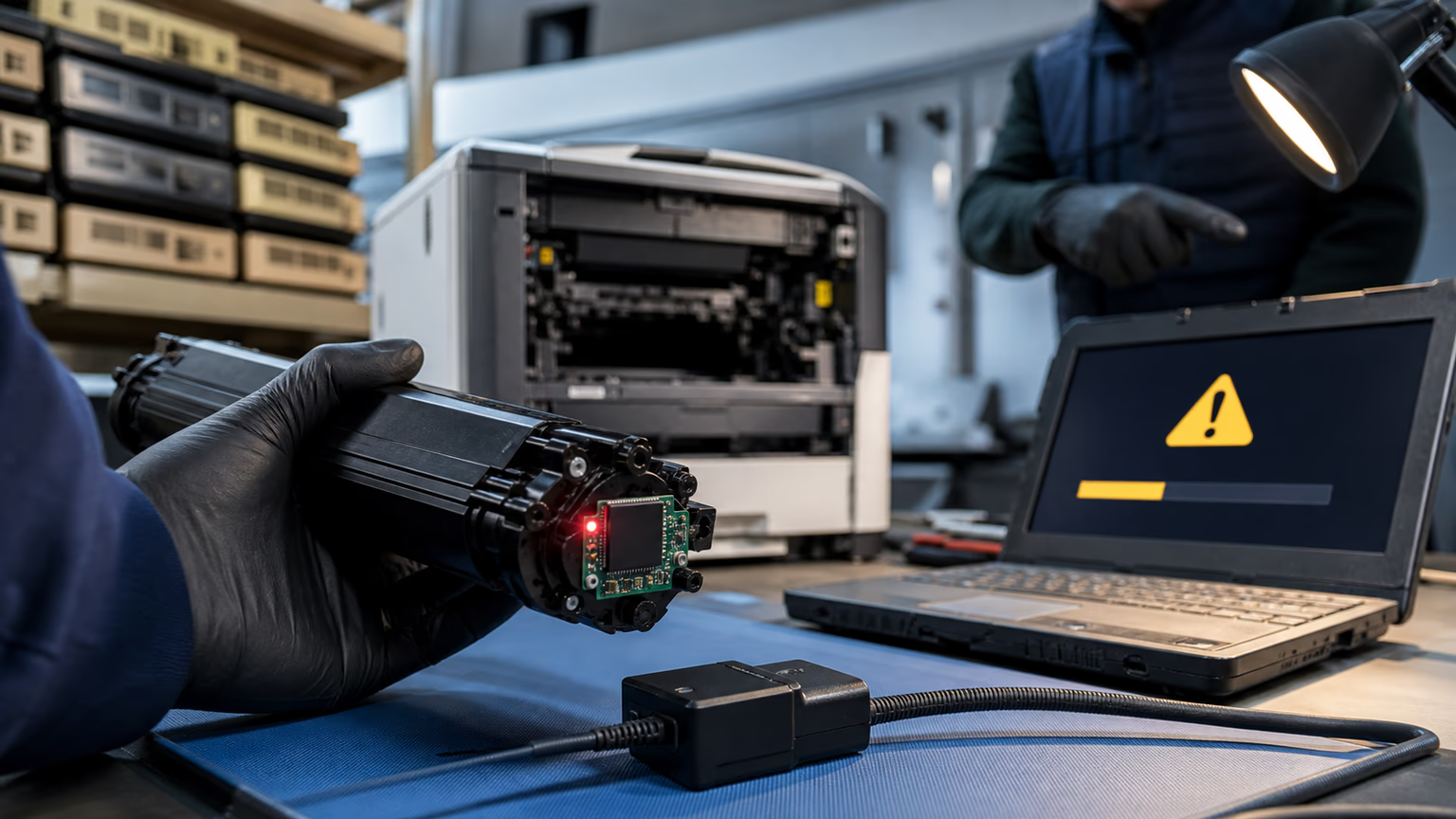
If a compatible chip does not support the newest encryption algorithm, the printer may refuse to recognize the cartridge at all, even if the cartridge is physically undamaged and filled with high-quality toner.
The most disruptive changes are often hidden inside generic release notes such as security updates or supply authentication improvements.
These phrases rarely reveal that the update will block third-party supplies or reset page counters.
Firmware can also alter how the printer reports toner levels, causing premature low-toner warnings or forcing early replacement.
For buyers of office printer toner, this means the cartridges they purchased may be rendered unusable not because of a quality defect, but because the printer firmware no longer accepts their chip communication.
Some firmware updates also introduce new authentication handshakes that require a response from a cryptographic module inside the chip.
Compatible chips that worked with the previous firmware version may not be able to generate the correct response.
The result is a supply problem error, non-genuine cartridge message, or a complete refusal to print.
This technical reality means that firmware version is now a critical compatibility parameter, just like printer model and cartridge SKU.
The Hidden Cost: Firmware-Induced Lock-In and Real Cost-Per-Page Impact
Many procurement teams calculate cost per page using the advertised yield of a toner cartridge.
That calculation becomes misleading if a firmware update reduces the effective yield by triggering early low-toner warnings or blocking the cartridge after only part of its expected life.
When a compatible cartridge is blocked partway through its yield, the actual cost per page jumps sharply.
The buyer must then purchase an OEM cartridge at full price to restore the printer to service, erasing any initial savings from the compatible purchase.
The hidden cost extends beyond the immediate replacement.
Unplanned downtime across a fleet can disrupt document workflows, reduce employee productivity, and create a cascade of helpdesk tickets.
Service companies and managed print service providers face repeated callbacks for toner errors that are not hardware failures.
Distributors may receive returns from customers who believe the compatible toner was defective, when the true cause was a firmware change that occurred after delivery.
Without a firmware risk assessment, total cost of ownership calculations are incomplete and misleading.
Many buyers search for discount printer toner cartridges, buy affordable printer toner cartridges, or buy cheap printer toner cartridges to reduce upfront spending.
Those savings are only meaningful if the cartridges remain usable across firmware updates.
By treating firmware exposure as a procurement risk, buyers can make more informed decisions.
The goal is not to argue that compatible toner is always the right choice, but to ensure that the cost model includes the probability of a firmware-induced lockout and the cost of mitigation.
In many cases, a slightly higher unit price from a supplier with strong firmware testing support will produce a lower true total cost than the lowest-priced cartridges from a supplier that does not track firmware compatibility.
Compatibility Risk by Device Brand: What Distributors Must Track
Not all printer manufacturers behave the same way when it comes to firmware updates and third-party toner.
Some device brands have historically been more aggressive in pushing firmware changes that restrict compatible supplies, while others have maintained a more open approach.
However, the overall trend across the industry is moving toward tighter controls.
Distributors and procurement teams should not rely on past experience alone; they need to monitor firmware releases from every printer brand in their fleet and maintain a compatibility matrix that records which firmware versions accept which compatible chips.
The risk level can also vary by model line and even by firmware release within the same brand.
A security update for one printer model may include new chip authentication that blocks compatible cartridges, while the same update for another model in the same fleet may have no impact.
This inconsistency makes it impossible to guarantee that a single compatible SKU will work across all devices.
Buyers must treat firmware version as a separate compatibility dimension, not just as a binary yes or no.
- Some manufacturers frequently update cartridge authentication and have faced public backlash over blocked supplies.
- Other brands implement chip encryption but vary the aggressiveness depending on the model tier and target market.
- Certain device brands historically had fewer compatibility blocks but have recently increased firmware-based controls.
- Buyers should request a rolling firmware compatibility report from their toner supplier for each printer brand in the fleet.
- Maintain an internal log of firmware versions that have caused toner issues, including printer model and cartridge lot number.
Service and Support Consequences: When Toner Complaints Are Actually Firmware Failures
For printer service companies and MPS operators, firmware-induced toner errors create a diagnostic nightmare.
A technician arrives on site because a printer displays a supply problem error.
The customer suspects the compatible toner cartridge is defective.
The technician replaces the cartridge with a new one from the same batch, and the error persists.
Only after significant troubleshooting does the technician discover that a recent firmware update is the root cause.
This scenario wastes billable hours, damages customer trust, and often leads to a no-fault return for a cartridge that worked perfectly before the update.
Remote monitoring also suffers when firmware blocks chip data from compatible cartridges.
Many MPS platforms rely on the toner chip to report remaining page yield and trigger automatic replenishment.
If the firmware no longer recognizes the chip, the monitoring system may show no toner level, incorrect yield, or a false empty status.
This forces on-site visits to confirm physical toner levels and can lead to unnecessary toner shipments.
The operational burden falls on the service provider, not the printer manufacturer.
To reduce these service costs, service teams should adopt a standardized procedure for toner-related errors.
The first step in any diagnostic process should be to check whether a firmware update was installed recently.
If the printer firmware version is newer than the cartridge chip firmware version, the service provider should suspect a compatibility issue before replacing hardware.
Documenting these cases with exact printer model, firmware version, and cartridge lot number will help identify patterns and negotiate better support from the toner supplier.
Procurement Playbook: How to Evaluate Toner Suppliers for Firmware Resilience
Not all toner suppliers are equally prepared for firmware changes.
Procurement teams need to evaluate potential suppliers not only on price and print quality, but also on their firmware compatibility testing and support policies.
A supplier that actively monitors OEM firmware releases and tests compatible cartridges against the latest versions can significantly reduce the risk of future lockouts.
The following checklist provides a practical framework for supplier evaluation.
- Ask for a compatibility matrix covering current firmware versions for all major printer brands in your fleet.
- Require documentation that sample cartridges have been tested on printers with the latest OEM firmware installed.
- Check whether the supplier offers chip upgrade programs when new firmware breaks compatibility.
- Evaluate the return policy for cartridges that become incompatible after a firmware update.
- Confirm that the supplier maintains inventory segregated by firmware version compatibility.
- Ask whether the supplier provides end-user guidance on disabling automatic firmware updates.
- Request advance notice or a compatibility matrix for new OEM firmware releases.
A reliable toner supplier should be able to answer these questions without hesitation.
If a supplier cannot provide firmware testing documentation or has no process for handling compatibility failures, the procurement team should consider that a red flag.
The cost of a few cents per page saved on cheap printer toner cartridges can be quickly erased by a single firmware update that blocks an entire shipment.
Risk Mitigation Tactics for Fleet Managers and MPS Operators
Even with a good supplier, fleet managers should implement internal controls to reduce firmware vulnerability.
The most effective single action is to disable automatic firmware updates on all fleet printers unless a specific update is required for security or functionality.
This gives the organization time to evaluate new firmware releases for toner compatibility before rollout.
However, disabling automatic updates is not a universal solution; some managed print environments require automatic updates for compliance or security reasons.
In those cases, the organization should maintain a test group of printers that receive updates first, while the rest of the fleet remains on the previous version until compatibility is confirmed.
Another practical tactic is to maintain a small stock of OEM cartridges as an emergency fallback for printers that become firmware-locked.
This ensures that a single compatibility failure does not take down a critical printer for days.
The emergency stock should be tracked and rotated, not treated as permanent inventory.
Additionally, document all firmware-related toner failures with exact printer model, firmware version, and cartridge lot number.
This data will be invaluable when negotiating with suppliers or deciding whether a particular compatible cartridge line should be discontinued.
Finally, establish a firmware change management process.
When a new OEM firmware release is announced, the team should review the release notes for language about security updates or supply authentication improvements.
If such language appears, the team should test a small batch of compatible cartridges on a sandbox printer with the new firmware before deploying to production.
Only after successful testing should the update be rolled out to the wider fleet.
The Long-Term Strategic View: Firmware Changes Will Accelerate—Are You Ready?
The trend is clear.
Printer manufacturers are increasing the frequency and restrictiveness of firmware updates as part of a broader strategy to protect toner revenue.
What was once a rare compatibility glitch is becoming a routine supply chain risk.
Buyers who ignore this shift will face rising total cost of ownership, unpredictable service workloads, and a shrinking pool of viable third-party suppliers.
Those who proactively manage firmware compatibility will gain a competitive advantage in cost control and service reliability.
For distributors, the ability to provide firmware-tested toner cartridges and ongoing compatibility support will become a key differentiator.
Customers will increasingly ask not just about price and yield, but about firmware resilience.
For service companies, offering firmware compatibility audits as a value-added service can open new revenue streams and strengthen customer relationships.
The firms that build internal expertise in firmware management today will be better positioned to navigate the next wave of manufacturer restrictions.
FAQ
How do printer firmware updates affect compatible toner cartridges?
Firmware updates can change the encryption keys, authentication protocols, and yield reporting logic that printers use to communicate with toner chips.
Can I disable automatic firmware updates on my printers to protect compatible toner?
In many printer models, automatic firmware updates can be disabled through the printer settings or web interface.
Which printer brands are most aggressive with firmware changes that block third-party toner?
Firmware aggressiveness varies by manufacturer and even by model line.
What should I do if a firmware update makes my compatible cartridges stop working?
First, document the exact printer model, firmware version, and cartridge lot number.
How can I test whether a compatible cartridge will work with the latest firmware before buying in bulk?
Request sample cartridges from the supplier and test them on a printer that has the latest OEM firmware installed.
Conclusion
Printer firmware changes are no longer a niche technical issue.
They are a central factor in toner supply chain risk for B2B distributors, service companies, and fleet managers.
By treating firmware version as a critical compatibility parameter, procurement teams can avoid costly lockouts, service callbacks, and hidden total cost increases.
The practical steps described in this article—evaluating supplier firmware testing, disabling automatic updates where possible, maintaining emergency OEM stock, and documenting every firmware-related failure—provide a solid defense against a moving target.
The manufacturers will continue to tighten controls.
The organizations that prepare now will be the ones that maintain stable toner costs and reliable print operations in the years ahead.