The True Cost of a ‘Cartridge Not Recognized‘ Error for B2B Operations
For a B2B distributor or managed print service provider, a single compatible toner cartridge that fails to be recognized after installation is never just a minor inconvenience.
It represents an immediate operational blockade for the end-user office, where an entire department may be unable to print contracts, invoices, or reports.
That downtime translates directly into missed productivity and, in many cases, a frantic call to the helpdesk.
For you as the supplier, this is where the costs begin to accumulate—escalating support tickets, on-site technician dispatches, and the logistical burden of returns and replacements.
Beyond the immediate operational impact, there is a slower but more damaging erosion of trust.
When your client‘s office staff repeatedly sees a ‘Cartridge Not Recognized‘ message on their printer display, they start questioning the reliability of the compatible supplies you provide.
Over time, that skepticism can lead to requests to switch back to OEM cartridges—or worse, to a competitor who promises better compatibility assurance.
The cumulative effect on your service margins, client retention, and team morale turns what seems like a simple chip error into a significant business threat.
The Core Reason: How Printer–Chip–Firmware Interaction Causes Recognition Failures
At the heart of every ‘cartridge not recognized‘ error lies a failure in the communication between the cartridge chip and the printer‘s logic board.
Modern laser printers use chips on toner cartridges not only to track toner levels but to authenticate that a legitimate supply is installed.
When you insert a compatible cartridge, its chip must electrically handshake with the printer by transmitting the correct encrypted data.
If the signal is corrupted, missing, or mismatched, the printer immediately reports an error and refuses to operate.
Several technical factors can break this handshake.
The chip may be improperly programmed, containing outdated or incorrect data that the printer‘s firmware rejects.
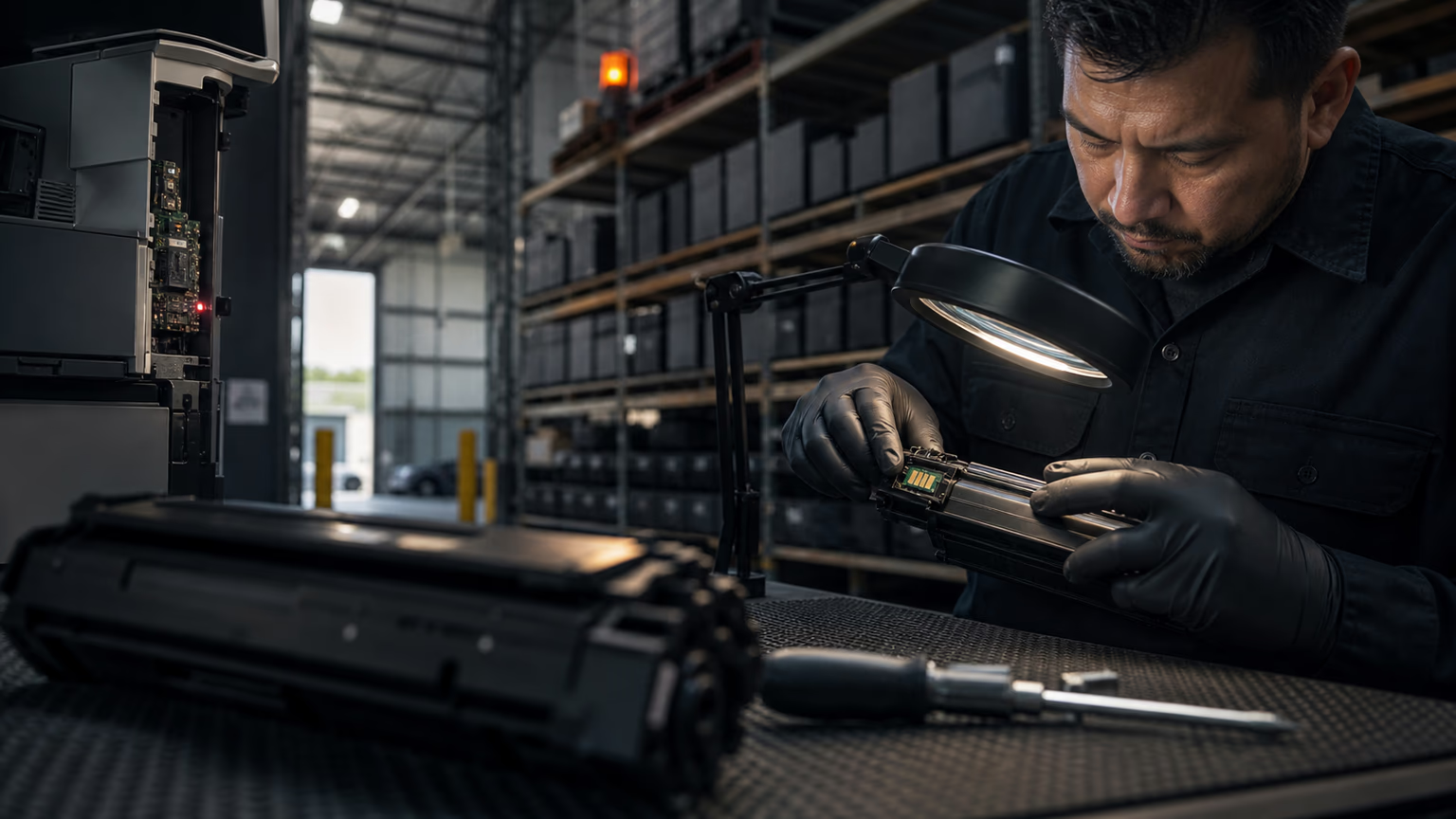
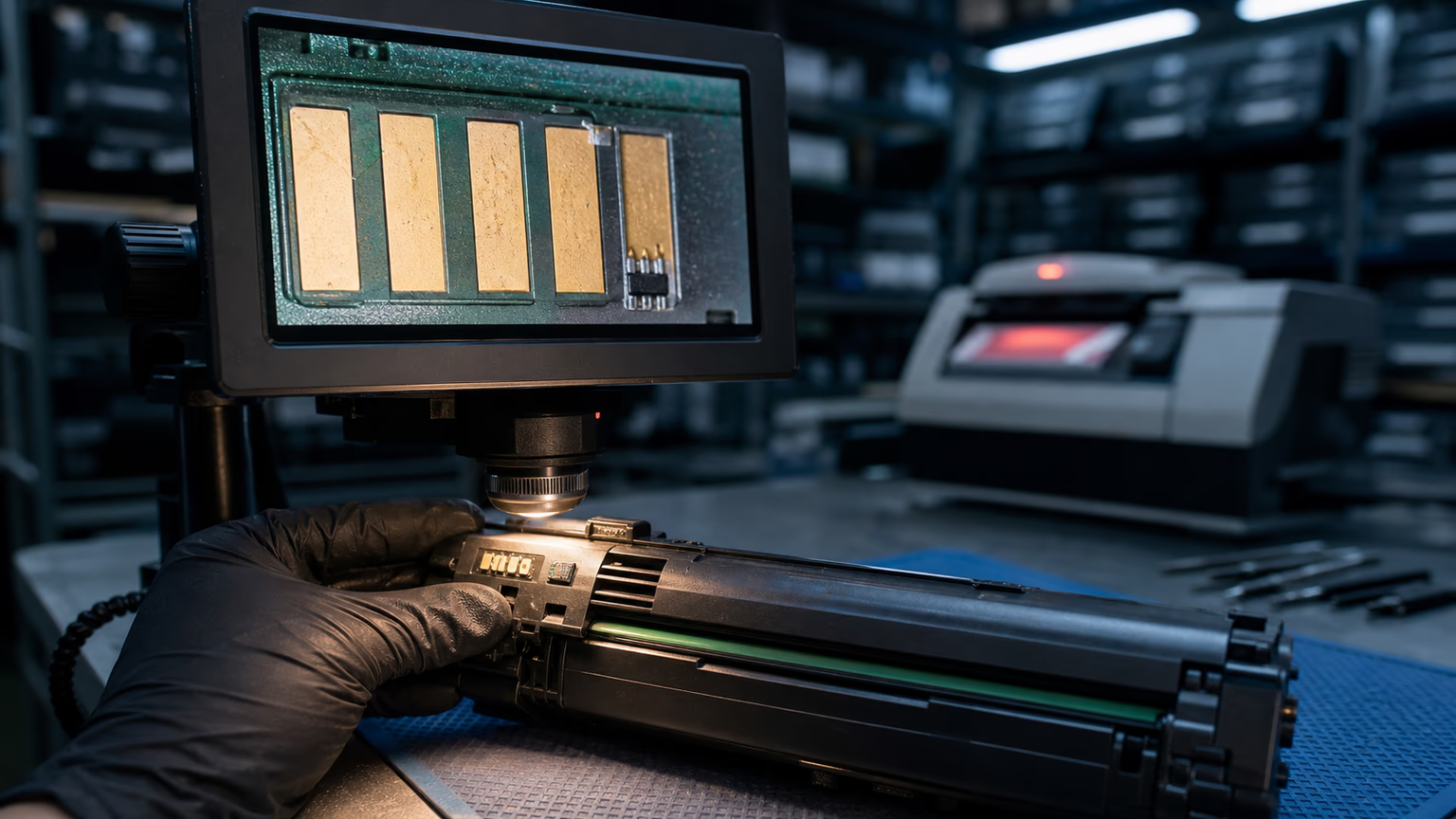
Physical issues like misaligned gold contacts, contamination, or even minute manufacturing defects in the chip circuitry can prevent a stable electrical connection.
Additionally, subtle differences in the printer‘s internal logic board—especially across regional variants—can cause a chip that works in one identical model to fail in another.
Understanding this interplay is crucial because it shows that recognition failure is not random; it is a predictable outcome of specific chip–firmware–device mismatches.
OEM Firmware Updates: The Silent Trigger for Chip Blocking
Perhaps the most common and insidious cause of sudden recognition failures is a firmware update pushed by the original printer manufacturer.
OEMs periodically release firmware updates that can modify how the printer‘s authentication protocol interacts with cartridge chips.
While these updates often claim to improve security or add features, their side effect is occasionally blocking third-party chips that previously worked without issue.
A fleet that was printing perfectly on Monday can find every compatible cartridge rejected on Tuesday after a routine overnight update.
These firmware updates are not always malicious in intent, but the result is the same: your customers are left with non-functional supplies and frustrated employees.
For distributors and service providers, this creates a scenario where you must rapidly diagnose the cause, confirm whether the issue is widespread across the fleet, and—if the chip has been permanently blocked—replace all affected cartridges.
Without a proactive supplier who monitors OEM firmware releases and updates their chip code accordingly, you are constantly one update away from a major service disruption.
Supply Chain Blind Spots: Why Your Current Compatible Supplier May Not Be Protecting You
Many B2B buyers assume that any compatible cartridge they purchase will simply work, but the reality is far more nuanced.
The aftermarket toner industry includes suppliers with vastly different approaches to chip quality and firmware agility.
Some sellers operate on a purely transactional model: they purchase chips in bulk from a third party, assemble cartridges, and ship them without any capability to test against the latest printer firmware.
If you are buying from such a supplier, you are effectively gambling that no firmware update has occurred between the chip being programmed and your cartridge reaching the end-user.
To protect your operations, you need suppliers who treat chip compatibility as an ongoing service, not a one-time event.
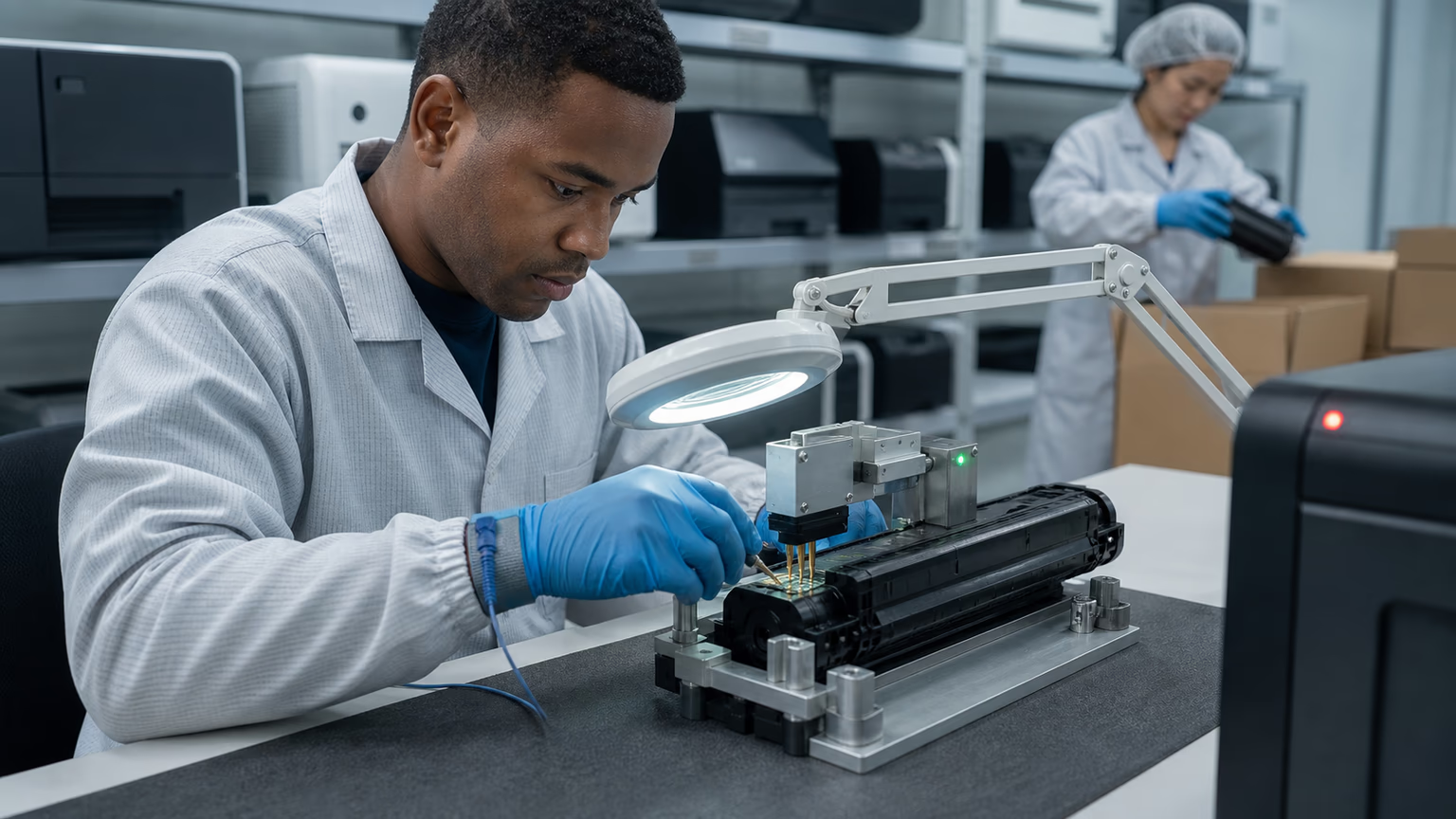
This means they have dedicated engineering resources that reverse-engineer firmware changes, maintain chip programming labs, and can rapidly ship updated cartridges when a blocking update is detected.
Asking your current supplier direct questions about their firmware monitoring process, their batch traceability, and their response time to a recognition failure event can quickly reveal whether they are genuinely safeguarding your supply chain or simply pushing product out the door.
Diagnosing the Failure: A Practical Troubleshooting Flow for Service Teams
When a cartridge shows ‘not recognized‘, field technicians and helpdesk staff need a systematic approach to identify the root cause without wasting time or further frustrating the end-user.
The first step is always to isolate the cartridge: try the same cartridge in a different, known-good printer of the same model.
If the error follows the cartridge, the chip is likely defective or incompatible.
If the printer accepts a different compatible or OEM cartridge, the issue is narrowed to that specific unit.
Next, check the printer‘s firmware version against your supplier‘s compatibility list.
If the printer recently received an update, this is a strong indicator that the chip has been blocked.
In many cases, simply cleaning the cartridge contacts with a lint-free cloth and reseating the cartridge firmly can resolve recognition problems caused by dust or misalignment.
If none of these steps work, record the chip‘s date code and batch number and contact your supplier to confirm compatibility.
A reliable supplier will have a documented protocol for handling such cases and can often provide an updated cartridge quickly.
A quick diagnostic checklist for your service team:
- Test the suspect cartridge in another identical printer model to confirm the fault.
- Note the printer‘s current firmware version and compare with the supplier‘s compatibility matrix.
- Inspect the cartridge chip contacts for physical damage, debris, or corrosion.
- Perform a power cycle reset with the cartridge removed, then reinsert firmly.
- If the error persists, escalate to the supplier with batch details and firmware info.
Future-Proofing Your Fleet: How to Select Compatible Cartridges Resistant to Recognition Issues
Procurement teams often focus on unit price when choosing a compatible cartridge brand, but this narrow view can lead to higher total cost of service.
Cartridges that use premium chip components—such as gold-plated contacts for better conductivity, serialized encryption chips that mimic OEM authentication more closely, and chip firmware that can be field-updated in some advanced designs—deliver a significantly lower recognition failure rate.
While they may cost marginally more per piece, the reduction in support calls, technician visits, and inventory write-offs often produces a far better return on investment for fleet managers.
Beyond chip hardware, the supplier‘s commitment to ongoing firmware compatibility is critical.
Ask potential suppliers how often they test their chips against the latest printer firmware, whether they have a process to notify customers of potential conflicts, and how quickly they can provide updated stock.
Also, ensure that the supplier maintains strict batch consistency so that all cartridges within a single shipment share the same chip version.
Mixing old and new chip batches within one order is a common source of intermittent failures that confuse technicians and frustrate clients.
The B2B Buyer‘s Playbook: Mitigating Recognition Failure Risks Across Your Supply Chain
A comprehensive strategy to minimize recognition failures begins before the first cartridge is shipped.
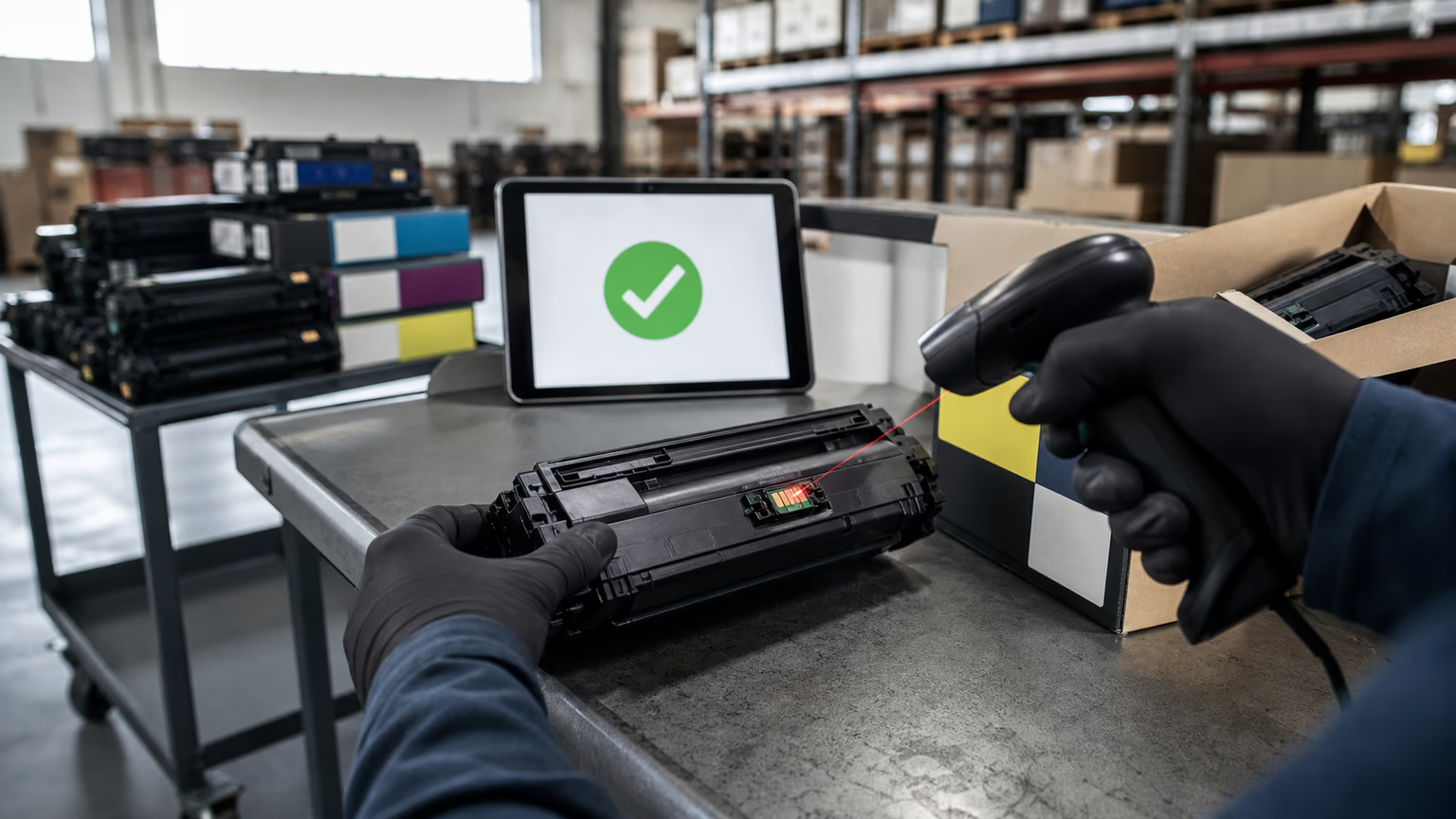
Pre-deployment testing should be a standard practice: pull a random sample from any incoming bulk order and test across a cross-section of the printer models and firmware versions present in your fleet.
This simple step catches many incompatible chips before they reach the client site.
For larger deployments, consider maintaining a small fleet testing lab where you can simulate the actual environment, including any network-connected printers that might automatically update their firmware.
Equally important is building a structured feedback loop with your supplier.
When a recognition failure occurs, document the full context: printer model, firmware version, chip date code, and the circumstances of the error.
Share this data with your supplier and demand a root cause analysis.
Suppliers who value long-term partnerships will use this information to improve their products.
Internally, track failure rates by cartridge model and supplier; this data will help you make evidence-based sourcing decisions that balance price, quality, and service costs.
Over time, this playbook turns a recurring headache into a manageable supply chain variable, protecting both your margins and your reputation.
FAQ
Can a firmware update from the printer manufacturer cause a compatible toner cartridge to stop being recognized?
Yes, absolutely. Printer manufacturers frequently release firmware updates that modify authentication protocols. A cartridge that worked perfectly yesterday can be rejected today if the new firmware no longer accepts the chip‘s data. This is one of the most common causes of sudden, fleet-wide recognition failures.
How can I tell if the problem is a faulty chip or a printer issue?
Test the suspect cartridge in another identical printer model. If the same error appears, the chip is likely faulty or incompatible. If multiple printers accept a different compatible or OEM cartridge, the issue is probably with that specific unit. Also check the printer‘s firmware version for recent updates that may have caused the rejection.
Do all compatible cartridges have the same risk of not being recognized?
No, risk levels vary significantly based on chip quality, programming precision, and the supplier‘s firmware compatibility practices. Cartridges using premium, serialized encryption chips that are actively updated to match new firmware releases have a much lower failure rate compared to those using generic, static chips.
What can I do immediately when a compatible cartridge shows 'not recognized' after installation?
Start by powering off the printer, removing the cartridge, and inspecting its gold contacts for any debris or damage. Clean them gently with a dry, lint-free cloth and reseat the cartridge firmly. If the error persists, test the cartridge in another printer and check for any recent firmware updates on the affected device.
How do I find a compatible cartridge supplier that stays ahead of firmware changes?
Look for suppliers with in-house chip engineering teams who actively monitor OEM firmware releases. Ask direct questions about their update frequency, batch traceability, and how they handle a blocking firmware event. A quality supplier will provide technical documentation and have a clear process for replacing cartridges affected by firmware updates.
Conclusion
Compatible toner cartridge recognition failures are not inevitable accidents—they are manageable supply chain risks.
By understanding the interplay between printer firmware, chip quality, and physical installation, B2B distributors and service providers can dramatically reduce the frequency and impact of these errors.
The key lies in selecting suppliers who treat compatibility as an ongoing commitment, implementing pre-deployment testing protocols, and equipping service teams with clear diagnostic routines.
When you shift from reactive troubleshooting to proactive prevention, you protect your clients‘ uptime, strengthen their trust, and preserve the service margins that make your business sustainable.