Quick answer: the Ricoh IM C4500, IM C5500 and IM C6000 use black toner 842279 (about 33,000 pages). The IM C3000 and IM C3500 use 842251 for black (about 31,000 pages) and 842252, 842253 and 842254 for yellow, magenta and cyan. The P 800 and P 801 mono printers use the same print cartridges as the IM 550 and IM 600 multifunctions, including 418477.
Table: Ricoh model → toner code → yield
| Ricoh device | Toner | Code | Rated yield |
|---|---|---|---|
| IM C3000 / IM C3500 | Black | 842251 | About 31,000 pages |
| IM C3000 / IM C3500 | Yellow / magenta / cyan | 842252 / 842253 / 842254 | Rated separately |
| IM C4500 / IM C5500 / IM C6000 | Black | 842279 | About 33,000 pages |
| IM C2000 / IM C2500 | Black (UNICO compatible) | IM C2500 type | 16,000 pages (UNICO rating) |
| P 800 / P 801 (and IM 550 / IM 600) | Black print cartridge | 418477 and IM 600 high-yield type | High-yield type about 25,500 pages |
Ricoh, Lanier and Savin versions share the same codes. Yields from Ricoh and resellers at standard coverage; check your current cartridge before ordering.
Ricoh also sells the same machines under the Lanier and Savin names in some markets; their toner codes are identical. When searching, you will often see the same part number listed for all three brands.
IM C3000 / C3500 / C4500 / C5500 series
Ricoh's IM C range covers A3 color multifunction devices from about 20 to 60 pages per minute. Each group of models uses its own toner series:
- IM C3000 / IM C3500: black 842251, yellow 842252, magenta 842253, cyan 842254. The UNICO catalog lists genuine and compatible versions, for example the compatible 842251 black and the compatible 842254 cyan.
- IM C4500 / IM C5500 / IM C6000: black 842279, rated at about 33,000 pages, with matching color cartridges. See the compatible 842279 black and the compatible cyan in the UNICO catalog.
- IM C2000 / IM C2500: a smaller series with its own cartridges; the UNICO compatible black for IM C2000/C2500 is rated at 16,000 pages.
Because the cartridges look alike across groups, always confirm the code on the installed cartridge or in the supplies menu before ordering.
P800 / P801 / P502 mono printers
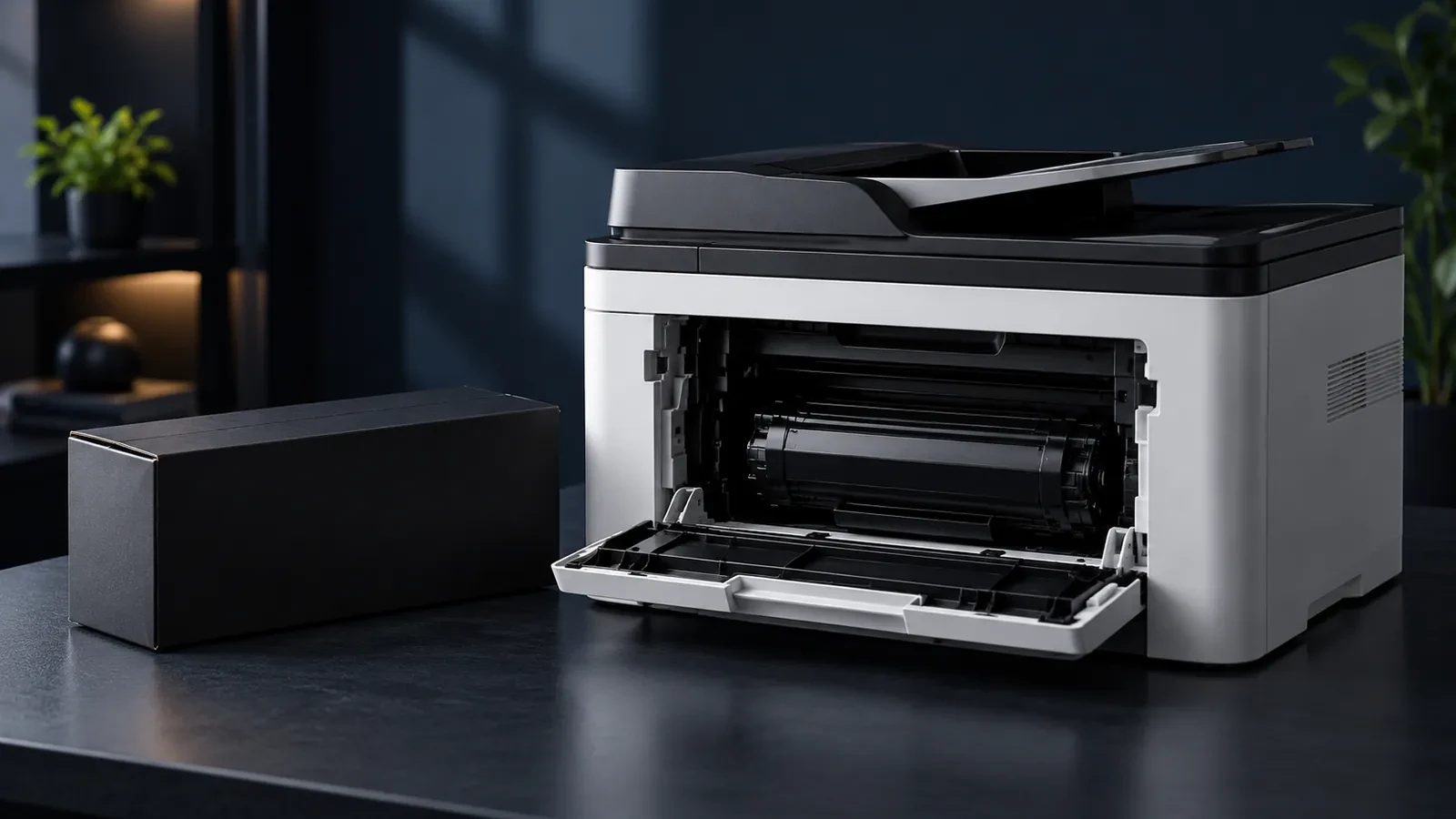
The Ricoh P 800 and P 801 are fast A4 mono printers built on the same engine as the IM 550 and IM 600 multifunctions, and they share print cartridges. The standard cartridge is 418477 and a higher-yield IM 600 type is listed by resellers at about 25,500 pages. The UNICO catalog includes a compatible 418477 cartridge. The smaller P 502 uses its own print cartridge; check the code on your machine.
Toner bottles, chips and waste toner bottle
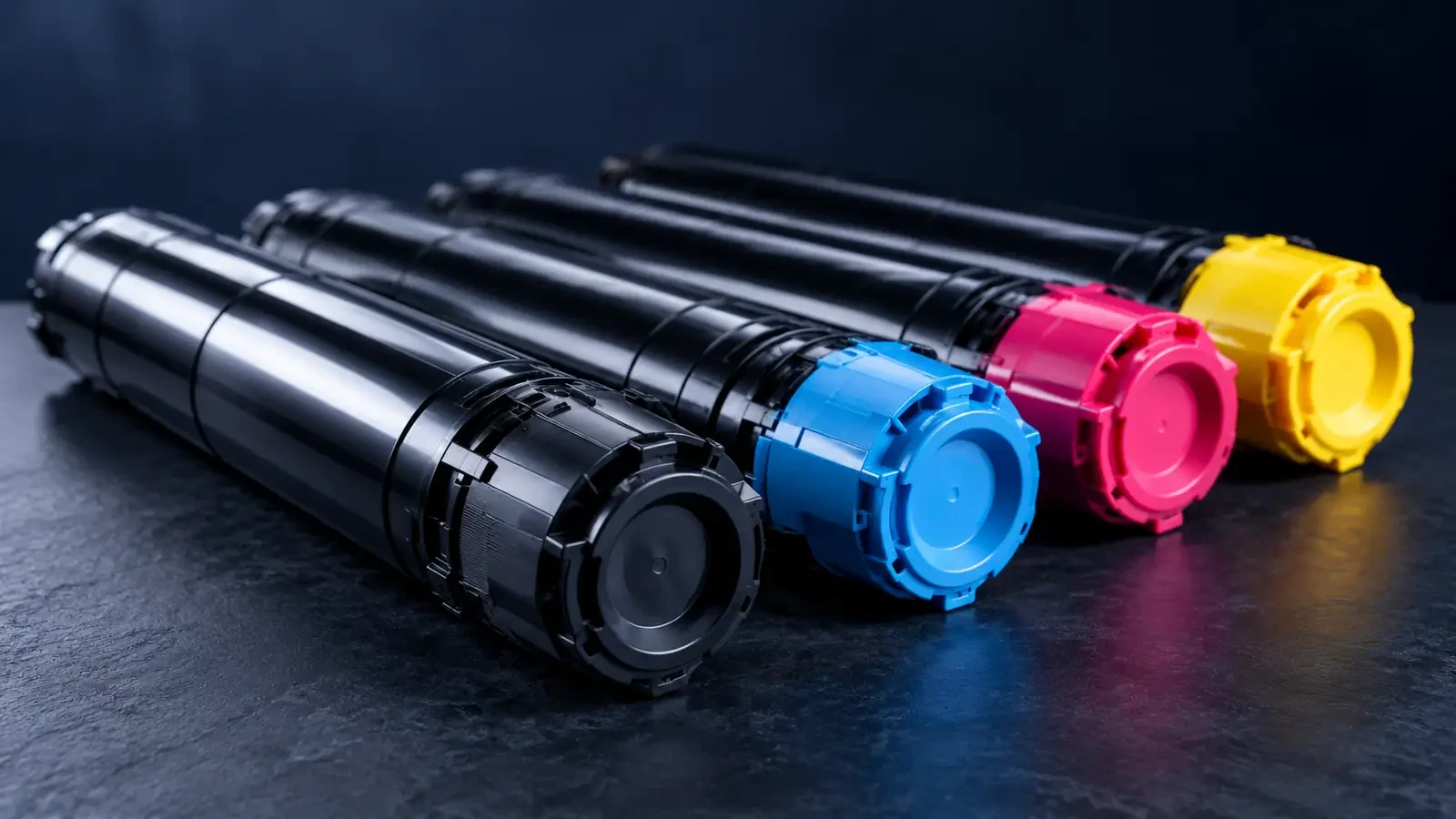
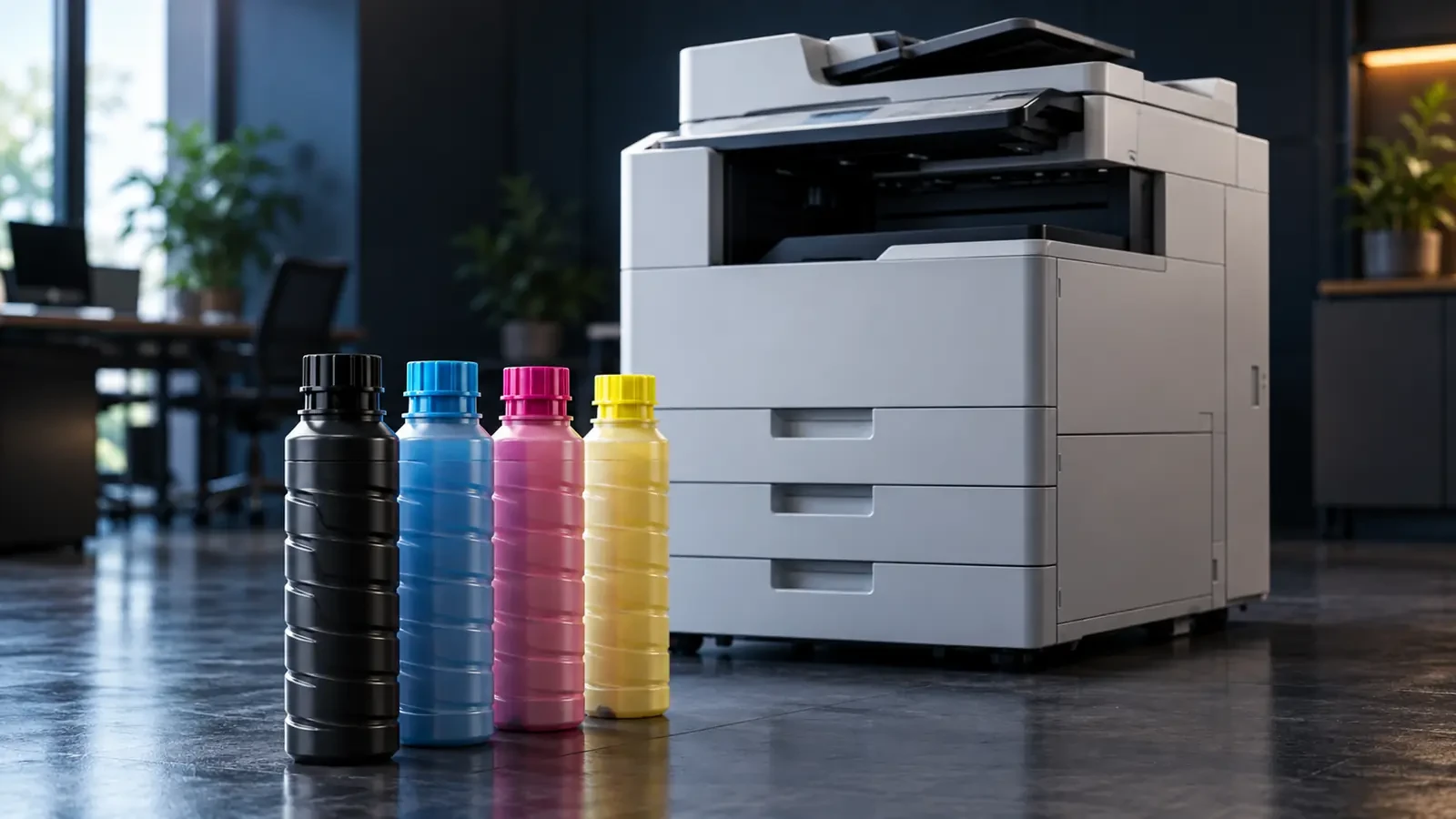
On IM C copiers, the toner cartridge (often called a toner bottle) only supplies toner. The drum, developer and transfer belt stay in the machine and are replaced during service. Each cartridge carries a chip that tells the copier the color and region; cartridges from another region can be refused.
Used toner collects in a separate waste toner bottle. When it is full, the copier stops until the bottle is replaced. Keep one spare bottle for every few toner sets, and never empty and reuse a full bottle. Our guide to the waste toner side of copier fleets explains why some machines fill it faster than others.
How to replace toner on an IM C copier
- When the panel shows which color is empty, open the front cover.
- Pull out the empty cartridge for that color; keep it horizontal.
- Shake the new cartridge as shown on its label, then remove the cap.
- Push the new cartridge in until it locks, close the cover and wait for the copier to finish its check.
- Put the empty cartridge in the new cartridge's bag for recycling.
The whole process takes about a minute and does not need a technician. If the copier does not accept the cartridge, check that the cap is removed, that it is the right color slot and that the code matches your model and region.
Ricoh, Lanier, Savin and Gestetner: one family
Ricoh has sold its machines under several brand names over the years, including Lanier, Savin and Gestetner. A Lanier IM C4500 and a Ricoh IM C4500 are the same machine, and they use the same toner codes. This is useful when searching: a cartridge listed for “Lanier IM C4500” fits the Ricoh model with the same name.
Getting full yield from Ricoh toner
- Shake a new toner bottle as described on its label before installing.
- Replace only the color the copier asks for; colors run out at different rates.
- Keep calibration in automatic mode but avoid frequent power cycling, which triggers extra calibration.
- Store spare cartridges flat, sealed and at room temperature.
Compatible Ricoh toner: what to check
Compatible toner for IM C copiers can lower cost per page considerably, but it must work well with the machine's developer and drum. Before switching a fleet, test a few cartridges on your own devices, check color consistency and background, and confirm that the chips support your region and firmware. Our article on controlling color shift in CMYK toner sets explains how to check color quality.
Request a quote (RFQ)
Dealers and service companies can request pricing and samples for Ricoh, Lanier and Savin toner, genuine or compatible, through our wholesale toner supply page. Browse the Ricoh brand page for more models. Include codes, quantities and destination country.
FAQ
Which toner does the Ricoh IM C4500 use?
The IM C4500 shares its toner with the IM C5500 and IM C6000. The black cartridge is 842279, rated at about 33,000 pages, with matching cyan, magenta and yellow cartridges in the same series. Lanier and Savin versions of these machines use the same codes.
How do I replace the waste toner bottle on Ricoh?
Open the front cover, find the waste toner bottle (the panel usually shows its position), and remove it slowly while keeping it upright. Fit the cap or seal provided, put it in the bag that came with the new bottle, insert the new bottle and close the cover. Never empty and reuse the bottle.
Is Ricoh copier toner the same for all IM C models?
No. Each group of IM C models has its own toner series: for example, IM C3000/C3500 use 842251 for black, while IM C4500/C5500/C6000 use 842279. The cartridges look similar but are not interchangeable between groups.