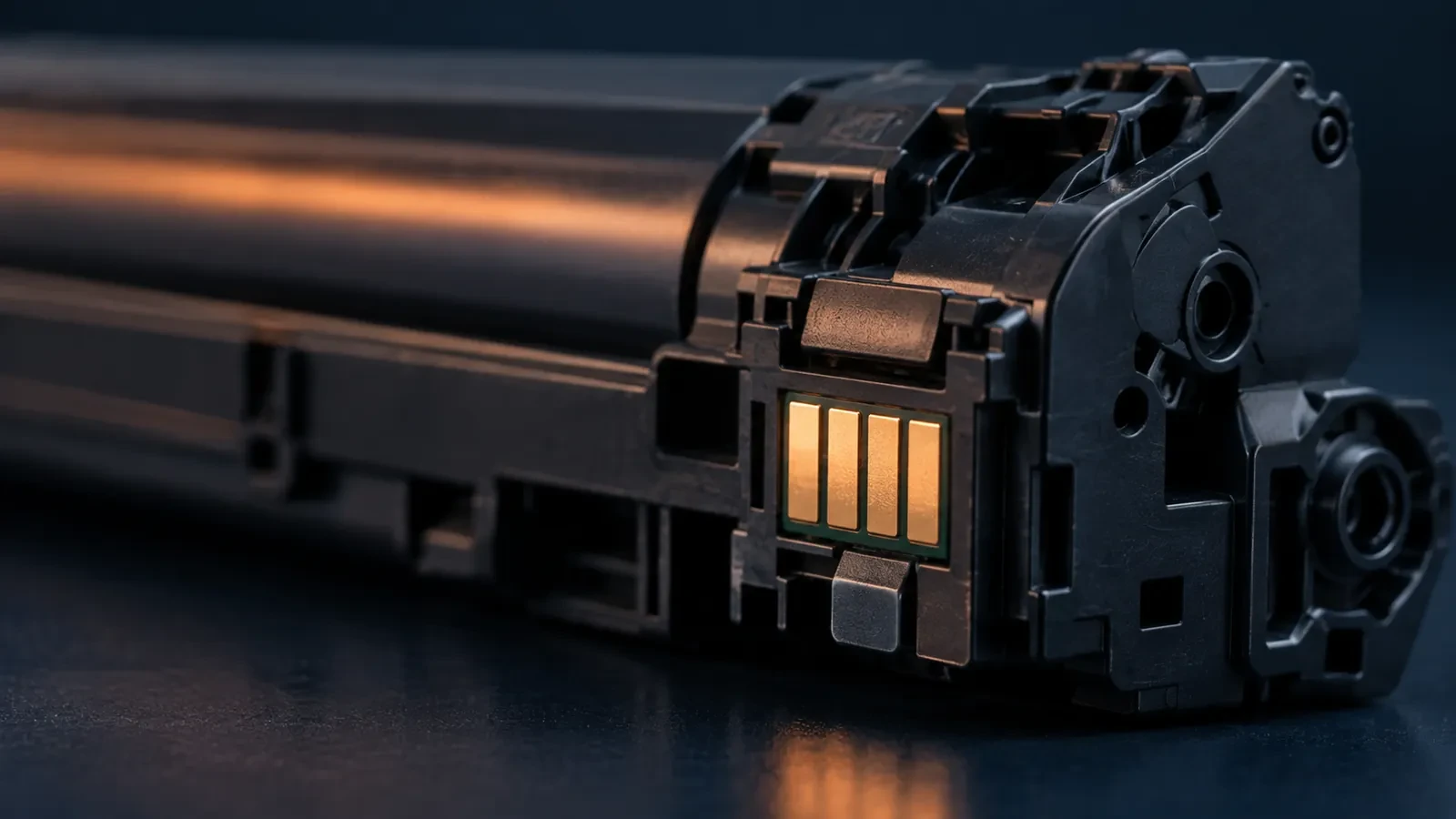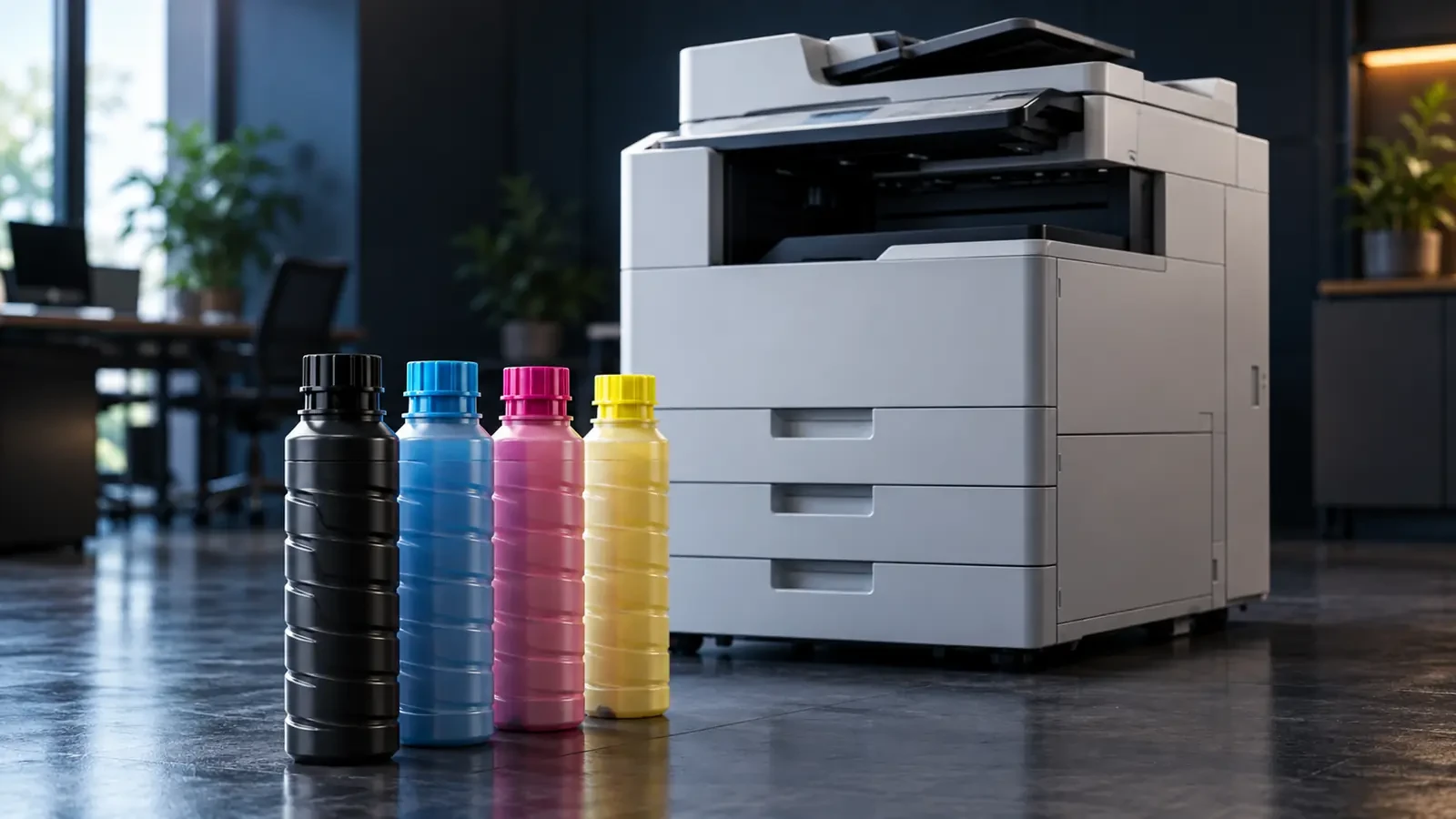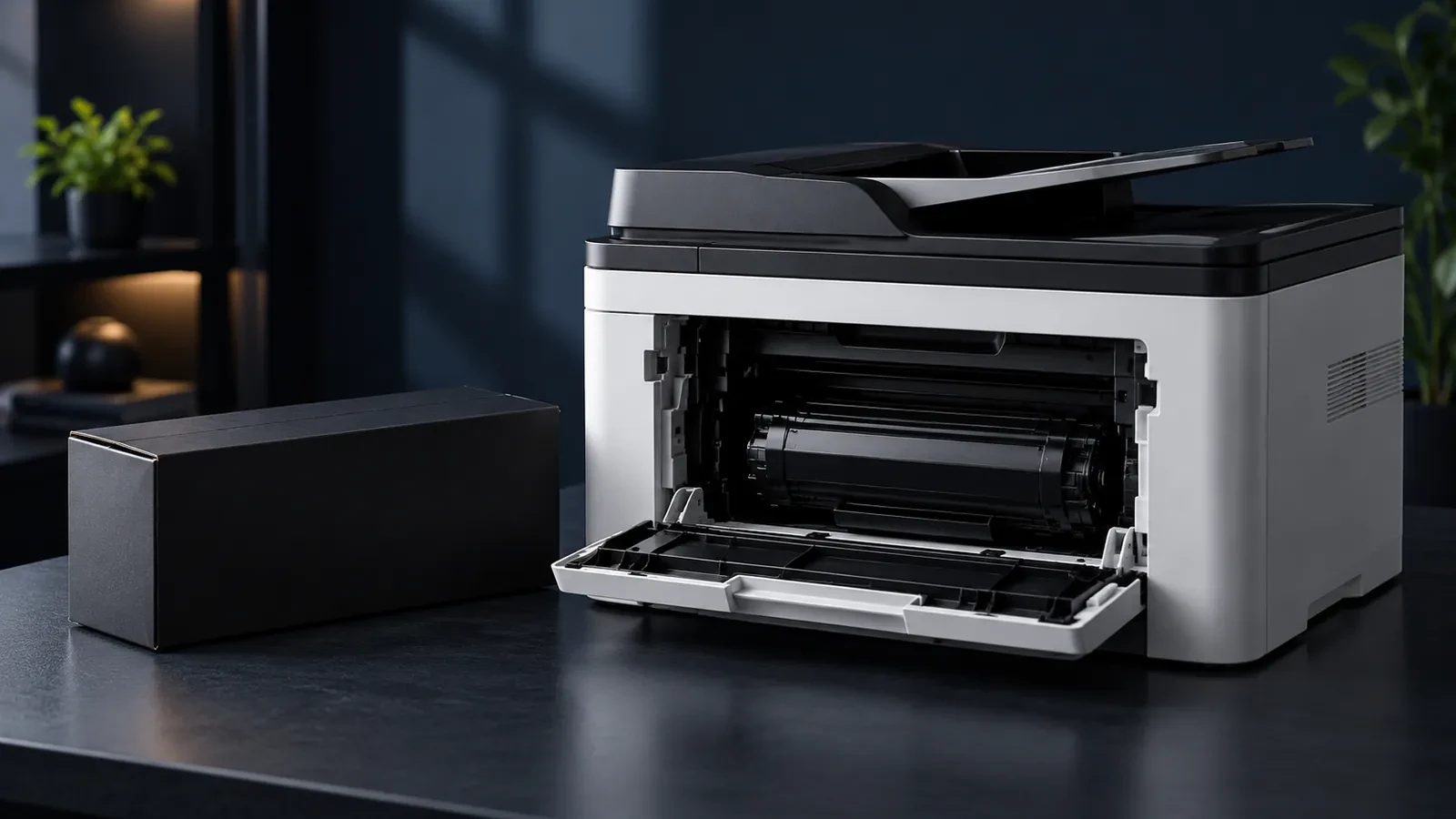
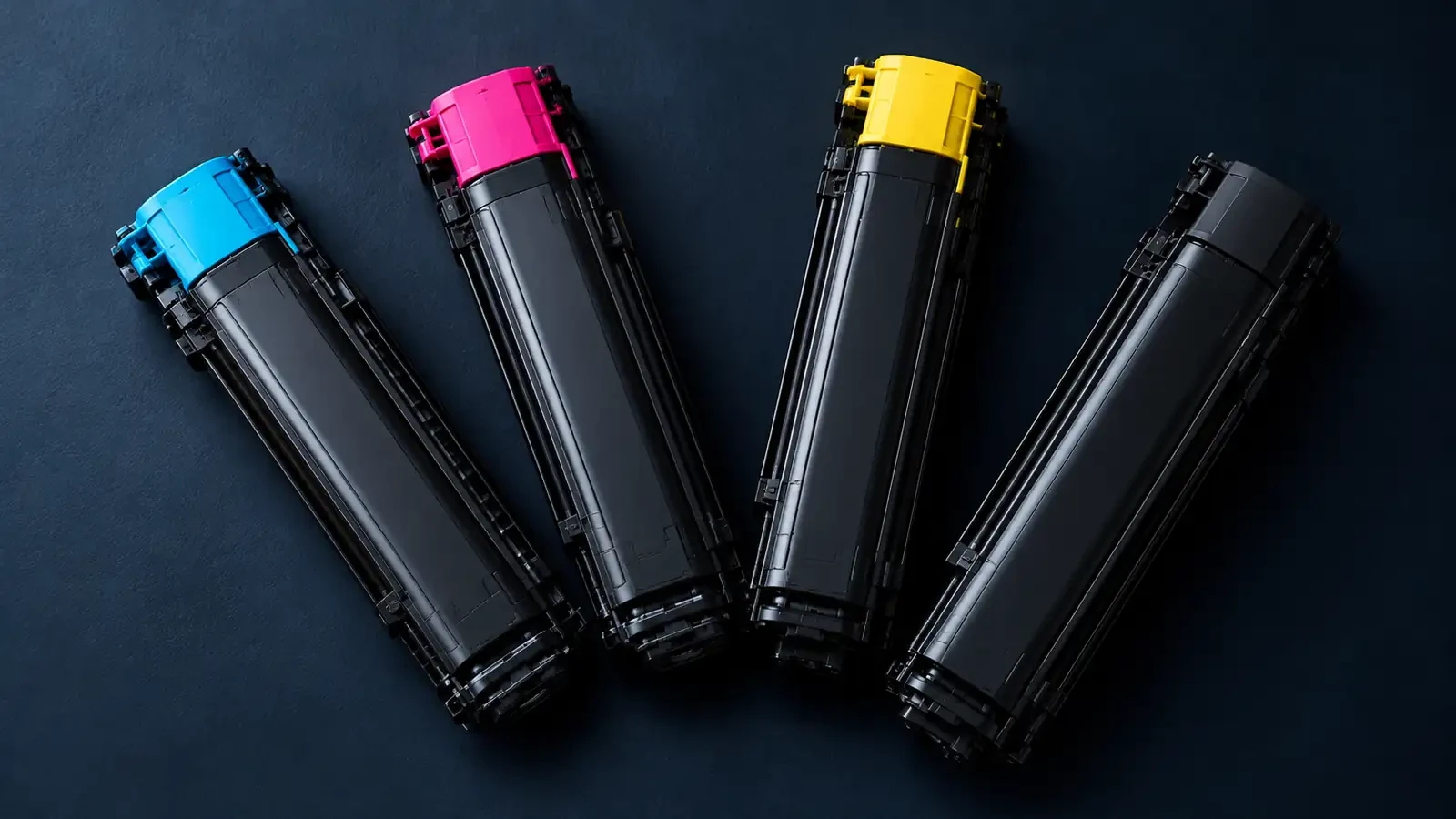
Quick answer: the bizhub 205i and 225i use TN-118 black toner (about 12,000 pages). The color bizhub C226i and C266i use TN-228. The C258, C308 and C368 use TN-324, and the C250i, C300i and C360i use TN-328. Each family is different, so always order by the TN code.
Table: bizhub model → TN code → yield
| bizhub model | Toner code | Yield |
|---|---|---|
| bizhub 205i / 225i (and 215 series) | TN-118 | About 12,000 pages (OEM, per reseller listings) |
| bizhub C226i / C266i | TN-228 (K, C, M, Y) | Compatible set in UNICO catalog |
| bizhub C258 / C308 / C368 | TN-324 (K, C, M, Y) | Compatible C, M, Y in UNICO catalog |
| bizhub C250i / C300i / C360i | TN-328 (K, C, M, Y) | UNICO: black 27,000; color 25,000 pages |
| bizhub C220 / C280 / C360 | TN-216 (K, C, M, Y) | UNICO: black 27,000; color 25,000 pages |
| bizhub 164 / 184 / 185 / 7718 | TN-116 | UNICO: 14,000 pages |
UNICO yields are catalog ratings for compatible cartridges. Confirm the code on your current cartridge; some codes have regional variants.
Mono: 205i / 225i (TN-118)
The bizhub 205i and 225i are compact A3 mono multifunction devices, popular in small offices and print shops. They use TN-118 toner, the same family as the earlier bizhub 215 series, rated at about 12,000 pages. These devices have a separate drum unit that lasts through several toner cartridges, so if print gets lighter with fresh toner, or you see repeating marks or gray background, check the drum before suspecting the toner.
For older mono models such as the bizhub 164, 184, 185 and 7718, the UNICO catalog lists a compatible TN-116 cartridge rated at 14,000 pages. Compatible TN-118 supply for the 205i/225i is available on request.
Color: C226i / C250i / C258
bizhub C226i / C266i (TN-228)
These A3 color multifunctions use the TN-228 series in black, cyan, magenta and yellow. The UNICO catalog includes a full compatible set: black, cyan, magenta and yellow.
bizhub C250i / C300i / C360i (TN-328)
The current i-series color models use TN-328. UNICO's compatible version is rated at 27,000 pages for black and 25,000 pages for each color; see the compatible TN-328 black.
bizhub C258 / C308 / C368 (TN-324)
The previous generation of color models uses TN-324. The UNICO catalog lists compatible cyan, magenta and yellow cartridges, as well as drum units such as the compatible DR313 color drum.
Older color models (TN-216)
The bizhub C220, C280 and C360 use TN-216; UNICO's compatible TN-216 black is rated at 27,000 pages.
Imaging unit and developer: when to replace
Most bizhub copiers use a two-component development system. Toner is mixed with developer, fine magnetic carrier beads, inside a developing unit; the developer charges the toner and carries it to the drum. Separate drum units hold the image. Neither is replaced with every toner cartridge:
- Toner cartridge: replaced by the user when empty.
- Drum unit (DR): replaced when the copier reports end of life or print shows drum wear.
- Developing unit (DV): replaced as maintenance; worn developer causes gray background, low density and toner scatter.
- Waste toner box: replaced when full.
Some models combine drum and developer in an imaging unit (IU). The copier tracks the life of each part and shows which one is due. Toner that does not match the developer, for example in charge or particle size, shortens developer life and causes background, which is why it pays to use toner made for the exact TN code. Our article on developer balance in copier fleets goes deeper.
How to replace toner on a bizhub
- When the panel shows which toner is empty, open the front door.
- Pull the lever or press the release and slide out the empty cartridge for that color.
- Shake the new cartridge well, as shown on its label, so the toner is loose.
- Remove any protective cap, slide the cartridge in until it locks and close the door.
- Wait for the copier to finish its toner supply cycle before printing.
Common print problems on bizhub copiers
- Light print with a new cartridge: the copier may still be refilling the developing unit; print a few pages. If it stays light, check the drum or developing unit.
- Gray background or speckles: often worn developer or toner that does not match it.
- Color shifts: run the copier's image stabilization or calibration from the utility menu.
- Repeating marks: a drum or roller with damage; measure the spacing to identify it.
- “Replace waste toner box”: replace the box; it is separate from the toner.
Buying Konica Minolta toner for a fleet
- Keep a list of each machine's model and TN code; similar-looking cartridges are not interchangeable between families.
- Stock black more deeply than colors; it is replaced most often.
- Test compatible toner on a few machines and check background, density and color before switching the fleet.
- Store cartridges sealed, flat and at room temperature.
Request a quote (RFQ)
Dealers and service companies can request pricing and samples for Konica Minolta toner, drums and developing units through our wholesale toner supply page. Browse the Konica Minolta brand page for more models. Include TN codes, quantities and destination country.
FAQ
Which toner fits the bizhub 205i?
The bizhub 205i and 225i use TN-118 black toner, the same family used by the bizhub 215 series. It is rated at about 12,000 pages. Check the code on your current cartridge before ordering, as Konica Minolta sometimes uses regional variants.
Does Konica Minolta use developer?
Yes, most bizhub copiers use a two-component system in which toner is mixed with developer (carrier) inside a developing unit. The developer is not replaced with each toner cartridge; it is replaced as a maintenance part, often together with or separately from the drum unit.
How long does a Konica imaging unit last?
It depends on the model. Drum and imaging units on bizhub copiers are rated for tens of thousands to well over a hundred thousand pages, much longer than a toner cartridge. The copier tracks their life and shows a message when replacement is due.