Short answer: photocopier toner is the same kind of dry, heat-fused powder as laser printer toner, but it comes in larger cartridges or bottles, usually contains only toner (the drum and developer stay inside the copier), and is often used with a separate developer in a two-component system. Each copier model needs toner made for its engine and region, so always order by the toner code, not just the copier name.
Copier toner vs printer toner
Modern office copiers are multifunction devices that print, copy and scan, and their supplies are designed for volume and for service technicians as much as for users.
Copier toner vs printer toner
| Office copier / MFP | Desktop laser printer | |
|---|---|---|
| Packaging | Long toner cartridges or bottles holding a lot of toner | Compact cartridges, often with a built-in drum |
| What is inside | Usually toner only; drum and developer stay in the machine | Toner, often plus drum, developer roller and waste chamber |
| Developer system | Often two-component: toner mixed with a carrier (developer) | Usually single-component: toner alone |
| Typical yield | Tens of thousands of pages per cartridge | A few thousand pages per cartridge |
| Other consumables | Drum, developer, waste toner box, fuser, transfer belt | Mostly the cartridge; sometimes a separate drum |
| Who replaces parts | Users replace toner; technicians often handle drum and developer | Users replace everything |
Because copiers keep the drum and developer inside the machine, the toner cartridge or bottle can be simple and cheap per page. The trade-off is that other consumables, such as drums, developer, waste toner containers and fusers, must be tracked and replaced on schedule.
Bottles, cartridges and two-component (toner + developer) systems
Toner bottles and cartridges
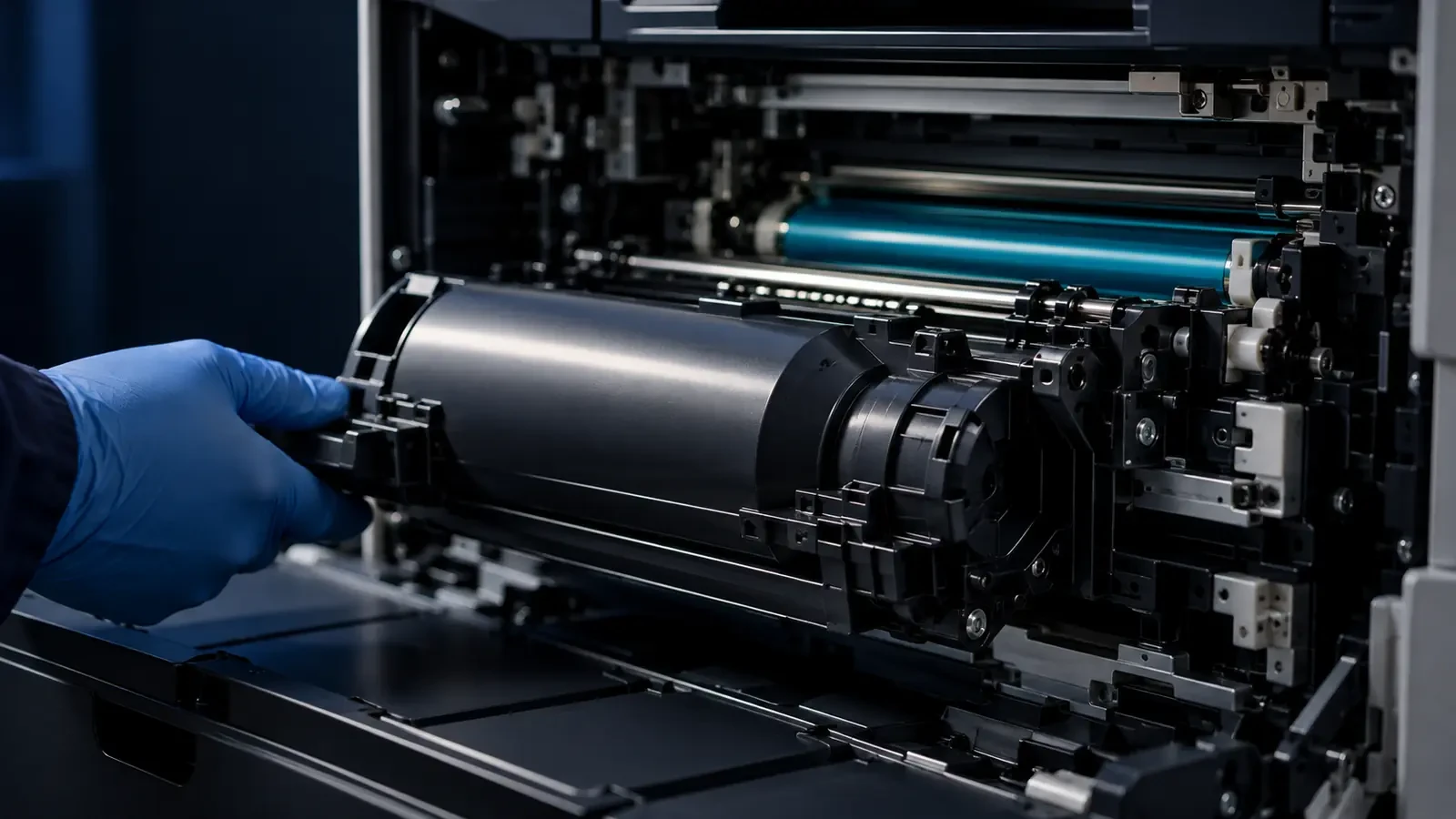
Some copiers use toner bottles that rotate inside the machine to feed toner into a hopper; others use long cartridges that slide in and lock. Both serve the same purpose: they supply toner only. When they are empty, the copier stops or warns, and the user replaces them in a minute or two.
Two-component systems
Many copiers, including models from Konica Minolta, Ricoh, Sharp, Toshiba and Xerox, use a two-component development system. Toner is mixed with developer, which consists of tiny magnetic carrier beads. As the mixture is stirred, the beads charge the toner by friction and a magnetic roller carries the mixture to the drum, where the toner jumps across. The developer stays in the machine and is replaced during maintenance, while fresh toner is added as it is used. Our article on developer balance and waste toner in copier fleets explains why toner and developer must match.
Single-component systems
Some copiers and most desktop printers use single-component development, where toner is charged without a carrier, often by a blade on a magnetic or non-magnetic roller. These systems have no separate developer to replace.
How to find the right copier toner code
Ordering the wrong toner is the most common and costly copier supply mistake. Use this sequence:
How to find the right copier toner code
- Read the old cartridge or bottle. The code is printed on the label, often with a regional version (for example Canon NPG, GPR or C-EXV).
- Check the control panel. Most copiers show the supply codes in the supplies or consumables menu, or on a printed configuration report.
- Match model and region. The same copier can use different toner codes in different regions. Order the code for your machine's region.
- Confirm color and yield. Color copiers need four codes; some offer standard and high-yield versions.
Regional versions deserve special attention. Canon, for example, sells the same toner under NPG codes in parts of Asia, GPR codes in the Americas and C-EXV codes in Europe. Cartridges from different regions can differ in their chips and are not always interchangeable. Our article on why the same cartridge code fails across borders explains the risk.
Yield and cost per page in copier fleets
Copier toner cartridges are rated for tens of thousands of pages, so the cost per page is usually low. In a fleet, the bigger cost drivers are often elsewhere:
- Coverage: marketing documents and color-heavy pages use far more toner than the standard test pages behind the rated yield.
- Waste toner: poor transfer and frequent calibration send toner to the waste container instead of the page.
- Developer and drum life: toner that does not match the machine shortens the life of these more expensive parts.
- Downtime: a copier stopped for missing toner holds up a whole department.
Comparing suppliers on cost per page plus these factors gives a much better picture than comparing cartridge prices. See how to cut toner costs without cutting corners.
Buying copier toner for a fleet (B2B)
Companies and dealers that manage many copiers usually buy toner differently from a single office:
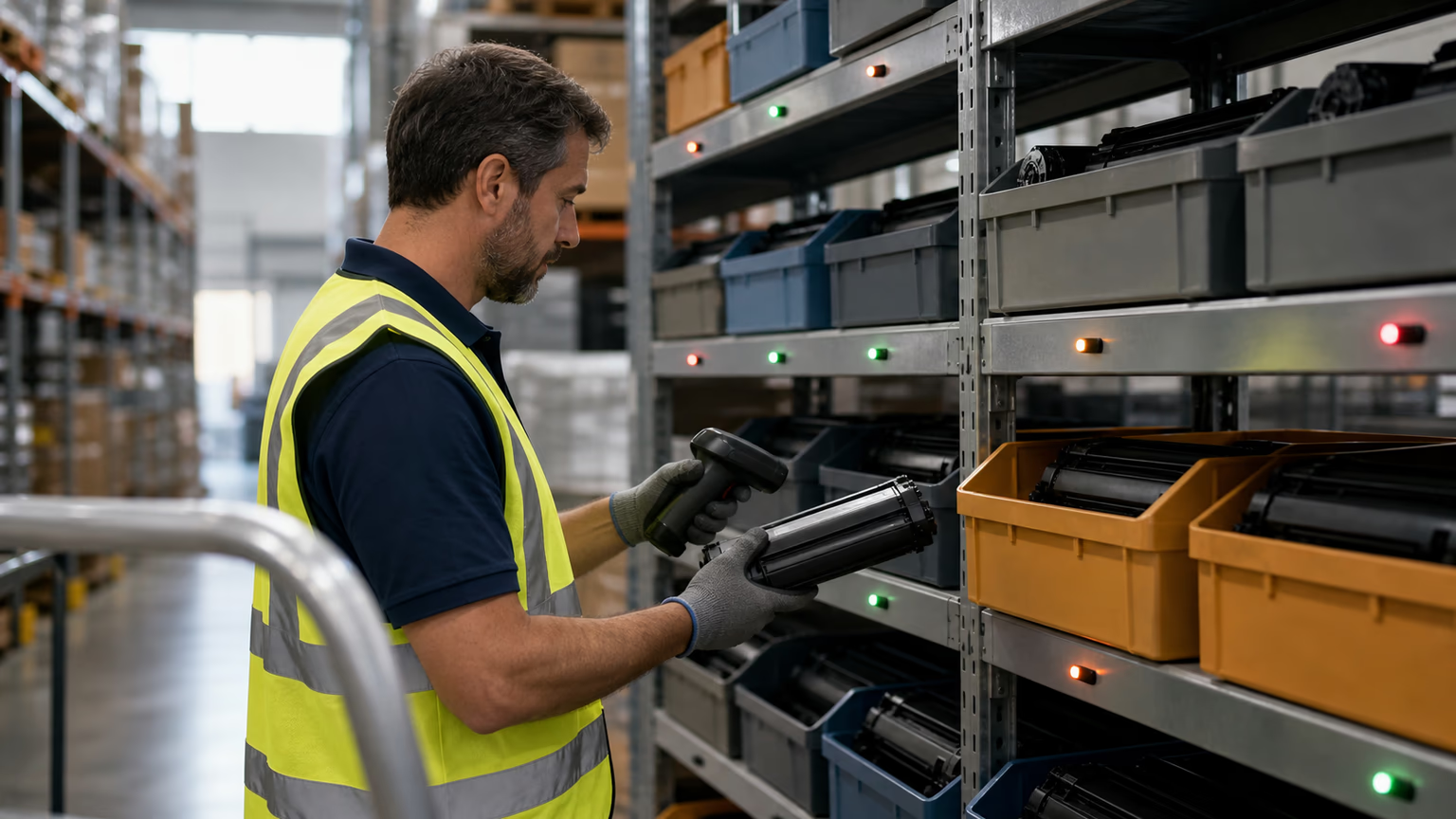
- Standardize codes. Keep a list of every copier, its region and its toner, drum and waste box codes.
- Hold safety stock. One spare set per model or per site prevents downtime.
- Test before switching. When moving from OEM to compatible copier toner, run a pilot on a few machines and track quality, yield and waste.
- Check batch consistency. Ask suppliers how they control particle size, charge and melting behavior from batch to batch.
- Store correctly. Keep cartridges sealed, flat, cool and dry, and use older stock first.
Our guide on how to run a pilot test before switching to compatible toner walks through the process.
Toner or another part? Reading copier symptoms
Copiers report toner status clearly, but many print problems look like toner trouble when they are not. A quick guide:
- “Toner low” or “replace toner” with lighter prints: toner. Replace the cartridge or bottle for the color shown.
- Gray background or speckles with plenty of toner: often developer or drum wear, or toner that does not match the developer. A technician should check the developing unit.
- Repeating marks: a roller or drum with damage or buildup; measure the spacing to find it.
- Smearing or toner rubbing off: fuser temperature or paper settings, not the toner level.
- “Waste toner full”: the waste container, not the toner cartridge.
Logging these symptoms per machine helps a fleet manager see whether a toner change actually solved a problem or only masked a maintenance issue.
Storing copier toner
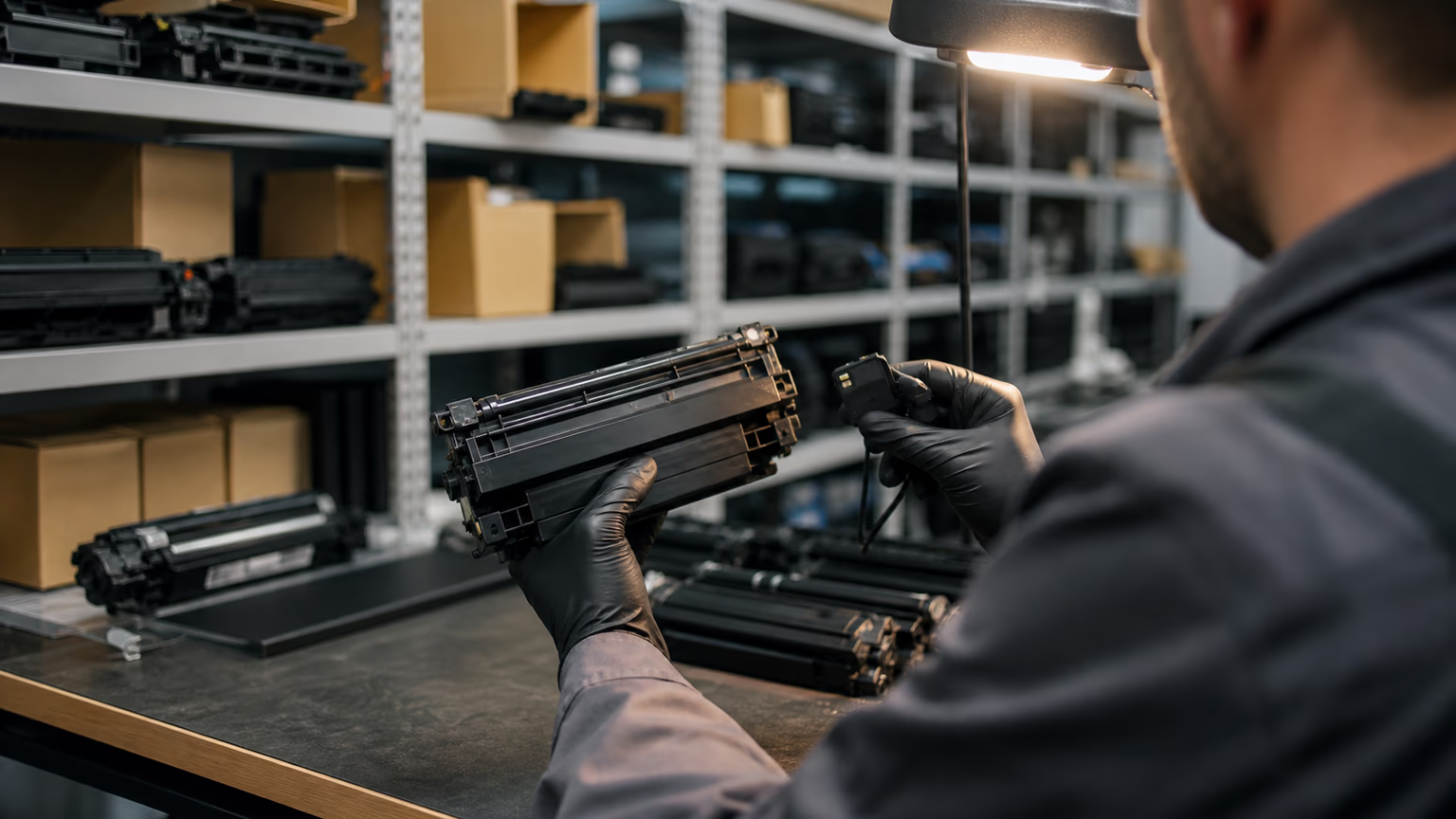
Copier cartridges are large and usually bought several at a time, so storage matters. Keep them sealed in their boxes, lying flat, in a cool and dry room away from direct sun and heaters. Avoid storing them next to windows or in unheated warehouses where condensation can form. After cold transport, let cartridges reach room temperature before installing them. Rotate stock so older cartridges are used first. For larger warehouses, read our article on humidity-controlled warehousing for toner.
Copier supplies beyond toner
A copier's consumables list usually includes the toner cartridge or bottle, drum or imaging unit, developer or developing unit, waste toner container, fuser unit and transfer belt or roller. Users typically replace toner and the waste container; technicians handle the rest during scheduled maintenance. Keeping all of these codes on file avoids delays when a part is due.
Where to buy
You can find compatible copier toner for Canon, Konica Minolta, Ricoh, Sharp, Toshiba, Xerox and Kyocera devices in the UNICO catalog, or start from a brand page such as Sharp or Toshiba. Dealers and fleet buyers can request samples and pricing through our wholesale toner supply page.
FAQ
Can I use printer toner in a copier?
No. Copier toner is formulated and packaged for a specific copier engine. A desktop printer cartridge will not fit a copier, and loose printer toner poured into a copier can have the wrong particle size, charge or melting point, which damages print quality and the developer unit.
What is copier developer?
In many copiers, toner is mixed with developer: fine magnetic carrier beads that charge the toner by friction and carry it to the drum. The developer is not used up like toner, but it wears over time and is replaced during maintenance. Copiers with single-component systems have no separate developer.
How do I find my copier toner code?
Look at the label on the current toner cartridge or bottle, check the supplies menu on the control panel, or print a configuration report. Make sure the code matches your copier model and its sales region, because the same copier can use different codes in different parts of the world.