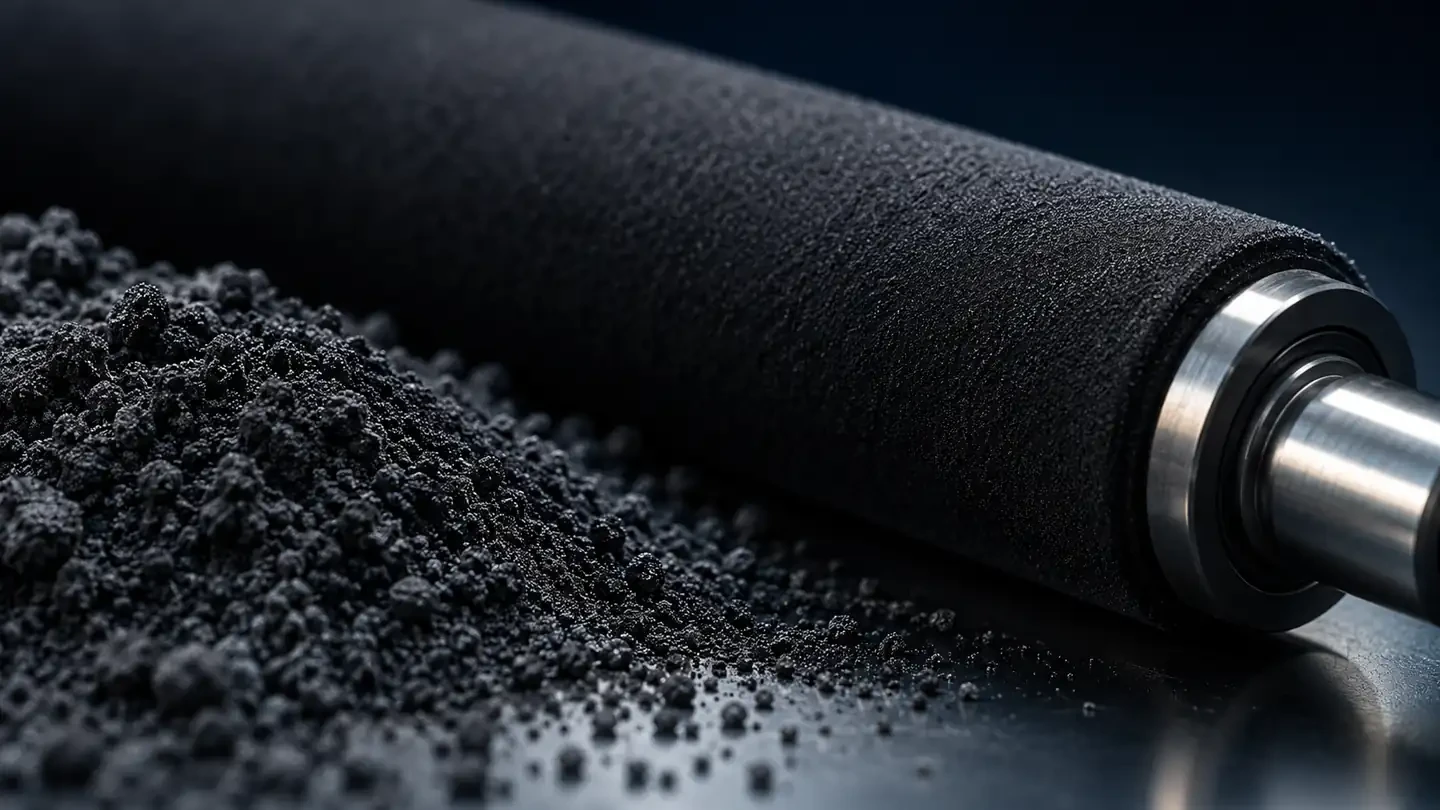
Short answer: developer is a powder of fine magnetic carrier beads, coated with resin, that is mixed with toner inside a copier's developing unit. As the mixture is stirred, the carrier charges the toner by friction, and a magnetic roller carries the mixture to the drum, where the charged toner jumps onto the image. Developer is not used up like toner, but it wears and is replaced as a maintenance part.
What developer does in a copier
To make a page, a copier must place toner exactly on the electrical image formed on the drum. For that, each toner particle needs a precise electrical charge. In a two-component system, developer provides that charge:
- Mixing: augers in the developing unit stir toner and carrier together.
- Charging: friction between toner and carrier gives the toner a charge of one polarity and the carrier the opposite.
- Transport: a magnetic sleeve picks up the carrier beads, which hold the toner on their surface, and forms a “brush” that touches or nearly touches the drum.
- Development: toner leaves the carrier and jumps to the image areas on the drum. The carrier stays behind and returns to the mix.
- Replenishment: a sensor measures the toner concentration in the mix and adds fresh toner from the cartridge as needed.
Because the carrier is reused millions of times, it slowly loses its ability to charge toner. That gradual wear is why developer has a service life.
One-component vs two-component systems
| One-component | Two-component | |
|---|---|---|
| What is in the developing unit | Toner only | Toner mixed with developer (carrier beads) |
| How toner is charged | By a blade and roller | By friction with the carrier beads |
| Typical devices | Most desktop laser printers; some copiers | Most office copiers and color MFPs |
| Consumables | Toner (often with drum) | Toner, plus developer replaced during maintenance |
| Strengths | Simple, compact, user-replaceable | Stable charging, high speed, long life, good color |
Two-component systems are favored in office copiers because they charge toner very consistently at high speed and over long periods, which helps image density and color stability. One-component systems are simpler and suit compact printers where the user replaces a cartridge that contains everything.
Which copiers use developer
Many office copiers and multifunction devices from the major brands use two-component development, including models from Konica Minolta, Ricoh, Sharp, Toshiba and Xerox. Depending on the brand and model, developer is supplied in one of three ways:
- Bottles or bags of developer that a technician pours into the developing unit, common on many Ricoh, Sharp, Toshiba and older Xerox machines.
- Developing units (often coded DV) supplied pre-filled with developer, common on Konica Minolta bizhub models.
- Imaging units that combine drum and developer, used on some models to simplify maintenance.
Search terms such as “Konica Minolta developer”, “Ricoh MP 2501 developer” or “Sharp developer” usually refer to these service parts for a specific copier family. Always order by the part code for your model.
Signs of worn developer
Worn developer shows up as print quality problems even when there is plenty of toner:
Signs of worn developer
| What you see | Why worn developer causes it |
|---|---|
| Gray background on white areas | Carrier no longer charges toner evenly, so weakly charged toner lands on the background |
| Low or uneven image density | Toner is not delivered to the drum consistently |
| Toner scatter around text and lines | Toner charge is too low or too varied |
| Small white spots or carrier marks on prints | Carrier beads transfer to the drum or paper |
| Toner density or TC sensor errors | The toner concentration in the developer is out of range |
These symptoms overlap with drum wear and toner problems, so a technician usually checks the copier's counters and runs test patterns before replacing developer. If background and scatter appeared right after a toner change, the toner may not match the developer; read about toner scatter, particle size and charge.
Replacing developer and the developing unit
Developer replacement is usually a technician task, though on some models the developing unit is designed for users or key operators. The general steps are:
- Remove the developing unit or open its fill port, following the service manual.
- Remove the old developer completely and clean the unit.
- Add new developer, or install a new pre-filled developing unit, for the correct color.
- Run the copier's developer initialization or toner density setup, which sets the sensor for the new mix.
- Print test pages and check background, density and color.
Skipping the initialization step is a common cause of density problems after developer replacement. On color copiers, each color has its own developer and its own replacement interval.
Toner and developer must match
Developer is designed for a toner with a particular charge, particle size and additive package. Toner that does not match can charge too weakly or too strongly, causing background, scatter and faster developer wear, and it raises waste toner. That is why compatible toner for two-component copiers must be formulated for the exact model, and why changing toner brand on a copier should be tested before rolling out to a fleet. Our article on developer balance and waste toner in copier fleets explains the effect on running costs.
Common myths about developer
- “Developer is just more toner.” It is not. Developer is a carrier that stays in the machine; it is not printed onto the page.
- “You only replace developer when the counter says so.” The counter is a guide. Heavy color coverage, humid rooms or mismatched toner can wear developer faster, and print quality will show it first.
- “New toner fixes background.” If the developer is worn, fresh toner will not stop gray background. The mix itself has to be renewed.
- “Any developer works with any toner.” Developer and toner are designed as a pair. Mixing formulations from different sources is a common cause of quality complaints.
- “Developer is the same for all colors.” On many color copiers, each color has its own developer and its own part code.
Cost and planning for fleets
Developer is a small share of the cost per page, but it has an outsized effect on print quality and toner consumption. Fleet managers can reduce surprises by:
- tracking developer counters alongside toner and drum life;
- replacing developer and drum together where the intervals line up, to save a service visit;
- recording which toner is used in which machine, so developer problems can be traced;
- keeping one developer set per model in stock for critical machines.
For a structured approach, see our guide to service engineer feedback loops in toner supplier selection.
Where to buy toner and developer
UNICO supplies compatible toner and copier parts, including developing units and drums, for Konica Minolta, Ricoh, Sharp, Toshiba, Xerox, Kyocera and Canon devices. Browse the UNICO catalog by model or part code, or start from the Konica Minolta and Ricoh brand pages. Dealers and service companies can request pricing and samples through our wholesale toner supply page.
FAQ
Is developer the same as toner?
No. Toner is the colored powder that ends up on the paper. Developer is a carrier, made of fine magnetic beads, that stays in the developing unit. It charges the toner by friction and carries it to the drum. Toner is used up as you print; developer wears slowly and is replaced as maintenance.
How often should developer be replaced?
Manufacturers set intervals by page count, often tens of thousands to a few hundred thousand pages depending on the model and color. The copier tracks developer life and shows a message when replacement is due. Worn developer causes gray background and low density before the counter is reached, so print quality is also a guide.
Can you buy compatible developer?
Yes, compatible developer and developing units are available for many copiers, including Konica Minolta, Ricoh, Sharp, Toshiba and Xerox models. Developer must match the toner it works with, so buy toner and developer designed for the same model, and have a technician install developer if the procedure requires it.