What Is Background Fog and Why Does It Appear in Humid Storage?
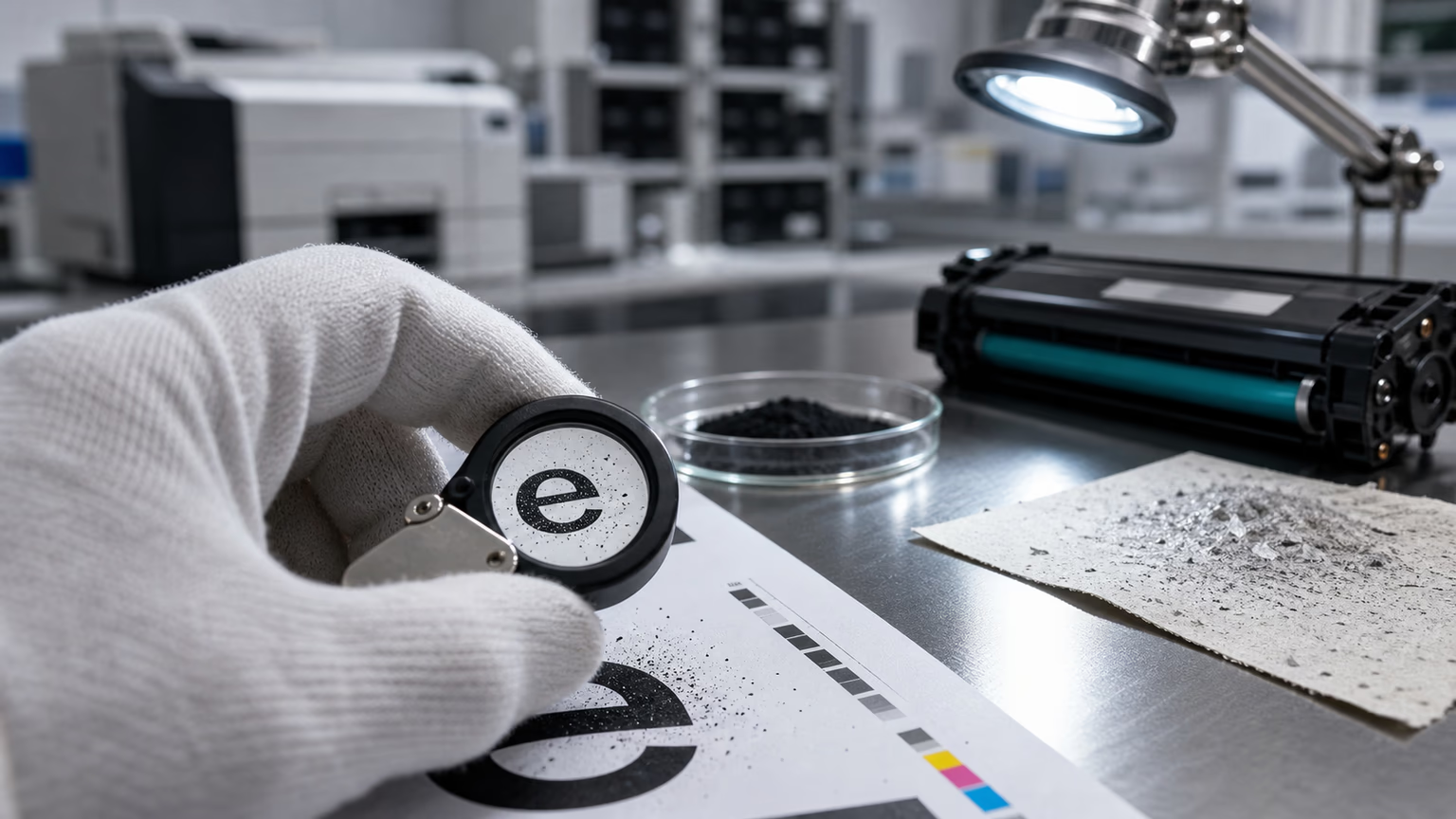
Background fog is a laser print defect that shows up as a faint gray or colored haze across areas of the page that should remain blank.
In normal operation, toner particles are engineered to hold an electrostatic charge and transfer only to the charged image areas on the photoconductor drum.
When that charge distribution is disrupted, toner deposits on non-image areas, creating the fog.
For B2B distributors, MPS operators, and service companies, background fog is one of the most frustrating failure modes because it is rarely caused by the printer itself.
It is usually a sign that the toner cartridge was damaged by environmental conditions before it ever reached the end user.
The root cause often sits in the warehouse.
High relative humidity causes toner powder to absorb moisture from the air.
This absorption changes the particle size, surface adhesion, and triboelectric properties of the toner.
Clumps form, powder flow becomes uneven, and the developer roller cannot deliver a consistent, controlled layer of toner to the drum.
The result is a gray wash on prints, poor edge definition, and sometimes toner dust contamination inside the printer.
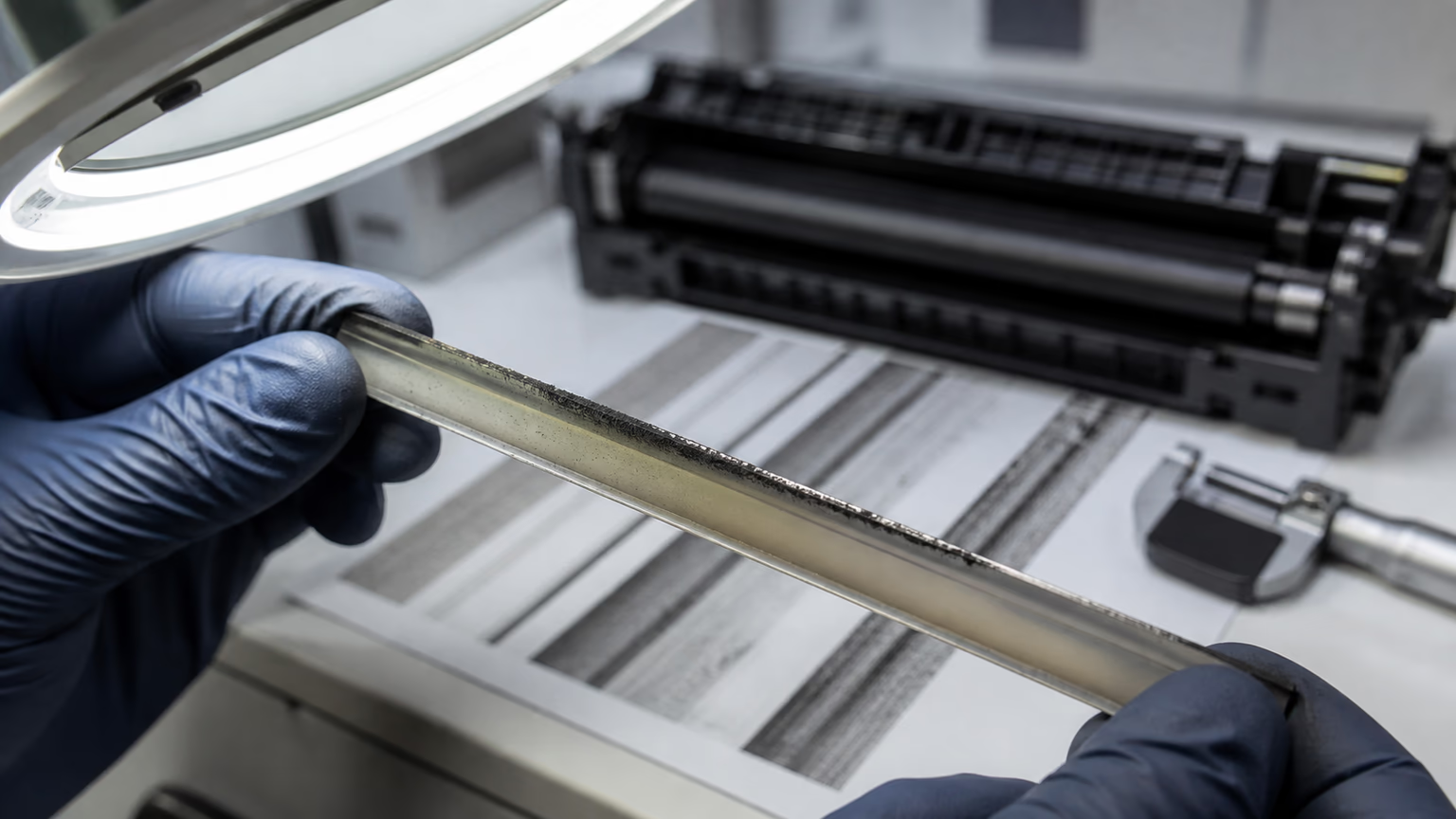
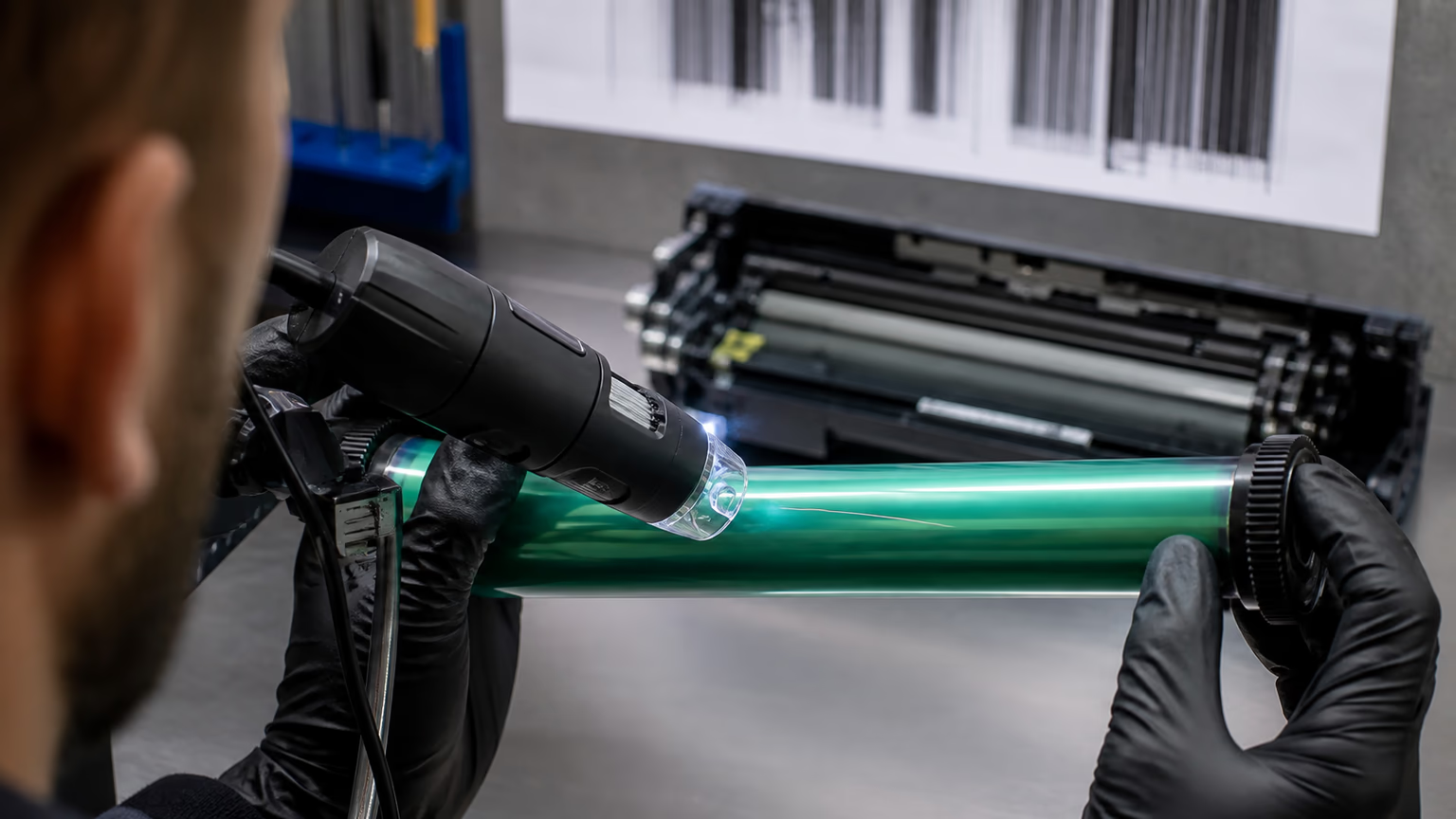
Visually, storage-related background fog looks different from a worn drum or a dirty corona wire.
It appears evenly across large blank areas, does not change when you rotate the cartridge or replace the drum, and may be more pronounced on heavier paper or in humid office environments.
Because the defect only becomes visible after the cartridge is installed, B2B buyers often blame the toner manufacturer, but the real culprit is uncontrolled humidity during warehousing and shipping.
The Hidden Link Between Warehouse Humidity and Toner Quality
Laser printer toner is hygroscopic, meaning it naturally attracts and holds moisture from the surrounding environment.
Even inside a sealed cartridge, toner is not fully isolated from ambient air.
Cartridge housings, foam seals, and packaging films are not perfect moisture barriers.
Over days or weeks in a high-humidity warehouse, water vapor slowly penetrates these barriers and interacts with the toner powder.
The damage is cumulative and often invisible until the cartridge is used.
A cartridge stored for two months at high relative humidity will absorb far more moisture than one stored for two weeks.
As moisture content rises, the toner particles begin to stick together, forming micro-clumps that disrupt the magnetic brush and the developer roller.
The charge-to-mass ratio of the toner changes, so the particles no longer respond correctly to the electrostatic fields inside the printer.
Temperature fluctuations make the problem worse.
When warm, humid air contacts cooler cartridge surfaces, condensation can form inside the packaging.
This liquid water is even more damaging than water vapor, causing immediate caking and clumping of the toner powder.
Even if the cartridge is later moved to a dry environment, the damage is often irreversible.
The toner chemistry may have already degraded, and the clumps will not break apart during normal use.
From a quality control perspective, humidity-induced toner degradation is a batch-level risk. A single pallet of cartridges stored near an exterior wall or a loading dock may be affected while the rest of the batch remains fine. This variability is why background fog complaints often look random and are difficult to trace without batch tracking and storage environment data.
How B2B Buyers Can Identify Storage-Related Toner Failures
When background fog appears, the first step is to determine whether the defect follows the toner batch or the printer.
A storage-related toner failure usually shows a clear pattern: multiple cartridges from the same incoming lot produce fog across different printer models in different locations, especially in humid regions or after a long storage period.
If the same printer works perfectly with a cartridge from a different batch or supplier, the evidence points to the toner supply rather than the device.
Run a controlled test by installing the suspect cartridge in a known-good printer that has just been serviced.
If background fog appears immediately on the first page and does not clear after a cleaning cycle or a few dozen pages, remove the cartridge and inspect the toner inside.
Moisture-damaged toner may look clumpy, grainy, or caked instead of a fine, free-flowing powder.
You can also check the inside of the packaging for condensation marks, dampness, or a missing or saturated desiccant pack.
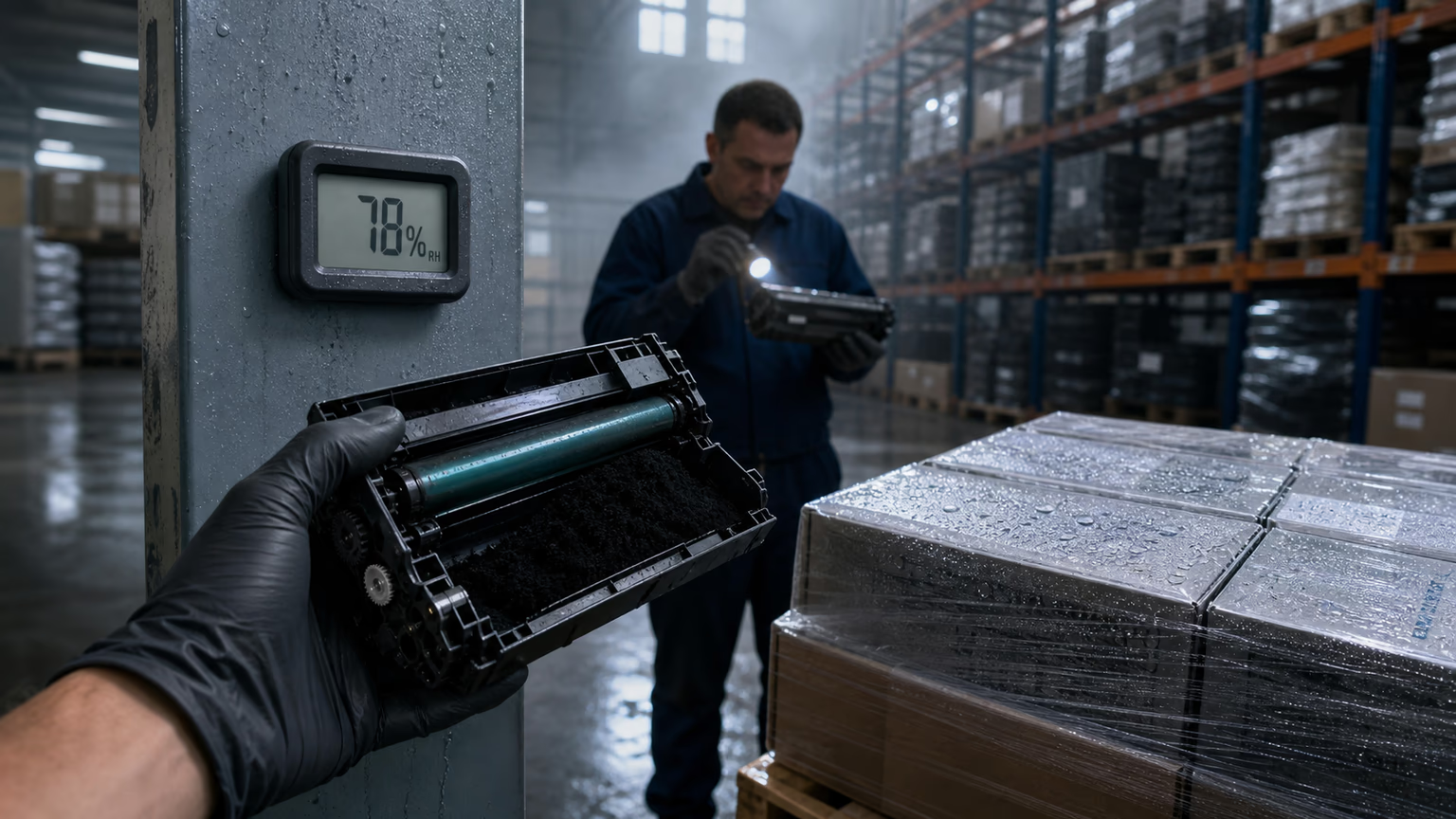
At your own receiving dock, use a calibrated hygrometer to verify that your storage area meets the recommended low-humidity conditions.
If your warehouse is dry but you still see fog with a specific supplier batch, the damage likely occurred before the goods reached you.
Document everything: batch number, date codes, storage dates, test results, and printer serial numbers.
This evidence is critical when filing a quality complaint or requesting a replacement from the supplier.
Misdiagnosing this defect as a printer problem leads to unnecessary service calls and component replacements. A technician who replaces a drum or developer unit without checking the toner batch will not solve the issue, and the same fog will reappear with the next cartridge from the same bad lot. That scenario damages customer trust and increases service costs without fixing the root cause.
Evaluating Toner Suppliers: Storage and Handling Criteria That Matter
Procurement teams should treat warehouse storage conditions as a core quality parameter, not a peripheral logistics detail.
When vetting a toner supplier, ask direct questions about their climate control systems, monitoring frequency, and handling procedures.
A supplier that cannot provide humidity logs or storage environment data may be cutting corners on warehousing, even if their toner chemistry is sound.
Key questions and checks include:
- What is the target relative humidity and temperature range inside the finished-goods warehouse, and how is it monitored and logged?
- Are moisture-barrier packaging and desiccant packs used for every cartridge, and is the packaging integrity verified before dispatch?
- Can the supplier provide batch-level moisture testing or QC reports for each production lot?
- Is there full traceability from manufacturing date through warehouse storage to shipping exit?
- How does the supplier rotate stock to avoid long-term storage in high-humidity periods?
- What procedures are in place for handling cartridges that have been stored beyond a certain duration or exposed to humidity excursions?
Red flags include vague answers about storage conditions, inconsistent lot numbers, packaging that shows signs of previous moisture exposure, or an unwillingness to share environmental data.
If possible, ask for a warehouse audit or an on-site visit.
Look for hygrometers mounted on pillars, climate control units, and evidence that cartridges are stored on pallets away from exterior walls and floor-level condensation.
A supplier that takes humidity control seriously will document it and will be able to demonstrate how they prevent moisture damage before cartridges leave their facility.
Quality Risks Across OEM and Compatible Cartridges in Humid Conditions
It is a mistake to assume that OEM cartridges are immune to humidity damage.
OEM toner formulations are typically tested for performance under controlled office and light industrial conditions, but prolonged exposure to high warehouse humidity can still cause moisture absorption inside a sealed cartridge.
The plastic housings and seals used by OEM manufacturers are not hermetically sealed vacuum chambers; they allow slow moisture ingress over time.
Compatible and aftermarket toners, however, may be more vulnerable for two reasons.
First, some remanufactured or compatible cartridges use binder resins that have higher hygroscopicity than the original formulation.
Second, the cartridge design itself may have weaker seals or less robust moisture-barrier packaging.
A compatible cartridge stored correctly can perform as well as an OEM cartridge, but a cheaper compatible cartridge stored in poor conditions is often the first to show background fog.
The printer model also matters.
Different engines and fuser temperatures react differently to moisture in toner.
A cartridge that shows background fog in one printer model may be less noticeable in another, but the underlying moisture problem remains.
For color printers, moisture can also cause toner mixing and uneven density, leading to color shifts and contamination between CMYK channels.
For B2B distributors managing mixed fleets, this means that a single bad batch can cause inconsistent complaints across different customer environments, making diagnosis even harder.
From a supplier evaluation perspective, ask whether the compatible toner has been tested for humidity stability and whether the cartridge design includes features that reduce moisture ingress, such as improved seals or desiccant packs in the hopper.
Some aftermarket suppliers invest in these features, while others do not.
The absence of such controls should be a warning sign when purchasing for customers in humid regions.
Supply-Chain and Procurement Implications of Humidity Damage
Ignoring humidity in toner supply chains carries a direct financial cost.
Returns and reorders for suspected defective cartridges are expensive, but they are only the visible part of the problem.
Each return triggers freight costs, administrative handling, credit processing, and possibly a replacement shipment.
When background fog is misdiagnosed as a printer fault, service providers may replace drums, developer units, or even entire print engines, incurring unnecessary labor and hardware costs that cannot be recovered from the toner supplier.
For managed print services (MPS) operators, humidity-related fog can erode SLA compliance.
Technicians waste hours chasing ghost issues that are actually caused by moisture-damaged toner.
The helpdesk sees an increase in call volume, and customer satisfaction drops when the same defect reappears with the next cartridge from the same batch.
Over time, end users lose confidence in the cartridge brand and may request a different supplier, damaging the distributor's reputation and recurring revenue.
Choosing a toner supplier based solely on unit price can backfire badly.
A low-cost supplier that stores cartridges in an uncontrolled warehouse may save a few cents per unit but generate far higher costs in returns, service interventions, and lost customers.
Total cost of ownership should include storage quality, batch traceability, and the supplier's demonstrated ability to prevent humidity damage during warehousing and shipment.
Contractual disputes over background fog are common because the responsibility is often unclear.
Without storage environment data and batch traceability, it is difficult to prove whether the damage occurred in the supplier's warehouse, during transit, or at the buyer's facility.
Clear supplier agreements that specify humidity limits and require batch-level QC documentation can prevent these disputes and speed up resolution when they occur.
Practical Checks and Audit Questions for Distributors and Service Providers
You can implement several immediate controls to reduce the risk of background fog reaching your customers. Start by requesting humidity logs or storage environment data from your toner supplier for each incoming batch. Ask about the maximum storage duration in their warehouse and how they rotate inventory to ensure older stock does not sit in humid conditions for extended periods.
Inspect every incoming shipment for signs of moisture damage.
Look for condensation inside the outer carton, dampness on the cartridge boxes, or damaged moisture-barrier packaging.
Verify that each toner cartridge box contains an intact desiccant pack.
If any packaging shows signs of previous moisture exposure, quarantine the entire lot and report it to the supplier before deploying the cartridges.
Before full deployment, test a sample cartridge from each batch in a controlled printer under standard office conditions.
Run a blank page or a page with large white areas to check for background fog.
If fog appears, isolate the batch and contact the supplier with your test results and the batch number.
Reliable suppliers will appreciate the data and should have a clear process for handling humidity-related quality complaints.
Establish your own storage guidelines as well.
Keep toner cartridges in a clean, dry area with stable temperature and low relative humidity, as recommended by your toner supplier.
Avoid storing cartridges directly on concrete floors, near exterior walls, or near loading docks where temperature swings and condensation are common.
Rotate stock on a first-in, first-out basis, and never use cartridges that have passed their recommended storage period without testing.
Common Misconceptions About Background Fog and Toner Storage
Myth: sealed cartridges are completely protected from humidity. In reality, packaging slows moisture ingress but does not stop it entirely. Over weeks or months in a humid warehouse, enough moisture can enter to change toner behavior, especially if the packaging is damaged or the desiccant is exhausted.
Myth: background fog always means a faulty drum or developer. While a worn photoconductor drum can produce a similar gray haze, a fog that appears immediately after installing a new cartridge and is consistent across multiple cartridges from the same batch strongly points to toner moisture damage, not the printer.
Myth: only compatible toners have storage issues. OEM cartridges are also vulnerable if stored improperly; their specifications assume controlled environments. The difference is often in the robustness of packaging and resin formulation, not in the brand name.
Myth: printing more pages will clear up the fog.
In a few mild cases, running a cleaning cycle or printing several pages may reduce light fog by consuming some clumped toner, but the root moisture problem remains.
The cartridge will continue to deliver inconsistent print quality until it is replaced or the environment is corrected, and the damaged toner can contaminate the developer unit over time.
Myth: if the warehouse does not feel humid, the toner is safe. Relative humidity can be high even when the air feels comfortable, especially in large spaces with poor air circulation. The only reliable way to know is to measure with a calibrated hygrometer and log the data over time.
FAQ
What is background fog in laser printing?
Background fog is a faint gray or colored haze that appears on non-printed areas of a page.
How does humidity cause background fog in toner cartridges?
Laser printer toner is hygroscopic and absorbs moisture from the air. High warehouse humidity causes toner particles to clump, alters their triboelectric properties, and reduces powder flow. When the cartridge is used, the moist toner does not adhere only to the charged image areas, leading to unwanted background fog on prints.
Can background fog be fixed without replacing the toner cartridge?
In rare cases, light fog may improve after printing a few pages or running a cleaning cycle, but this only consumes some of the clumped toner and does not address the moisture inside the cartridge.
How should distributors store toner cartridges to prevent humidity damage?
Distributors should store toner cartridges in a climate-controlled warehouse with stable temperature and low relative humidity.
What questions should I ask my toner supplier about warehousing conditions?
Ask for documented humidity logs, the target relative humidity and temperature range, evidence of moisture-barrier packaging and desiccant use, batch-level moisture testing or QC reports, traceability from manufacturing to shipping, and the supplier's policy for handling humidity-related quality complaints.
Conclusion
Background fog in laser printing is often a storage problem, not a toner chemistry problem.
Humid warehouse conditions silently compromise toner charge, flow, and fusing behavior before cartridges ever reach the end user.
B2B distributors, service providers, and MPS operators who treat humidity as a critical quality parameter can significantly reduce returns, service calls, and customer complaints.
By auditing supplier storage practices, requesting batch traceability and moisture test reports, and implementing your own receiving and storage controls, you protect your fleet, your service margins, and your reputation.
The cheapest toner cartridge is not the most cost-effective if it arrives with hidden moisture damage.
Make warehouse humidity control a non-negotiable part of your supplier evaluation and quality assurance process.