The Misleading 'Cartridge Error': A Familiar B2B Nightmare
A printer service technician opens a managed print service ticket: an office printer reports 'Replace Cartridge'. The user has already swapped in a new compatible toner cartridge, but the error persists. The cartridge is full, the chip looks clean, and the printer has just had a firmware update. The customer insists the cartridge is defective and wants a return.
For B2B distributors and service companies, this scenario repeats daily. False cartridge errors erode margin through unnecessary replacements, freight, and customer distrust. The real problem is rarely toner exhaustion. It is a communication failure between the cartridge chip and the printer firmware.
Laser printer toner remains physically present and functional, but the printer says otherwise. This article explains why error messages blame the cartridge even when toner is not the cause, and how B2B buyers can reduce false returns and service waste while protecting their reputation as a reliable supplier.
How Laser Printer Error Codes Actually Work
Laser printers do not directly measure toner volume. They rely on a small electronic chip on the cartridge that stores data such as model, region, yield, and estimated toner consumption. The printer reads this chip during each power cycle and at intervals during printing.
When the printer cannot complete this read or fails to authenticate the chip, it has no way to distinguish a genuine empty cartridge from a chip fault, a contact issue, or a firmware handshake failure.
The printer's diagnostic logic lumps all supply-related anomalies into a generic 'cartridge error' message.
This grouping is intentional in printer design because the printer has no better sensor data, but it creates a diagnostic blind spot for service teams.
Even if the toner is full, the printer has no sensor to prove it independently. The error code may say 'cartridge problem' or 'install new cartridge' because that is the only category the firmware knows. This is why service teams waste hours replacing cartridges that are not the root cause.
The Chip-Firmware Handshake: Where Errors Are Born
Every modern compatible toner cartridge for office printers includes a chip whose job is to mimic the OEM chip protocol. On power-up and after each print job, the printer sends a challenge to the chip. The chip must respond with the correct identification, toner level data, and authentication signature.
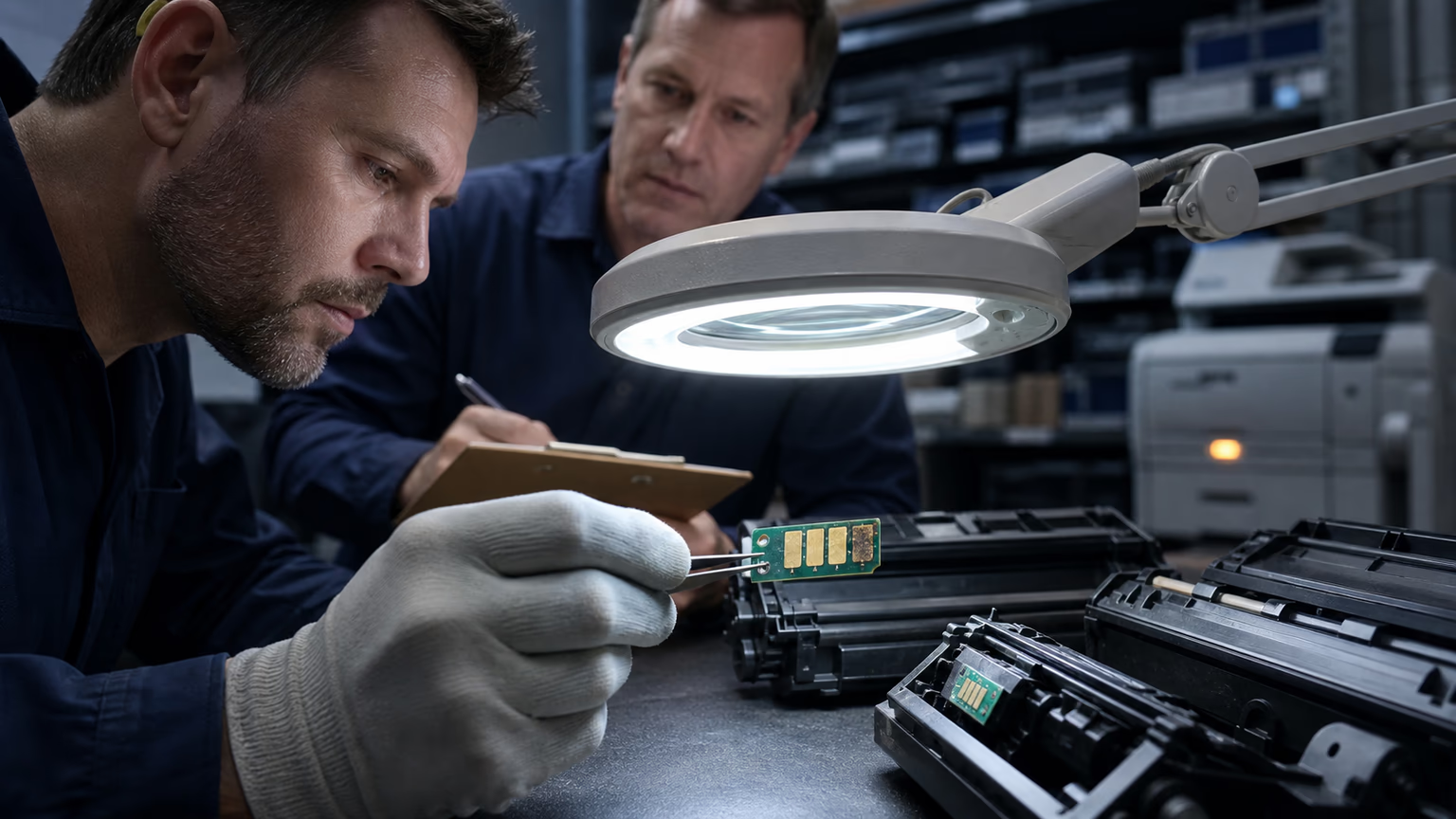
If the chip has a stale firmware version, if the contact pads are oxidized, or if the chip reset after remanufacturing failed, the handshake breaks. Even a microscopic layer of oxidation on the chip contact pads can break the handshake. The printer then throws a cartridge error even though the toner itself is perfectly good.
For B2B toner cartridge suppliers, this means the difference between a reliable product and a wave of returns is often not the toner powder but the chip firmware revision. A toner cartridge factory can produce excellent toner yet fail if the chip protocol is one revision behind the current OEM firmware.
OEM Firmware Updates: The Silent Cartridge Killer
Printer manufacturers regularly release firmware updates for security and performance. Some of these updates tighten chip authentication or change the communication algorithm. A compatible chip that worked for months can suddenly fail after an update because the printer no longer recognizes its response.
Managed print service operators with automatic firmware updates enabled are most exposed. A fleet can go from stable to error-prone overnight. For a distributor managing hundreds of devices, one bad firmware update can trigger a wave of support tickets and returns. The cartridges are not defective; the goalposts moved.
Distributors who track printer firmware versions across customer fleets can anticipate these issues. Suppliers who provide updated chips or reprogramming support after a firmware change turn a potential service disaster into a routine update cycle. Suppliers that proactively notify distributors about firmware compatibility changes prevent fleet-wide failures.
Real Toner Depletion vs. False Cartridge Errors
True toner depletion shows gradual print quality decline: fading text, light areas, and a low toner warning well before the printer stops. Page counts approach the cartridge yield. The chip reports a steady decrease in estimated toner level.
A false cartridge error appears suddenly, often immediately after installation or after a firmware update. The printer may recognize the cartridge intermittently, sometimes after a reboot, sometimes after reseating. Test pages may print perfectly when the error clears.
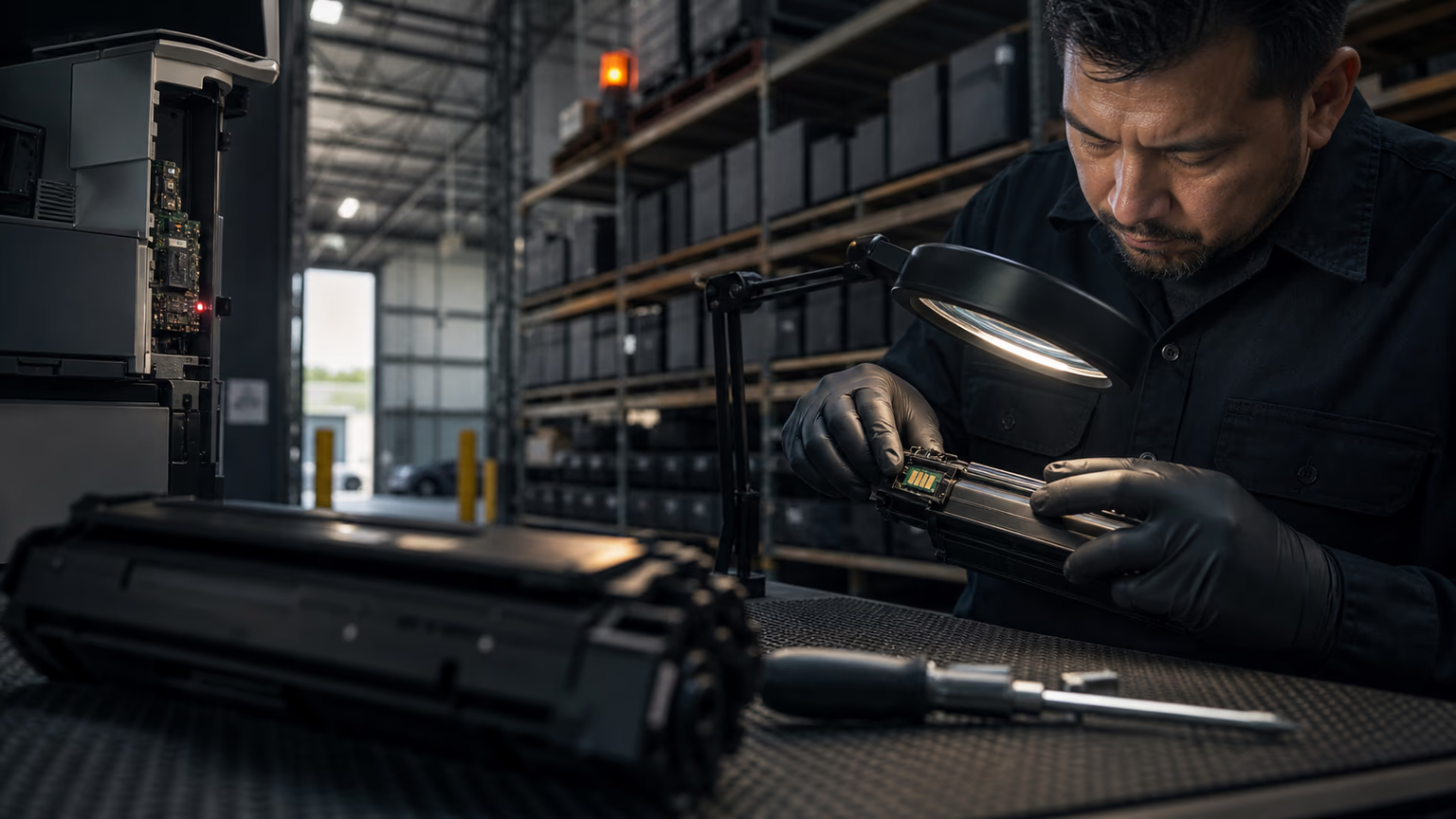
Physical inspection helps: check chip contacts for oxidation, scratches, or misalignment. Use the printer's diagnostic menu to view chip status and error history. If the error code points to chip authentication rather than low toner, the cartridge is likely innocent.
Procurement Implications: Buying Cartridges That Resist False Errors
B2B buyers evaluating compatible toner cartridges for office printers must look beyond price per page. The lowest-cost cartridge with an unknown chip origin may become a return liability after the next OEM firmware update.
Ask suppliers these questions: Do you track chip firmware versions?
Can you provide a compatibility matrix for printer models and firmware levels?
Will you reprogram or replace chips after OEM updates?
Do you perform QA testing against current OEM firmware before shipping?
A supplier that treats chip firmware as a core deliverable, not an afterthought, reduces hidden costs in returns, service calls, and customer churn.
Diagnostic Checklist for Service Teams
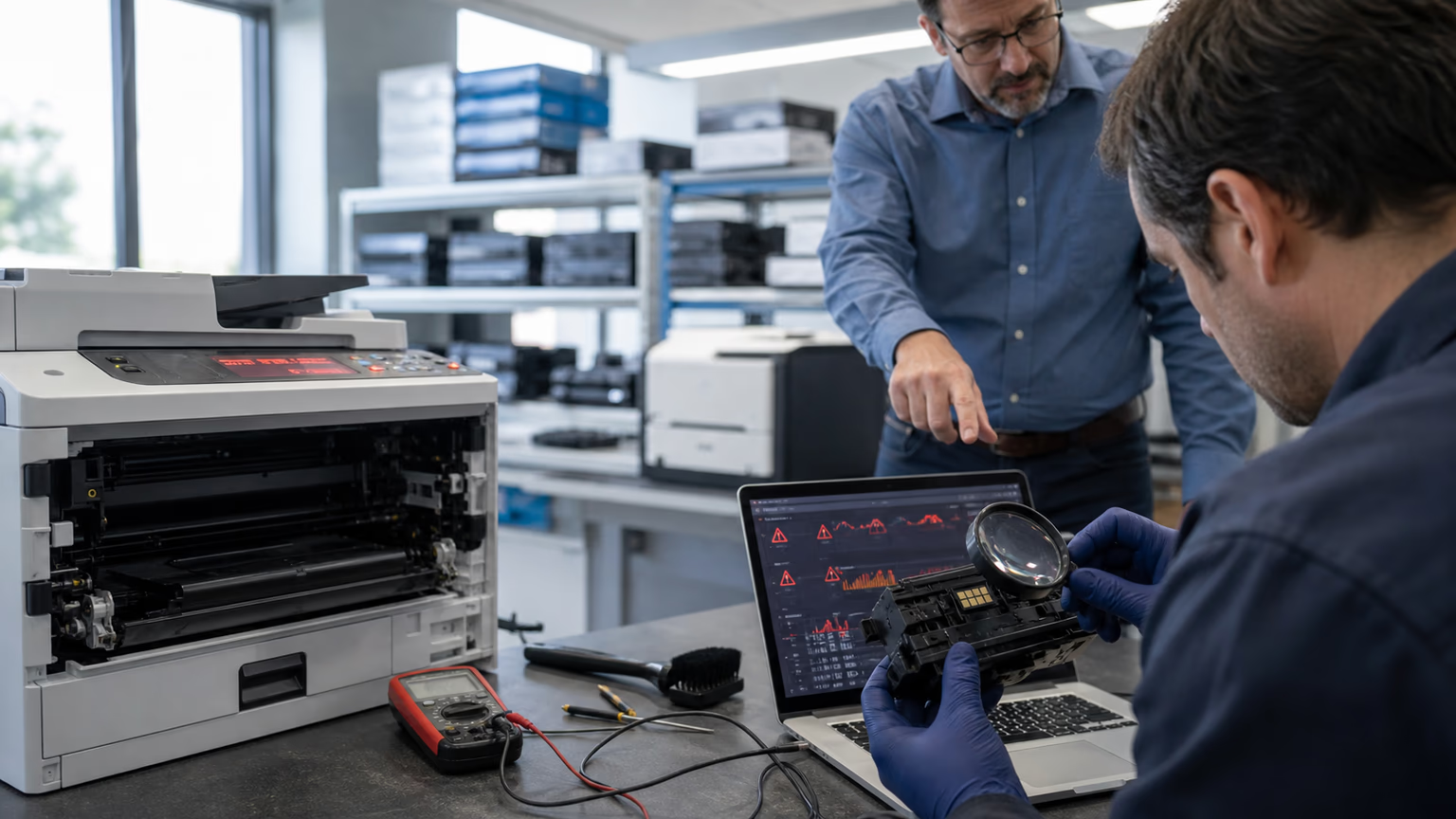
Use this step-by-step sequence to confirm whether the cartridge or the printer is the actual fault. Consistent documentation prevents repeat visits and protects supplier relationships.
- Clean cartridge chip contacts with isopropyl alcohol and reseat the cartridge firmly.
- Check the printer firmware version and compare it with the cartridge supplier compatibility chart.
- Test the same cartridge in another identical printer to isolate the fault.
- Print a supply status page and record the exact error code and chip status.
- If the error persists, contact the supplier for an updated chip or replacement procedure.
- Document findings to avoid repeat misdiagnosis and to inform procurement decisions.
From Blame Game to Root-Cause Resolution: A B2B Supply Chain Perspective
False cartridge errors are a systematic issue in laser printer fleets. They are not a single cartridge defect but a symptom of chip-firmware incompatibility, poor contact, or outdated authentication data.
Distributors who educate customers about error messages reduce unnecessary support tickets.
Service teams that follow a diagnostic protocol stop replacing good cartridges.
Procurement teams that evaluate chip update support protect margins from return erosion.
Building a chip-resilient supply chain requires supplier transparency, firmware version tracking, and a diagnostic-capable service offering.
FAQ
Why does my printer say 'cartridge error' even though I just installed a new compatible cartridge?
The printer cannot tell the difference between an empty cartridge and a chip communication failure. If the chip authentication handshake fails, the printer defaults to a generic 'cartridge error' even though the toner is full and functional.
Can a firmware update cause my compatible toner cartridge to stop working?
Yes. Printer manufacturers occasionally change chip authentication protocols through firmware updates. A compatible chip that matched the previous protocol may no longer be recognized after the update, causing a false error message.
How can I tell if the cartridge chip is faulty or if the toner is actually empty?
Check print quality and page count. True low toner usually shows fading print and a gradual warning. A chip fault appears suddenly, often right after installation or firmware change, and the printer may recognize the cartridge intermittently after a reboot or reseating.
What should I do if a customer returns a cartridge that triggers an error but tests fine in another printer?
Treat the cartridge as functional until proven otherwise. Clean the chip contacts, verify the printer firmware version, and compare with your supplier compatibility matrix. Test in a second printer of the same model. Document the error code before initiating any return.
What should B2B distributors look for in a cartridge supplier to avoid chip-related errors?
Prioritize suppliers that track chip firmware versions, provide compatibility matrices for printer models and firmware levels, offer reprogramming after OEM updates, and run QA testing against current firmware before shipping. Transparent technical documentation is a strong signal.
Conclusion
Printer error messages that blame the cartridge are often firmware and chip communication failures in disguise.
For B2B distributors and printer service teams, recognizing this root cause prevents unnecessary returns, reduces service labor, and protects customer trust in compatible toner.
By focusing on chip robustness, supplier update support, and systematic diagnostics, businesses can turn a frustrating blame game into a managed compatibility workflow.
The cartridge is not always guilty; the handshake often is.