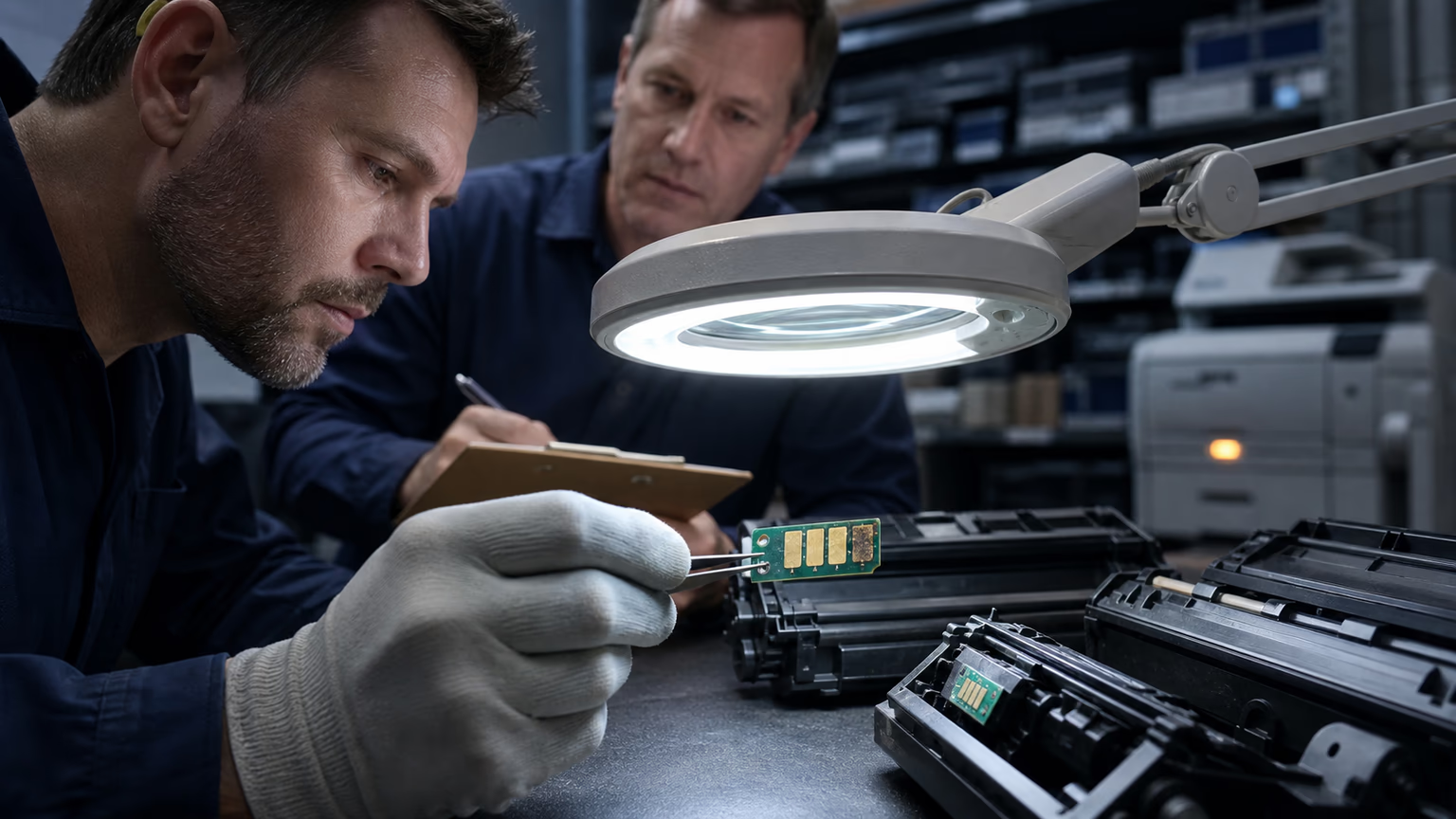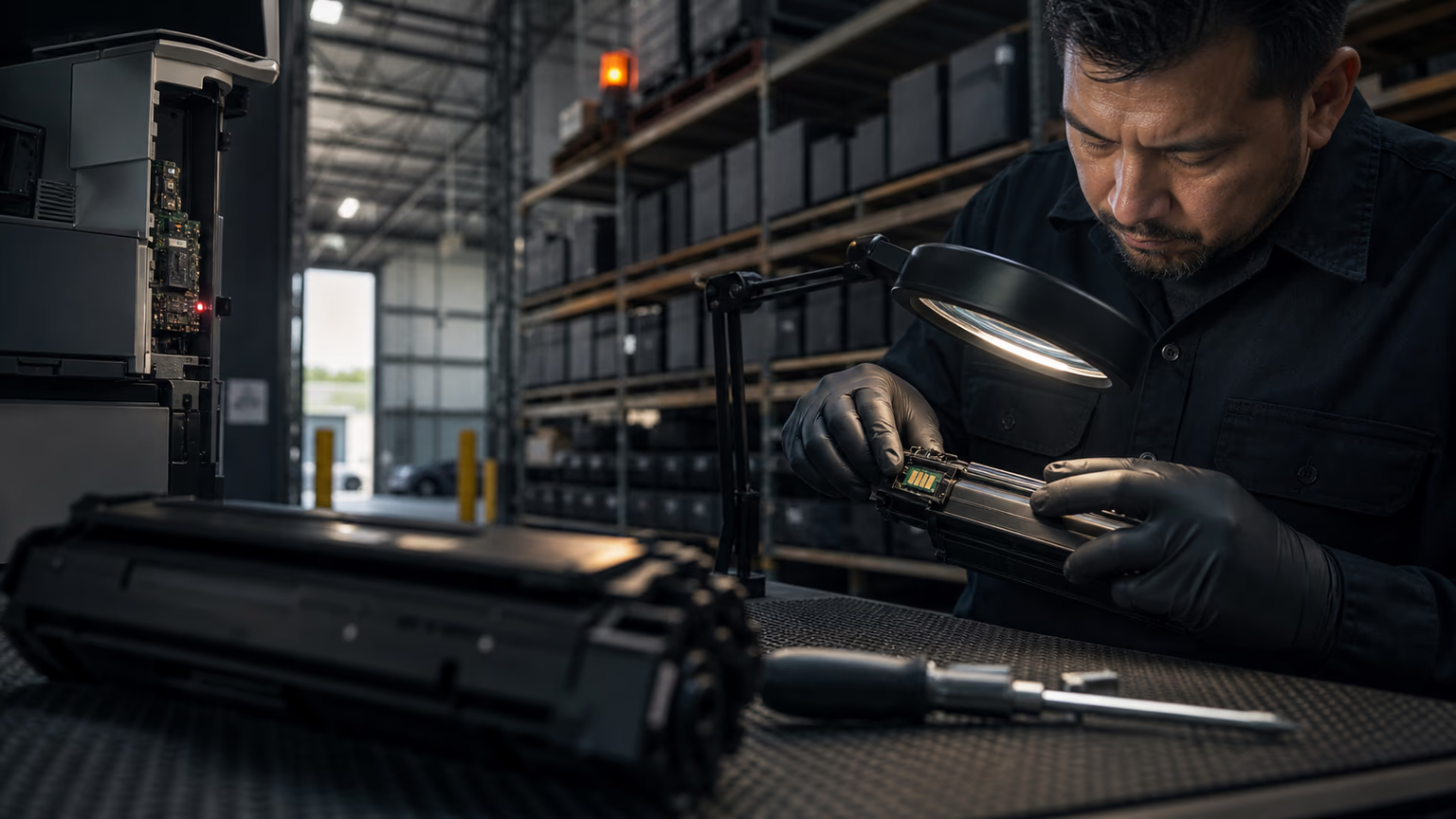
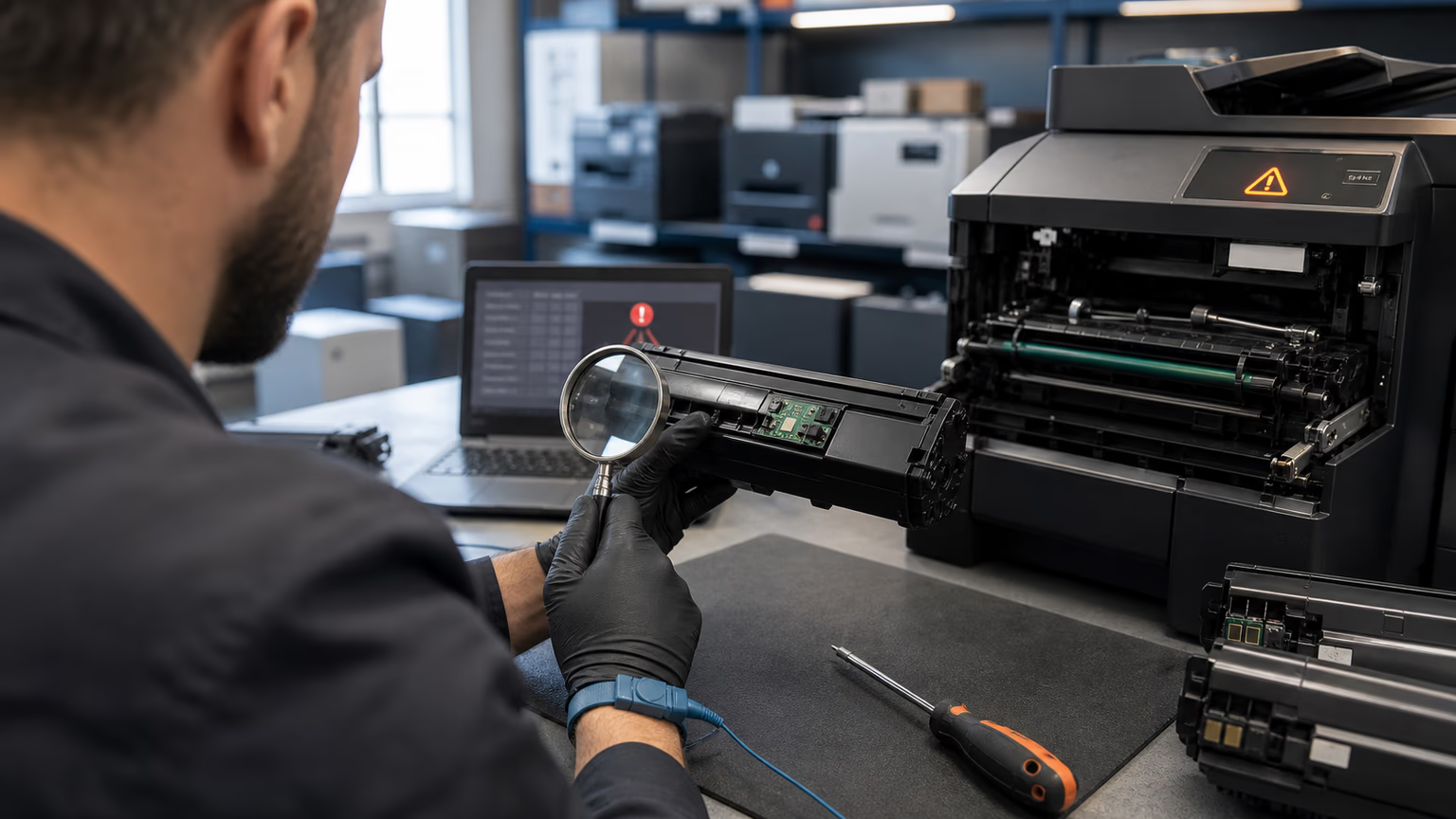
Why Firmware Updates Break Compatible Cartridges (Not Just a Compatibility Issue)
OEM printer manufacturers often use firmware updates to adjust printer behavior, add security features, or refine toner authentication.
For third-party compatible cartridges, these updates can silently change the communication protocol between the printer and the chip.
A chip that worked perfectly yesterday may suddenly trigger an error message such as a non-original chip warning or a cartridge not recognized alert.
The core problem is not the initial compatibility of the cartridge but its ability to survive future firmware changes.
In mixed printer fleets, where different models receive updates at different times, the risk multiplies.
Procurement teams that only test cartridges on the current firmware version are making a static assessment in a dynamic environment.
The mechanism is usually straightforward.
Many compatible cartridges use chips that mimic the original chip's response to a set of authentication queries.
When the OEM releases a new firmware version, it may alter those queries or add new ones.
Chips without updatable firmware cannot learn the correct response and are locked out.
Some premium compatible chips include update capability or rely on a supplier that can provide a revised chip after a firmware change.
However, many low-cost options are static and will fail.
This is why a cartridge that works today is not a guarantee of future performance.
The real question for B2B buyers is how the supplier handles firmware updates after the sale.
For laser printer toner and office printer toner, the risk is particularly acute because fleets often include dozens or hundreds of devices.
A single firmware push can create a wave of service calls and user complaints.
Distributors and managed print service providers must shift from reactive troubleshooting to proactive supplier qualification.
Instead of asking if a cartridge works on today's firmware, they must ask whether the supplier and the chip design are resilient enough to handle tomorrow's update.
The Real Cost of Firmware-Triggered Fleet Disruption
The visible cost of a compatible toner cartridge is only a small part of the total ownership equation.
When a firmware update renders a batch of cartridges unusable, the hidden costs escalate quickly.
Print jobs stop, employees cannot produce invoices or contracts, and client-facing operations suffer.
For an MPS provider, a single firmware-triggered failure at a customer site can lead to a dispatch, diagnosis, replacement, and possibly a follow-up visit.
Each step consumes technician time and erodes margin.
The cost of the cartridge itself becomes almost irrelevant compared to the labor and downtime.
Beyond immediate service calls, there are longer-term risks.
Customers who experience repeated printing interruptions may question the reliability of the compatible supply chain and switch back to OEM cartridges or cancel the managed print contract altogether.
Distributors who sell compatible printer cartridges to downstream resellers may face returns, credits, and damaged relationships.
The true cost of ignoring firmware risk is measured in customer churn, SLA penalties, and lost future revenue.
Firmware-proof procurement reframes the purchase decision around these operational realities rather than just the price per cartridge.
A practical B2B calculation should include the frequency of firmware updates across the printer brands in the fleet, the cost of a service call, the time to replace a failed cartridge, and the probability of a compatibility failure.
Procurement teams that only negotiate on toner price are leaving a significant risk unmanaged.
The goal is not to avoid compatible toner altogether but to select suppliers and products that minimize the likelihood and impact of firmware-related failures.
What 'Firmware-Proof Procurement' Means for B2B Buyers
Firmware-proof procurement is a strategic approach that extends the evaluation of compatible toner beyond initial compatibility tests.
It means qualifying suppliers based on their ability to monitor OEM firmware releases, communicate risks to buyers, and provide remedies when an update causes cartridge failures.
Instead of purchasing a cartridge that happens to work now, procurement teams build a supply relationship that is designed to maintain uptime over the life of the contract.
This includes asking for chip version documentation, batch traceability, and explicit replacement policies for firmware-affected stock.
The shift is similar to moving from a transaction-based purchase to a partnership model.
A firmware-proof supplier will proactively alert you when a new firmware version is released that may affect the cartridges you have in the field.
They will have tested their chips against the update and can either supply a revised chip or replace the cartridge at no cost.
They will also maintain a compatibility matrix that maps their products to specific printer models and tested firmware versions.
This level of transparency is rare but essential for managing fleets with aggressive update schedules.
For B2B distributors and MPS operators, firmware-proof procurement reduces the total cost of ownership by preventing unplanned service events.
It also strengthens your value proposition to end customers, who increasingly demand higher uptime and predictable printing costs.
When you can demonstrate that your compatible toner supply chain is resilient to firmware changes, you differentiate yourself from low-cost competitors who are simply reselling cheap cartridges without any post-sale support.
Mapping Your Mixed Fleet: Risk by Brand and Model
Not all printers are equally vulnerable to firmware-related cartridge failures.
Some printer manufacturers push updates more frequently, especially for higher-end devices that use more sophisticated chip authentication.
Multifunction printers and color laser models often have stricter authentication than entry-level monochrome devices.
Procurement teams should start by creating an inventory of every printer in the fleet, including model number, current firmware version, and update history.
This map reveals which devices are most likely to cause problems and helps prioritize testing and supplier conversations.
Within a mixed fleet, the risk is not uniform.
A firmware update for one brand may not affect another, but a single fleet may include several brands, each with its own update cycle.
The challenge is that compatible toner for mixed printer fleets must be tested across all the brands and models that the distributor supports.
A supplier that only validates against one or two popular models is not sufficient.
Ask for a compatibility matrix that covers the specific devices in your portfolio and includes the firmware versions that were tested.
This should be updated regularly as new firmware is released.
In addition to brand and model, consider the age of the printer.
Older printers may no longer receive firmware updates, making them lower risk, while newer models that are still under active OEM support are more likely to receive updates.
Also, printers connected to the internet or managed through OEM cloud services may receive automatic updates without user intervention, increasing the chance of silent changes.
Mapping these factors helps you focus your firmware-proof procurement efforts on the highest-risk segments of the fleet.
Supplier Evaluation: Questions That Reveal Firmware Readiness
The quality of a compatible toner supplier is often hidden until a firmware update strikes. B2B buyers must proactively ask the right questions during the sourcing process. A supplier that cannot answer these questions clearly is likely not prepared to support you when problems arise. The following checklist helps separate firmware-aware suppliers from those that are simply shipping cartridges.
- Does the supplier actively track OEM firmware updates for each printer brand and model in your fleet?
- What is the supplier's policy for chip upgrades or cartridge replacements when a new firmware version causes compatibility failures?
- Can the supplier provide a current compatibility matrix with specific printer models and tested firmware versions, including dates?
- How quickly does the supplier respond to a firmware-related issue, and what escalation path is available for urgent outages?
- Does the supplier label chip versions and maintain batch traceability so you can identify which cartridges in your inventory are at risk after an update?
In addition to these direct questions, ask for evidence.
A serious supplier will have a documented process for monitoring firmware releases and communicating alerts to customers.
They may also offer sample cartridges for testing on current firmware and can describe how they would handle a future update.
Avoid suppliers who claim their cartridges always work without providing any technical details.
That kind of overconfidence is a red flag.
Building a Firmware-Resilient Procurement Process
Institutionalizing firmware-proof procurement requires changes to your internal processes, not just a one-time supplier check.
Start by including firmware update clauses in your requests for proposal and supply agreements.
Specify that the supplier must notify you of known firmware incompatibilities, provide replacement cartridges at no cost if an update causes failure, and maintain a current compatibility matrix.
These clauses create a contractual obligation that shifts the risk of firmware changes to the supplier, where it belongs.
Implement a pilot testing phase for any new compatible toner.
Before rolling out a cartridge across the entire fleet, test it on a representative sample of printers that are known to receive frequent firmware updates.
During the pilot, ask the supplier for their latest chip version and test against the most recent firmware available for each model.
Document the results and require the supplier to confirm that they will provide updates if a new firmware version emerges during the pilot.
This step catches many potential issues before they affect production.
Establish a communication channel for firmware alerts.
Both your internal service team and your supplier should be part of a rapid response plan.
When an OEM releases a firmware update, the supplier should notify you within a defined timeframe, and your team should have a clear procedure for testing and, if necessary, swapping affected cartridges.
This ongoing loop transforms firmware-proof procurement from a static check into a continuous improvement process.
Contract and SLA Clauses That Protect Against Firmware Disruption
Your supply contract is the strongest tool to enforce firmware resilience.
Well-written clauses can protect you from stock write-offs and service losses when an OEM update breaks compatible cartridges.
Key elements to include are: the supplier must monitor and report firmware updates for all relevant printer models; the supplier must replace or credit any cartridge that fails due to a firmware update within a specified period; the supplier must provide a revised chip or compatible cartridge within an agreed response time; and the buyer has the right to return affected inventory without penalty.
These terms should be linked to your service level agreements with end customers.
It is also wise to define the process for firmware alerts.
The contract should state that the supplier will send a written notification as soon as they become aware of a firmware update that may affect the cartridges you have purchased.
This notification should include the affected models, firmware version, and recommended action.
Without such a clause, you may only discover the problem when your customers start calling with error messages.
The notice period gives you time to proactively swap cartridges or suspend deliveries before the issue spreads.
Finally, include the right to audit the supplier's compatibility testing.
You should be able to review their test reports and chip version documentation on request.
This transparency discourages suppliers from cutting corners and builds trust.
A supplier that is confident in their chip quality and firmware tracking will agree to these terms without hesitation.
If a supplier resists, that is a signal to look elsewhere.
Operational Playbook: What to Do When a Firmware Update Hits
Despite best efforts, a firmware update may still cause cartridge failures.
Your team should have a clear playbook to minimize downtime.
The first step is to identify which printers are affected and which firmware version was installed.
Record the error messages and any patterns, such as all cartridges from a particular batch failing.
This information is critical for the supplier to diagnose the issue and provide a remedy.
Do not assume that the problem is isolated; check all similar printer models across the fleet.
Immediately contact your compatible toner supplier with the details.
A firmware-aware supplier will have a process for this situation.
They may offer a revised chip that can be swapped into the existing cartridge, or they may provide a replacement cartridge from a new batch that is tested against the new firmware.
Some suppliers may also advise on temporary workarounds, such as disabling automatic updates on the printer if possible, but this is not a long-term solution.
The key is to get affected printers back online quickly.
While the supplier works on a fix, consider the impact on your inventory.
If you have a large stock of cartridges that are now incompatible, you need to decide whether to return them, hold them for a possible chip upgrade, or scrap them.
Your contract clauses will determine your options.
Document the incident thoroughly and feed the lessons learned back into your procurement criteria.
Over time, this incident log will help you identify the most reliable suppliers and the most problematic printer models.
From Static Compatibility to Ongoing Firmware Assurance
Firmware-proof procurement is not a one-time project; it is a discipline that must be maintained.
As OEM printer manufacturers continue to update their firmware, the landscape will keep changing.
Distributors and service providers that treat compatibility as a snapshot will always be one update away from a crisis.
Those that build ongoing firmware assurance into their supplier relationships will reduce service calls, protect margins, and strengthen customer loyalty.
The transition requires effort, but the payoff is a more resilient business.
UNICO Imaging understands this shift and supports B2B buyers with a focus on chip quality, firmware tracking, and transparent documentation.
By working with suppliers that take firmware updates seriously, you can offer your customers compatible toner for mixed printer fleets with confidence.
The goal is not to avoid compatible cartridges but to choose them intelligently.
With the right process, you can enjoy the cost savings of compatible toner without the disruption risk that has plagued many operations.
As you move forward, remember that the cheapest cartridge is rarely the most economical.
The true cost includes the risk of downtime, service calls, and lost contracts.
Firmware-proof procurement is a better way to buy printer toner and printer cartridges for modern B2B fleets.
Use the framework in this guide to evaluate suppliers, negotiate contracts, and build a procurement process that keeps your fleet printing through every firmware update.
FAQ
What does firmware-proof procurement actually mean?
Firmware-proof procurement is the practice of selecting and managing compatible toner suppliers based on their ability to handle OEM firmware updates that can disrupt cartridge compatibility.
How do I know if a compatible toner cartridge is firmware-proof?
Look for cartridges that use updatable chips and come from a supplier that provides a documented compatibility matrix with tested firmware versions. Ask the supplier how they respond to new firmware releases and whether they offer free chip upgrades or cartridge swaps. A cartridge is only as firmware-proof as the supplier's ongoing support behind it.
Can a firmware update permanently damage a compatible cartridge?
In most cases, a firmware update does not physically damage the cartridge itself; it simply prevents the printer from recognizing the chip.
What questions should I ask a toner supplier about firmware compatibility?
Ask whether they track OEM firmware updates for each printer brand, what their chip upgrade or replacement policy is, how quickly they respond to firmware-related issues, and whether they can provide a compatibility matrix with current firmware versions. Also ask about batch traceability and whether they label chip versions on shipments.
How can I reduce firmware risk in a mixed fleet with different printer brands?
Start by mapping your fleet and identifying which models receive frequent firmware updates.
Conclusion
Firmware-proof procurement is a necessary evolution for B2B buyers who supply compatible toner to mixed printer fleets.
The days of static compatibility checks are over.
To maintain uptime and customer satisfaction, procurement teams must evaluate suppliers on their firmware update monitoring, chip resilience, and replacement policies.
By integrating these criteria into RFPs, contracts, and day-to-day operations, distributors and MPS providers can turn firmware risk from a hidden threat into a manageable variable.
The result is a more reliable print environment, fewer emergency service calls, and a stronger competitive position in the managed print market.