Quick answer: the Xerox C230 and C235 use the 006R0438x/0439x toner series, for example 006R04391 (high-capacity black, 3,000 pages). The C320 and C325 use the 006R0483x series, for example 006R04831 (high-capacity black, up to 8,000 pages). The B225, B230 and B235 use 006R04400 (3,000 pages) or 006R04401 (6,000 pages), plus a separate imaging unit 013R00691.
Table: Xerox model → toner code → yield
| Printer | Toner | Code | Rated yield |
|---|---|---|---|
| Xerox C230 / C235 | Black, high capacity | 006R04391 | 3,000 pages |
| Xerox C230 / C235 | Cyan / magenta / yellow, high capacity | 006R04392 / 93 / 94 | 2,500 pages each |
| Xerox C230 / C235 | Standard capacity (e.g. yellow 006R04386) | 006R0438x series | About 1,500 pages |
| Xerox C320 / C325 | Black, high capacity | 006R04831 | Up to 8,000 pages |
| Xerox B225 / B230 / B235 | Black, high capacity | 006R04400 | 3,000 pages |
| Xerox B225 / B230 / B235 | Black, extra high capacity | 006R04401 | 6,000 pages |
| Xerox B225 / B230 / B235 | Imaging unit (drum) | 013R00691 | Up to 12,000 pages |
| Xerox VersaLink C400 / C405 | Black, high capacity | 106R03516 | 5,000 pages |
Yields per Xerox: ISO/IEC 19752 (mono) and ISO/IEC 19798 (color), about 5% coverage. Codes can differ by region; check your current cartridge.
The yields come from Xerox's own ratings, measured with ISO/IEC 19752 for mono and ISO/IEC 19798 for color at about 5% coverage. Pages with heavier coverage give fewer pages.
C230 / C235 color series
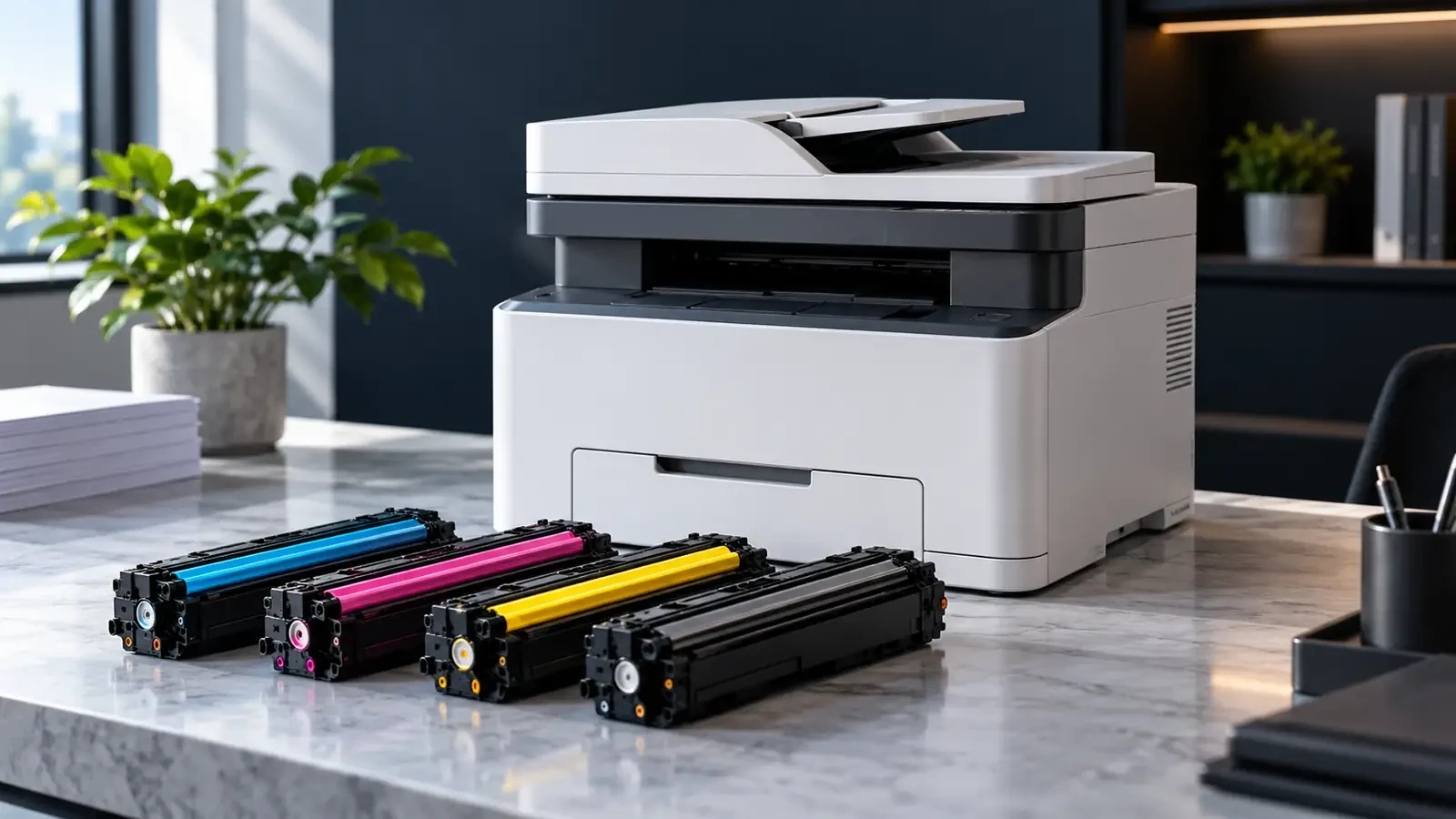
The C230 (printer) and C235 (multifunction) are compact color devices for small offices. They take four toner cartridges, cyan, magenta, yellow and black, in standard and high capacity. Standard cartridges are rated at about 1,500 pages each; high-capacity cartridges at 3,000 pages for black (006R04391) and 2,500 pages for each color (006R04392 cyan, 006R04393 magenta, 006R04394 yellow).
The UNICO catalog lists the genuine high-capacity cartridges for these printers, for example 006R04391 black and 006R04392 cyan, along with the waste toner bottle 008R13326. Compatible versions are available on request.
C320 / C325
The C320 (printer) and C325 (multifunction) are larger color devices with higher-capacity supplies. The high-capacity black cartridge 006R04831 is rated at up to 8,000 pages, with matching high-capacity cyan, magenta and yellow cartridges in the same series. If you print a lot of color, compare the cost per page of the high-capacity versions; they usually work out cheaper than standard capacity.
B225 / B230 / B235 mono
The B225 (multifunction), B230 (printer) and B235 (multifunction) are mono A4 devices with separate toner and imaging unit:
- Toner: high capacity 006R04400 (about 3,000 pages) or extra high capacity 006R04401 (about 6,000 pages).
- Imaging unit: 013R00691, rated for up to 12,000 pages, so it lasts through several toner cartridges.
The UNICO catalog lists the genuine 006R04400, 006R04401 and 013R00691 imaging unit. When print gets light with a full toner cartridge, or you see repeating marks or gray background, the imaging unit is the likely cause, not the toner.
VersaLink C405 / WorkCentre 6515
The VersaLink C400 and C405 use the 106R035xx toner series; the high-capacity black 106R03516 is rated at 5,000 pages. The older WorkCentre 6515 and Phaser 6510 use their own toner series and separate drum cartridges, so check the code on the installed cartridge before ordering. For the Phaser 6510 family, the UNICO catalog lists genuine drum cartridges such as the 108R01420 black drum and the 108R01416 waste toner cartridge.
Standard, high or extra high capacity?
All three series offer more than one capacity in the same slot. The larger cartridges cost more to buy but less per page, and they mean fewer interruptions. As a rule of thumb, a printer that prints more than a few hundred pages a month should use high or extra high capacity. Standard capacity makes sense only for very light use or for a printer that will be replaced soon. Divide price by rated yield to compare, and remember that the B-series imaging unit is a separate cost.
Common print problems on these Xerox models
- Light print in one color: that toner is low, or the cartridge needs reseating. On color models, check the supplies status for the specific color.
- Repeating marks or gray background (B225/B230/B235): usually the imaging unit, not the toner.
- Color shifts or misregistration: run the printer's color calibration and registration from the menu before replacing supplies.
- “Replace waste toner” message (color models): replace the waste toner bottle; it is a separate part from the toner.
- Toner not recognized: check the region and program version of the cartridge, remove all packing and reseat.
Chips and regional versions
All these Xerox cartridges carry chips. Xerox sells some cartridges in region-specific versions and, in some markets, as “use and return” versions. A cartridge from another region or program can be rejected by the printer even though it looks identical. Before ordering in volume:
- check the full part number, including any regional version, against the printer's supplies list;
- confirm with your supplier which regions a compatible chip supports;
- note that printer firmware updates can change chip checks; test a new batch on one printer first.
Our guide to regional packaging and chip codes explains how distributors avoid returns caused by these differences.
Request a quote (RFQ)
Dealers and service companies can request pricing and samples for Xerox toner, imaging units and waste containers, in genuine or compatible versions, through our wholesale toner supply page. Browse more on the Xerox brand page. Include codes, quantities and destination country.
FAQ
Does the Xerox C235 use the same toner as the C230?
Yes. The C230 printer and the C235 multifunction use the same toner cartridges, for example 006R04391 for high-capacity black (3,000 pages) and 006R04392, 006R04393 and 006R04394 for high-capacity cyan, magenta and yellow (2,500 pages each).
What is the yield of Xerox B230 toner?
Xerox rates the high-capacity black cartridge 006R04400 at about 3,000 pages and the extra high-capacity 006R04401 at about 6,000 pages, under ISO/IEC 19752. The separate imaging unit 013R00691 is rated for up to 12,000 pages.
Why does my Xerox reject a new toner cartridge?
The most common reasons are a regional or program mismatch (some Xerox cartridges are sold for specific regions or as use-and-return versions), packing material left on the cartridge, or dirty chip contacts. Check the full part number against the printer's supplies list, remove all packing, reseat the cartridge and restart the printer.