
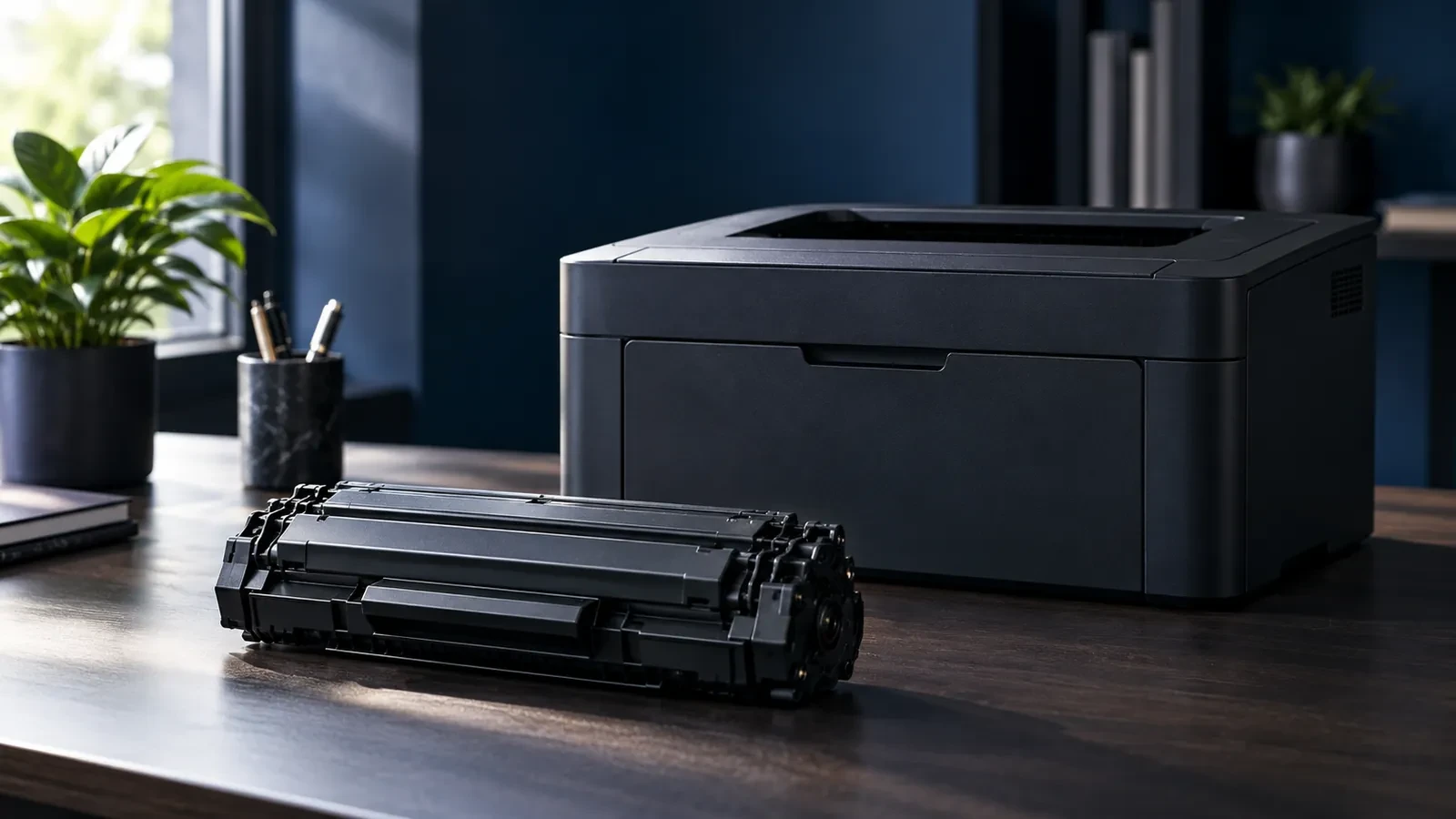
Quick answer: the Canon LBP2900 (and LBP2900B, LBP3000) uses Cartridge 303, sold as Cartridge 703 in Europe; it is rated at about 2,000 pages. The Canon MF3010 uses Cartridge 925 in Asia, 725 in Europe and 125 in the US; it is rated at 1,600 pages. Both are all-in-one cartridges with the drum built in.
Quick answer: which cartridge fits
| Printer | Cartridge (region) | Rated yield |
|---|---|---|
| Canon LBP2900 / LBP2900B / LBP3000 | Cartridge 303 (Asia and other markets); Cartridge 703 (Europe, part no. 7616A005) | About 2,000 pages |
| Canon MF3010 / i-SENSYS MF3010 | Cartridge 925 (Asia); Cartridge 725 (Europe, part no. 3484B002) | 1,600 pages (ISO/IEC 19752) |
| Canon imageCLASS MF3010 / LBP6000 (US) | Cartridge 125 (part no. 3484B001) | Same family as 725 / 925 |
Regional versions fit the same printers. Check the code printed on your current cartridge if you are unsure.
Both printers use all-in-one cartridges: toner, drum, developer roller and cleaning blade are in one unit. When you replace the cartridge, you replace the drum too, so there is no separate drum to buy.
Regional codes: 303 / 703 and 925 / 725 / 125
Canon sells the same cartridge under different numbers in different regions. That is why you will find “303” in shops in India or Southeast Asia and “703” in Europe for the same LBP2900 printer, and “925”, “725” or “125” for the same MF3010.
- 303 and 703 are interchangeable in the LBP2900 family. Some online listings mention FX-9 for this printer, but FX-9 belongs to Canon's fax and older multifunction models and does not fit the LBP2900.
- 925, 725 and 125 are interchangeable in the MF3010 and LBP6000 family. The same cartridge design is also widely compatible with several HP LaserJet models such as the P1102, which is why compatible cartridges often list both brands.
These cartridges have no smart chip that blocks third-party supplies, which makes them simple to replace with compatible cartridges.
Page yield and cost per page
Cartridge 303/703 is rated at about 2,000 pages, and Cartridge 925/725 at 1,600 pages under ISO/IEC 19752, which uses mostly text pages. Pages with logos, shaded tables or images use much more toner, so expect fewer pages in practice. To compare cartridges, divide the price by the rated yield and compare the cost per page, not the cartridge price. Our guide on calculating the true cost of toner shows the method.
Common problems: light print, lines, blank pages
Because the drum is inside the cartridge, most print problems on these printers are solved by a new cartridge. Use this table to check before you buy:
Common problems with these cartridges
| Problem | Likely cause | Fix |
|---|---|---|
| Light or faded print | Toner running low; toner save mode on | Rock the cartridge gently; check print density settings; replace |
| Vertical white line | Debris on the laser window or a toner gap on the roller | Rock the cartridge; try a new cartridge; clean the window |
| Black lines or streaks | Scratched drum or worn wiper blade inside the cartridge | Replace the cartridge (the drum is built in) |
| Gray background | Worn drum, old or damp toner, wrong refill powder | Replace with a new cartridge; avoid mixed refills |
| Blank pages | Sealing tape left in a new cartridge | Remove the seal strip before installing |
If repeating marks appear at the same spacing down the page, they come from the drum or a roller inside the cartridge. Our guide to black streaks on laser prints explains how to identify the part.
How to replace the cartridge in the LBP2900 and MF3010
- Open the top cover (LBP2900) or lift the scanner unit and open the toner cover (MF3010).
- Pull the old cartridge out by its handle, keeping it level.
- Unpack the new cartridge, rock it gently from side to side five or six times, and pull out the sealing tape completely, keeping the cartridge horizontal.
- Remove any orange or colored protective pieces and do not touch the drum shutter.
- Slide the cartridge in along the guides until it is fully seated, close the covers and print a test page.
If the first pages are light, print a few more pages; the toner needs a moment to spread on the developer roller. If they stay light or blank, check that the sealing tape was fully removed.
Storing spare cartridges
Keep spare cartridges in their sealed bags, lying flat, away from heat and direct sunlight. In humid climates, avoid storing them in cupboards next to air conditioners or windows, because damp toner prints with gray background. Let a cartridge reach room temperature before opening it after transport, and use older stock first.
Refill or new compatible cartridge?
Cartridges 303, 703, 925 and 725 are among the most refilled cartridges in the world because they are simple and have no blocking chip. Refilling is cheap, but it replaces only the toner. The drum, wiper blade and seals keep wearing, so print quality usually drops after one or two refills, with gray background and streaks. A new compatible cartridge brings a new drum and blades at a price close to a careful refill. For more detail, read how blade wear causes leaks and quality loss.
Compatible options from UNICO
For the MF3010 family, the UNICO catalog lists a compatible black toner cartridge (125 / 725 / 925 type) for the Canon imageCLASS MF3010, LBP6000 and LBP6030w, which also fits HP LaserJet Pro P1102w and M1132-series printers. For the LBP2900 (Cartridge 303/703), compatible supply is available on request. Browse more Canon options on the Canon brand page.
Request a quote (RFQ)
Resellers and service companies buying Canon 303/703 or 925/725 cartridges in volume can request pricing and samples through our wholesale toner supply page. Include the cartridge codes, quantities and destination country.
FAQ
Is Canon 925 the same as 725?
Yes, they are regional versions of the same cartridge for the Canon MF3010 and LBP6000 series. Cartridge 725 is sold in Europe, 925 in Asia, and 125 in the US. They fit the same printers and are rated at about 1,600 pages.
Which toner fits Canon LBP2900B?
The LBP2900B uses the same cartridge as the LBP2900: Cartridge 303 in Asia and many other markets, or Cartridge 703 in Europe. Both are rated at about 2,000 pages.
How many pages does a Canon 303 cartridge print?
About 2,000 pages at standard coverage, the same as the European Cartridge 703. Pages with logos, tables or images use more toner, so real yield is often lower.
Can I refill the Canon 925 cartridge?
It can be refilled, but the drum and blades inside are not renewed, so print quality usually drops after one or two refills. A new compatible cartridge gives a fresh drum and seals at a cost close to a refill.