
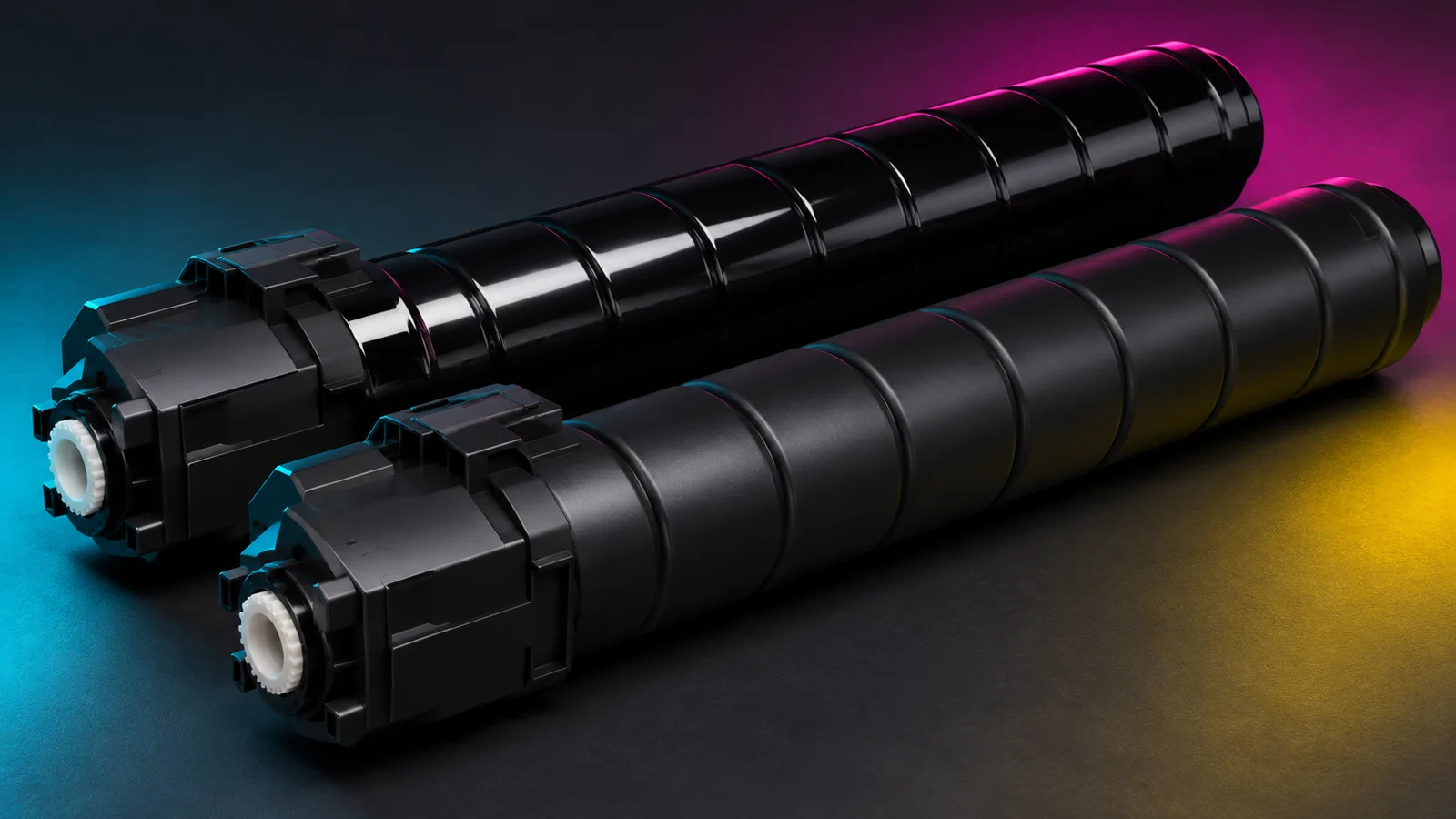
Short answer: Canon NPG-59 fits the imageRUNNER 2002, 2202, 2004 and 2204 series. Canon rates the original at about 10,200 pages at 6% A4 coverage; UNICO's compatible version is rated at 12,000 pages. A well-made compatible usually lowers cost per page considerably, but test it on your own machines and order the right chip region.
NPG-59 at a glance
| Item | Details |
|---|---|
| Regional names | NPG-59 (Asia), C-EXV 42 (Europe and other markets) |
| Copiers | imageRUNNER 2002, 2202, 2004, 2204 series (A3 mono) |
| Original yield | about 10,200 pages at 6% coverage |
| UNICO compatible yield | 12,000 pages |
| Drum | Separate drum unit (C-EXV 42 Drum Unit), replaced on its own schedule |
Original vs compatible: side by side
| Factor | Original Canon NPG-59 | Quality compatible |
|---|---|---|
| Cost per page | Highest | Usually much lower |
| Rated yield | ~10,200 pages | Depends on fill weight; UNICO rates 12,000 |
| Chip and toner level | Always recognized | Depends on chip version and copier firmware |
| Lot-to-lot consistency | Very stable | Varies widely between manufacturers |
| Best fit | Machines under OEM service contracts | Dealer fleets and offices focused on cost per page |
The yield difference matters as much as the price. If a compatible cartridge is cheaper but prints fewer pages, the saving shrinks. Compare cost per page — price divided by rated yield — and then confirm it with real page counts on your machines.
What can go wrong with cheap NPG-59 toner
- Gray background or light print when the toner's charge does not match the copier's developer.
- Toner scatter and dirty pages from poorly controlled particle size.
- Poor fusing — toner that rubs off — when the melting point is wrong for the fuser.
- “Toner not recognized” when the chip region does not match the copier.
Most of these show up in the first few hundred pages, which is why a short pilot pays off. Our guide on running a pilot before switching to compatible toner describes a simple test plan.
Don't blame the toner for a worn drum
These copiers use a separate drum unit that lasts far longer than a toner cartridge. When print quality drops right after a toner change — repeating marks, streaks or gray background — check the drum's life counter before judging the new toner. Replacing a worn drum together with the first compatible cartridge gives a fair test.
Chip regions
NPG-59 and C-EXV 42 contain the same toner, but copiers can check the region in the chip. UNICO lists the chip versions on each product page (for example CHN, EXP and EUR). Order the version that matches the copiers in your fleet, and keep machines imported from different markets on separate stock lists. Our Canon NPG and GPR toner code guide explains the regional naming in more detail.
Pilot checklist for dealers
- Install the compatible cartridge in 2–3 copiers with drums in good condition.
- Print a standard test page: text, a solid black area and a halftone.
- Check density, background and fusing (rub the solid area with a finger).
- Record the page count at the “toner low” and “replace toner” messages.
- Compare cost per page with your current toner before ordering in volume.
Request a quote
UNICO manufactures compatible NPG-59 / C-EXV 42 toner and other Canon copier toners in Zhongshan, China. See the Canon brand page or send your codes, chip region, quantities and destination country through the wholesale toner supply page.
FAQ
Which copiers use Canon NPG-59 toner?
NPG-59 fits Canon imageRUNNER 2002, 2202, 2004 and 2204 series copiers. In Europe the same toner is sold as C-EXV 42.
How many pages does NPG-59 print?
Canon rates the original at about 10,200 pages at 6% coverage on A4. UNICO's compatible version is rated at 12,000 pages. Real yield depends on coverage.
Is compatible NPG-59 toner safe for the copier?
A quality compatible toner made to match the copier's developer and fuser works reliably. Poorly made toner can cause gray background, scatter or poor fusing, so pilot it on a few machines before switching the fleet.
Why is my new NPG-59 toner not recognized?
The most common reason is a chip region mismatch between the toner and the copier. Check the region on the installed cartridge and order the same version.