
To prevent common toner cartridge issues, guarantee proper handling during installation and storage. Regular maintenance, such as cleaning printer components and conducting routine diagnostics, is essential. Monitor environmental factors like humidity and temperature, as they can affect toner quality. Verify cartridge compatibility with the printer to avoid recognition problems. Using high-quality cartridges enhances print consistency and reduces defects. To understand further strategies for upkeep and performance, exploration of related techniques is recommended.
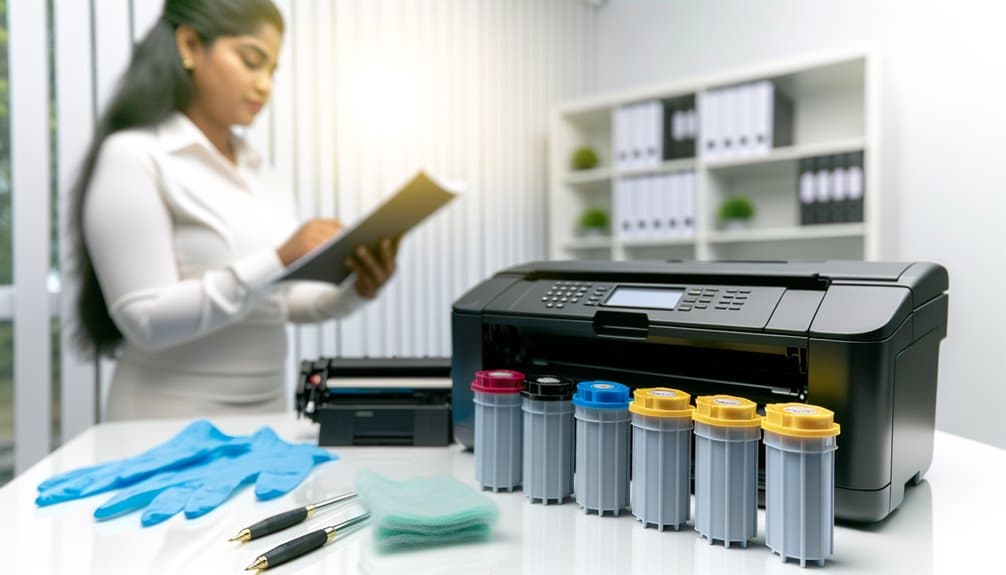
Although toner cartridges are essential components in laser printing, issues related to them are prevalent due to a variety of factors.
Ineffective toner lifespan management often results in premature depletion or poor print quality. Inadequate toner storage solutions can lead to degradation, particularly in environments that are humid or excessively warm.
Ineffective management and poor storage of toner can lead to diminished quality and premature depletion.
Moreover, the lack of adherence to printer maintenance schedules exacerbates problems, as neglecting regular checks can allow minor issues to escalate. Additionally, the use of low-quality toner brands can introduce inconsistencies and compatibility issues.
Engaging in cartridge recycling programs not only promotes sustainability but also encourages users to be mindful of toner quality and replacement frequency, ultimately improving overall printing performance.
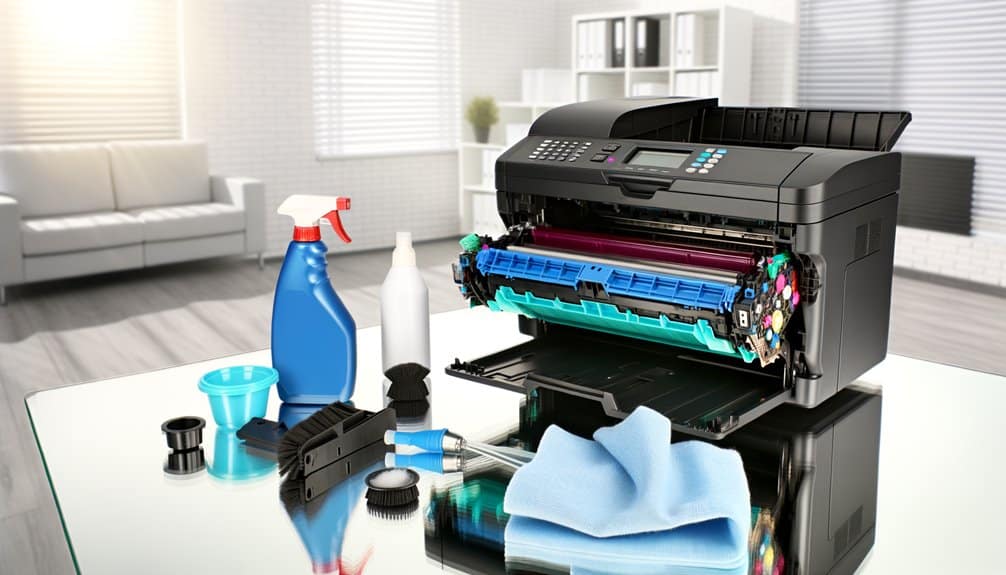
Common toner cartridge problems can greatly impact print quality and overall printer performance.
Issues such as low toner warnings, print defects including streaks and fading, toner leakage, recognition errors, and improper toner fusion can arise from various factors, including cartridge quality and installation.
Addressing these problems promptly is essential to maintain ideal printing efficiency and prevent further complications.
Low toner warnings are a frequent source of frustration for users of laser printers, as they can lead to unexpected interruptions during printing tasks.
Effective low toner troubleshooting involves verifying toner levels through the printer interface and evaluating toner cartridge compatibility with the printer model.
Users should implement preventative maintenance strategies, such as routine checks on toner levels and proper storage to maximize toner shelf life.
Additionally, understanding cartridge recycling options can contribute to sustainable practices while managing toner supplies.
Users might consider high-yield toner cartridges to mitigate frequent warnings.
Print defects such as streaks, fading, and blotches represent significant challenges in laser printing, often stemming from toner cartridge issues.
To mitigate these problems, practitioners should consider the following:
Employing effective troubleshooting techniques can further enhance print quality while minimizing the environmental impact of toner waste.
Adopting such practices will not only improve output but also extend the lifespan of both the printer and toner cartridges.
Although toner leakage can arise from various factors, it is primarily attributed to improper handling or installation of toner cartridges. Effective toner cartridge maintenance is essential for preventing leaks. Adhering to proper cartridge installation tips, such as ensuring secure placement and removing packaging remnants, can mitigate risks. Additionally, utilizing appropriate toner storage solutions, like maintaining a cool, dry environment, preserves cartridge integrity. Regular printer cleaning techniques, including removal of excess toner buildup, further reduce the likelihood of leakage.
| Problem | Cause | Solution |
|---|---|---|
| Toner Leakage | Improper installation | Follow cartridge installation tips |
| Toner Spills | Damage to cartridge | Inspect and handle carefully |
| Printer Contamination | Lack of cleaning techniques | Regular printer cleaning routines |
Implementing these strategies aids in troubleshooting toner issues effectively.
Recognition errors frequently occur when a toner cartridge fails to be recognized by the printer, leading to disruptions in printing operations. These issues can stem from various factors, including:
To address these errors, users should consult troubleshooting resources, ensuring proper installation and compatibility.
Engaging in cartridge recycling programs can provide additional support and guidance.
Regular maintenance and awareness of firmware updates can greatly mitigate recognition errors, ensuring seamless printing processes and ideal performance.
When toner smudging or improper fusing occurs, it often indicates a malfunction in the printing process that can greatly affect output quality. This issue may arise from low toner quality or incompatibility with the printer model, emphasizing the importance of selecting high-quality cartridges.
Proper installation is essential; users should follow installation tips to guarantee cartridges are securely placed. Additionally, maintaining a regular maintenance schedule can help mitigate problems, as dirt or debris on components may hinder fusing.
User education is important, as understanding the printer's specifications and settings guarantees peak performance. By addressing these factors, users can considerably reduce the risk of smudging and enhance overall print quality.
A common issue encountered during toner cartridge installation is the inability to close the printer door securely. This problem often stems from several factors that require addressing for ideal printer performance.
Utilizing these troubleshooting techniques can enhance cartridge maintenance, ultimately leading to improved printer performance enhancement.
Addressing these factors minimizes the chances of encountering door closure issues during toner cartridge installations.
Issues with closing the printer door after toner cartridge installation can lead to further complications, such as color mixing in black-and-white prints. This phenomenon often stems from inadequate toner quality or improper cartridge compatibility, resulting in diminished color accuracy.
When black-and-white prints exhibit unexpected hues, it indicates a misalignment in toner distribution, affecting print contrast. To mitigate this, users must guarantee frequent maintenance, including regular checks of toner levels and cleaning of the printer components.
Furthermore, selecting high-quality toner cartridges that match the printer specifications is essential. Confirming compatibility between cartridges and printers minimizes the risk of color interference, thereby enhancing the overall print quality and consistency in monochrome outputs.
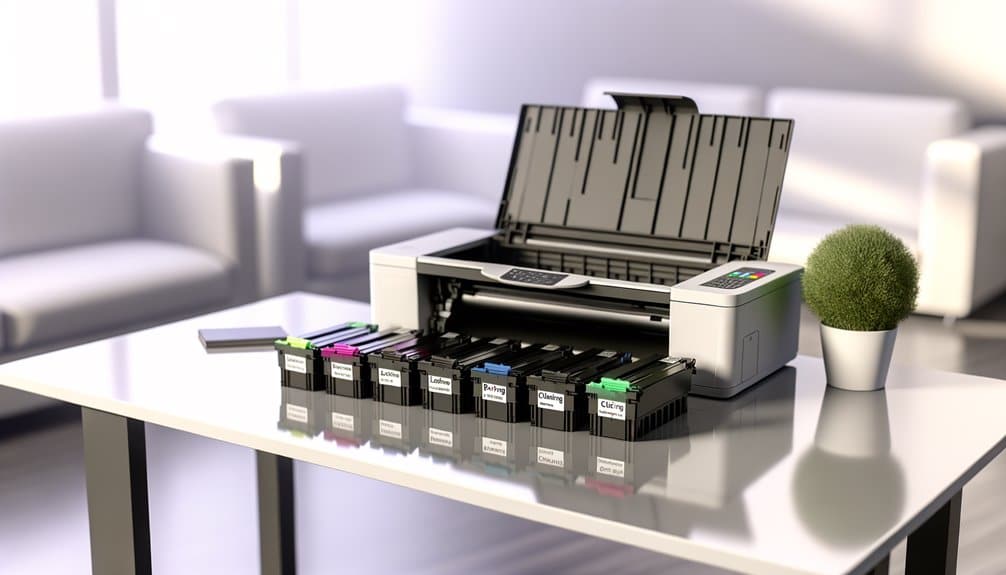
Root causes of toner cartridge problems can often be traced to several key factors.
Improper installation, the use of low-quality or incompatible toner, and adverse environmental conditions such as humidity and temperature can greatly affect performance.
Additionally, aging components like the drum, magnetic roller, and fuser may contribute to ongoing issues, necessitating regular maintenance and timely replacements.
Improper installation of toner cartridges can lead to a variety of complications that hinder printer performance. Addressing these issues requires adherence to installation best practices to guarantee peak functionality.
Common problems include:
Utilizing proper cartridge handling tips and implementing a regular maintenance schedule can mitigate installation-related issues.
Employ troubleshooting techniques to identify and rectify problems swiftly, guaranteeing consistent performance and longevity of the printer.
Using low-quality or incompatible toner can greatly compromise printer performance and output quality.
Toner compatibility issues often arise from using generic brands, which may fall short in formulation, leading to poor adhesion and increased likelihood of smudging. Such cartridges can also exacerbate environmental humidity effects, causing toner to clump or fail to transfer effectively to paper.
To mitigate these risks, users should prioritize toner performance optimization by selecting reputable brands that align with their printer specifications. Additionally, engaging in toner brand comparisons can highlight the advantages of using certified products.
Emphasizing cartridge recycling benefits further supports sustainable practices while ensuring high-quality printing output, ultimately enhancing the longevity and reliability of both the toner and the printer itself.
Toner cartridge performance can be greatly influenced by environmental conditions, particularly humidity and temperature. The following factors outline their impact on functionality:
Regular assessment of climate effects on toner cartridges is essential for maintaining print quality and longevity.
Proper storage and handling in controlled environments considerably reduce the likelihood of toner-related issues.
A significant contributor to toner cartridge problems is the presence of dirty internal components within the printer. Accumulated toner residue, dust, and debris on sensitive parts can adversely affect print quality and functionality.
Implementing a rigorous maintenance routine is vital; regular cleaning of the printer’s interior, including the drum and magnetic roller, mitigates the risk of operational failures. Utilizing appropriate cleaning supplies guarantees that components are not damaged during the process.
Furthermore, proper toner storage in a cool, dry environment prevents contamination and degradation. Employing diagnostic tools can assist in identifying areas requiring attention, allowing for proactive maintenance and ultimately enhancing the longevity and performance of both the printer and the toner cartridge.
Internal cleanliness directly influences the performance of aging components, such as the drum, magnetic roller, and fuser, which play pivotal roles in the printing process.
The degradation of these components can greatly affect cartridge longevity and print quality.
To mitigate the effects of aging toner and guarantee peak performance:
Attention to these factors will enhance print fidelity and prolong the functionality of toner cartridges.
Effective prevention strategies can mitigate various toner cartridge issues, including rapid depletion, subpar print quality, and cartridge recognition failures.
By addressing specific problems such as toner leaks and difficulties with printer covers, users can enhance printer longevity and performance.
Implementing these targeted measures guarantees peak operation and reduces the likelihood of future complications.
Monitoring toner usage is essential for preventing cartridges from running out too quickly. Practicing effective management can greatly extend the toner cartridge lifespan.
Implement the following strategies:
Additionally, consider participating in toner recycling programs, which not only promote sustainability but may also offer discounts on future purchases, ensuring a steady supply of toner.
Toner cartridge lifespan management directly impacts print quality, where issues such as streaks, fading, and blotches can arise from various factors.
Different toner cartridge types may exhibit varying performance characteristics, necessitating a focus on printer compatibility to guarantee peak results.
Implementing rigorous maintenance schedules, including regular cleaning of printer components, can mitigate print quality degradation.
Employing effective troubleshooting techniques, such as verifying toner levels and inspecting the drum unit, is vital for identifying the root causes of print imperfections.
Additionally, environmental impacts, including humidity and temperature fluctuations, should be monitored to prevent adverse effects on toner performance.
Adhering to these practices fosters an environment conducive to high-quality prints and prolongs the lifespan of toner cartridges.
Although toner cartridge leaks can lead to significant printing problems, implementing preventive measures can greatly reduce the risk of such incidents. To guarantee maximum toner cartridge maintenance and extend its lifespan, consider the following:
Adopting these strategies not only enhances printer performance optimization but also underscores the importance of toner recycling benefits, contributing to a sustainable printing practice.
A common issue faced by users is when a printer fails to recognize a toner cartridge, which can hinder printing operations and cause frustration. Ensuring toner cartridge compatibility is critical; only use cartridges specified for the printer model.
Regular printer firmware updates can resolve recognition issues by aligning the printer‘s software with the latest specifications. Proper toner cartridge maintenance, including cleaning contacts and ensuring no packaging remnants remain, can also prevent miscommunication between the printer and cartridge.
Users should consult printer troubleshooting resources for guidance on addressing recognition failures. Additionally, participating in toner recycling programs can facilitate the proper disposal of incompatible or defective cartridges, promoting sustainable practices while mitigating recognition issues.
When the printer fails to recognize the toner cartridge, it can lead to various operational issues, including the inability to close the printer door or cover properly.
To prevent this problem, users should adhere to the following measures:
Additionally, employing proper storage techniques for toner cartridges and understanding the benefits of toner recycling can further mitigate issues related to closure problems.
To guarantee peak performance and longevity of toner cartridges, proper maintenance practices are essential.
Storing toner in its original packaging and in dry environments can prevent degradation, while regular cleaning of the printer, particularly the drum and fuser areas, mitigates the risk of clogs and print quality issues.
Additionally, using the printer consistently helps prevent toner clumping, and adhering to manufacturer guidelines for replacements and calibrating printer settings for density and color accuracy enhances overall functionality.
Storing toner in its original packaging within a dry environment is essential for maintaining its integrity and performance over time. Proper toner storage directly impacts cartridge lifespan and print quality.
Adhering to the following guidelines guarantees ideal conditions:
Maintaining a clean printer, particularly in the drum and fuser areas, is crucial for guaranteeing peak performance and prolonging the lifespan of both the printer and the toner cartridges.
Regular drum maintenance involves cleaning the imaging drum to remove toner residue and debris, which can greatly impact print quality. Fuser care is equally important; accumulated toner can cause overheating and print defects.
Additionally, proper toner storage in controlled environments minimizes the risk of degradation. Implementing a routine for cartridge recycling helps maintain cleanliness, while printer calibration guarantees peak performance.
Regular use of a printer is essential for preventing toner clumping, a common issue that can greatly affect print quality. Engaging in routine printing tasks guarantees that toner remains fluid and adequately distributed within the cartridge.
To effectively manage toner clumping, consider the following toner maintenance tips:
Following the routine use of a printer to prevent toner clumping, adhering to manufacturer guidelines for toner cartridge replacements is fundamental for ensuring peak printer performance.
Compliance with manufacturer recommendations guarantees cartridge compatibility, which is crucial for maximum functionality and print quality. Understanding the specified toner lifespan aids in proactive replacements, preventing degraded printouts.
Employing precise installation techniques is essential; improper installation can lead to errors and diminish the printer’s efficiency. Additionally, selecting cartridges that meet quality assurance standards mitigates the likelihood of leaks and malfunctions.
Calibrating printer settings for density and color accuracy is a critical step in guaranteeing ideal print quality. Proper printer calibration not only enhances output but also extends toner life.
To achieve best results, one should:
Integrating these practices into routine maintenance schedules will enhance print quality and longevity of toner cartridges while minimizing issues related to misalignment or inconsistencies.
Determining whether to replace a toner cartridge or troubleshoot an issue can be challenging for users experiencing printing problems. Users should first assess toner compatibility issues and verify cartridge installation tips, which can often resolve recognition errors.
If print quality issues persist despite proper installation, it may be advantageous to consult troubleshooting resources to identify specific faults. Regular printer maintenance practices, such as cleaning and firmware updates, can mitigate many common problems.
Additionally, users should conduct a toner quality comparison, as low-quality cartridges can exacerbate issues. Ultimately, if troubleshooting fails to rectify the problem, replacing the cartridge may be necessary to restore ideal printing performance.
To determine toner compatibility, users should verify the cartridge label, check the printer model against manufacturer guidelines, and utilize online compatibility tools. Recognizing toner compatibility signs is essential for ensuring ideal printer performance and functionality.
Amidst the mechanical symphony of a printer, noise reduction techniques and thorough printer maintenance tips can mitigate sound issues. Address common printer problems by checking components, securing connections, and employing troubleshooting methods for noisy printers.
Using an expired toner cartridge may adversely affect performance due to toner lifespan impact. Signs of toner degradation include clumping or inconsistent prints. Proper recycling of expired cartridges guarantees environmental responsibility while maintaining ideal toner storage conditions is vital.
In the domain of printing, third-party toner cartridges offer potential cost savings but may raise quality assurance concerns. Performance comparisons reveal variability, while warranty implications necessitate careful consideration before choosing these alternatives over original brands.
The ideal cleaning schedule for printers involves adhering to cleaning frequency guidelines, typically every three to six months. Regular printer maintenance tips and a thorough printer component checklist enhance performance and longevity through effective preventative care techniques.
In summary, effectively managing toner cartridge issues is akin to tending a delicate garden; consistent care and attention are essential for flourishing results. By understanding the common problems and their root causes, users can implement targeted prevention strategies that enhance both print quality and cartridge longevity. Regular maintenance and informed decision-making regarding replacement and troubleshooting can greatly mitigate disruptions, ensuring that the printing process remains efficient and productive, much like a well-watered plant thriving under ideal conditions.